Windows laptop choices: compare an Arm route with an Intel reference
Use actual Surface Pro 12-inch X2 and Dell DB04250 Intel references to distinguish application emulation, drivers and physical connections before purchasing.
Updated:
Windows is shared, but the platform requirement is not
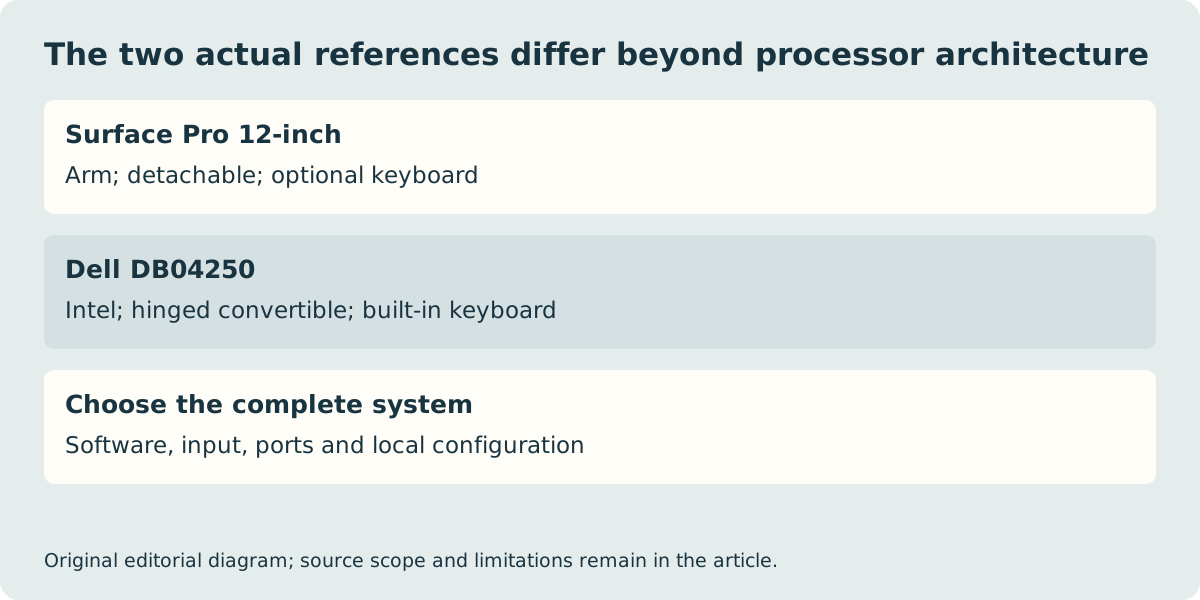
A useful Windows shortlist can include the current 12-inch Surface Pro with Snapdragon X2 Plus and the Dell 14 Plus 2-in-1 DB04250 with an Intel Core Ultra 200V-series processor. Both are Windows devices, but they are not the same processor architecture or physical format. Choose the Surface when its Arm software and driver routes and detachable arrangement meet the actual requirement. Keep an Intel reference on the shortlist when a required supplier supports x86 Windows but cannot confirm its Arm route.
This is not a claim that every older Windows program fails on Arm. Microsoft documents native applications and emulation support, while also explaining limitations involving drivers and certain software dependencies. Nor is Intel a universal guarantee that every historical application, peripheral or plug-in works on a current Windows version. The decisive evidence is support for the exact application and operating-system configuration.
| Named reference | Surface Pro 12-inch current | Dell DB04250 |
|---|---|---|
| Processor platform | Snapdragon X2 Plus 6-core / Arm | Intel Core Ultra 200V / x86 |
| Physical arrangement | Detachable; keyboard optional | Hinged convertible |
| USB-C connection example | USB 3.2 | Thunderbolt 4 plus USB 10 Gb/s |
| Documented display example | 2196 × 1464, 90 Hz | 1920 × 1200, 60 Hz |
| Input purchase boundary | Compatible keyboard sold separately | Built-in keyboard; pen inclusion needs confirmation |
Check the complete software dependency chain
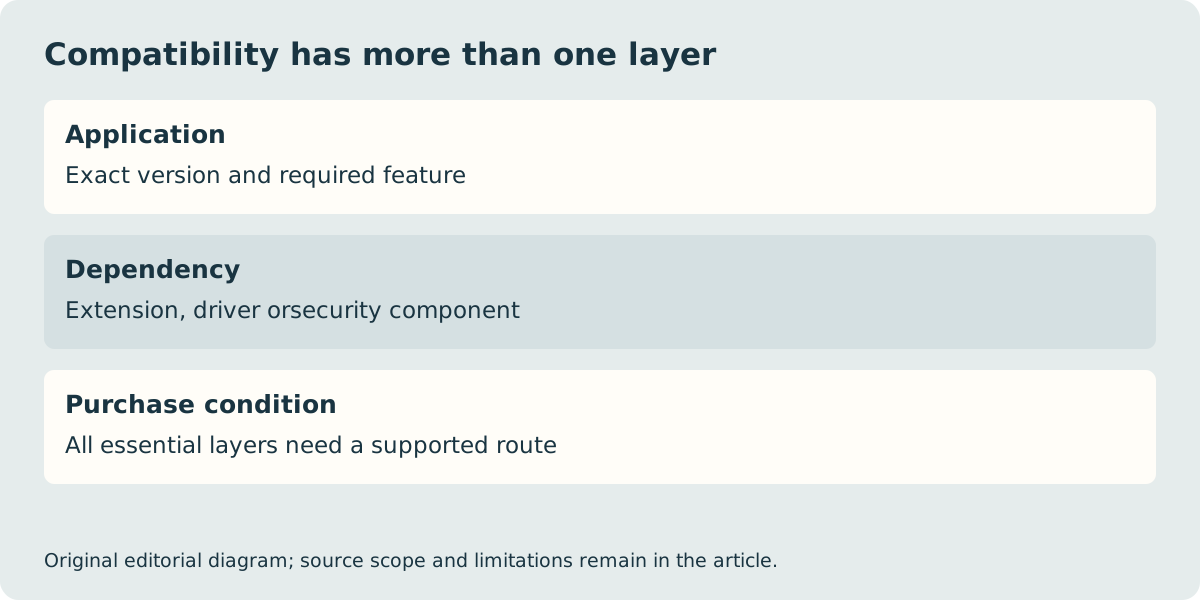
Write down the application name, version and the feature that must work. Then identify add-ins, security software, examination components or hardware drivers on which that feature depends. A supported main application can still rely on an unsupported extension. Likewise, opening a sample file does not prove that a particular export plug-in, protected assessment environment or device utility completes the required workflow.
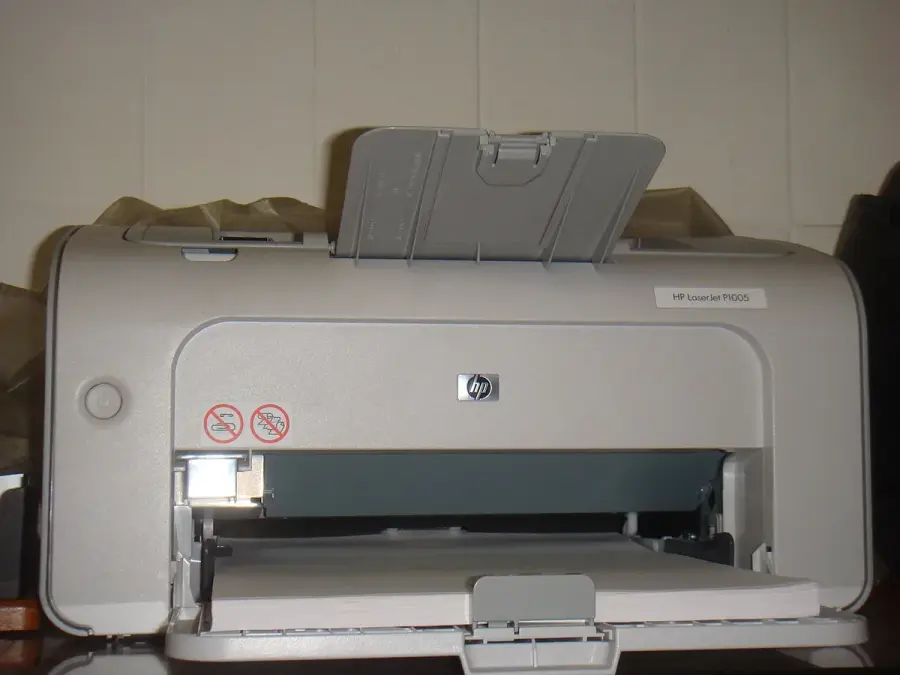
Microsoft’s guidance makes drivers a separate question from ordinary application emulation. For a specialist printer, scanner, audio interface or VPN, obtain the supplier’s current Arm64 support statement for the exact model and software version. The old HP printer photograph below illustrates why that question is concrete; it is not a claim that this printer has a supported driver on either reference. If the answer remains unknown for an essential task, do not buy on the strength of a general Windows compatibility slogan.
Separate a browser workaround from an equivalent application
A browser service may be a suitable alternative if it provides the precise feature required and the intended files can be used within its account, network and storage conditions. It may also be unsuitable when offline access, a desktop extension or a specialist device is essential. Compare the actual route rather than treating a web version as an automatic replacement for a desktop product.
The same caution applies to demonstrations and benchmark results. A fast browser test or a processor score does not verify your device driver or specialist workflow. We have not run an application compatibility lab. Keep the supplier’s support answer with the exact computer configuration so that the purchase decision rests on the work it must complete.
Do not confuse an architecture decision with a whole-product verdict
These two references also have different displays, hinges, keyboards and ports. If the Surface meets every software requirement but its supported keyboard arrangement does not suit your desk, that remains a reason to choose another device. Conversely, a built-in keyboard does not resolve an unsupported application. Review these physical constraints after resolving the essential software exclusions, rather than allowing one attractive specification to hide another failure.
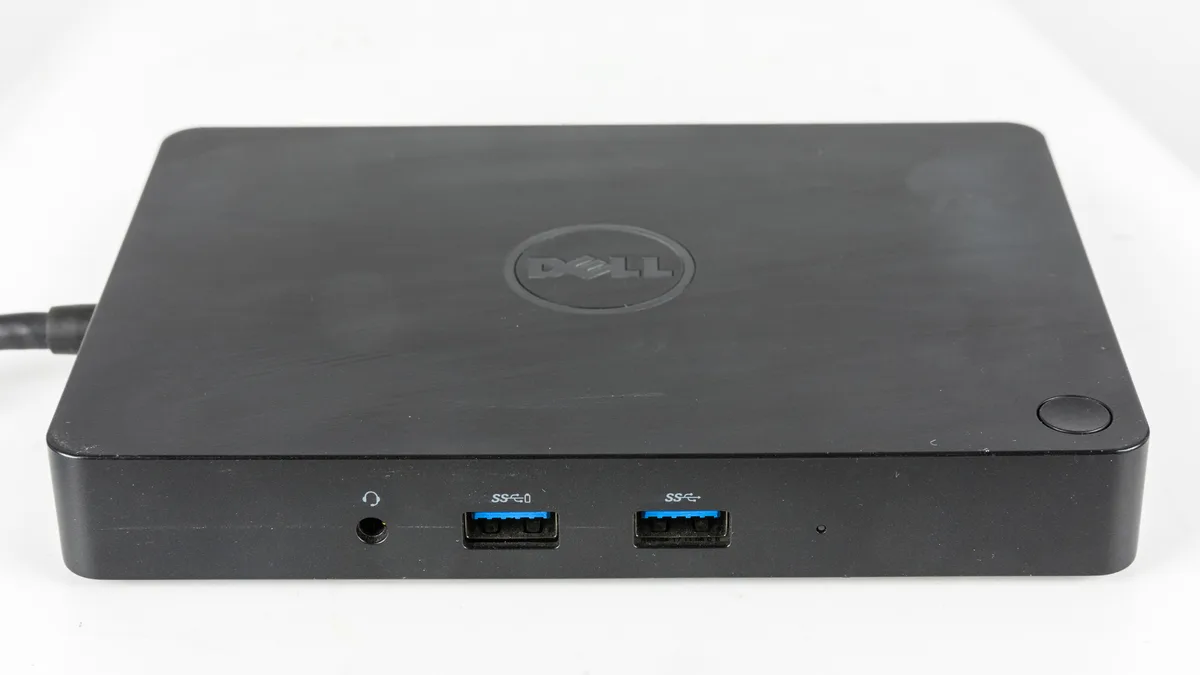
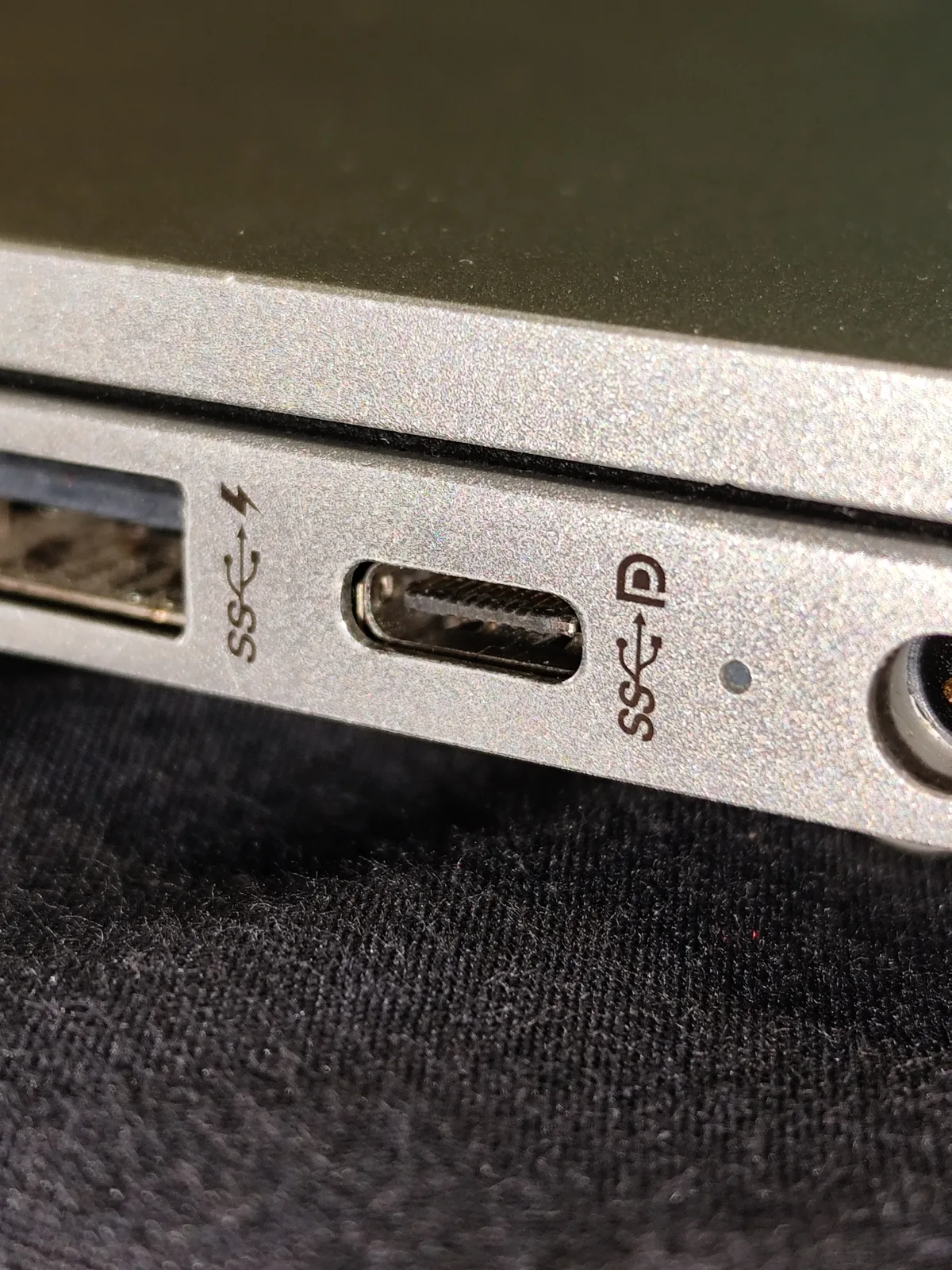
The historical dock and port photographs are connection examples, not tested accessories for these models. Confirm the host protocol, accessory driver, display outputs and power delivery as a complete path. The Dell-authored manual was read through a labelled distributor-preserved copy; its hardware reference does not establish UK stock. No final price, delivery or performance winner is claimed. Save the precise model, Windows version, supported application route, required accessories and local seller conditions before paying.