ThinkPad T14 or E14: compare the AMD generations and their actual options
Compare T14 Gen6 AMD and E14 Gen7 AMD using real port, memory and storage differences, with the special-bid 64 GB caveat kept visible.
Updated:
Two named ThinkPads, rather than a universal business-laptop winner
Compare ThinkPad T14 Gen 6 AMD against ThinkPad E14 Gen 7 AMD when choosing a documented business-laptop arrangement. The current PSREF references describe Ryzen AI PRO 300-series options for the T14 and Ryzen 200-series options for the E14. Those names identify different platforms, not a measured performance ranking. Choose from the application, connection and configuration requirements that your work actually imposes.
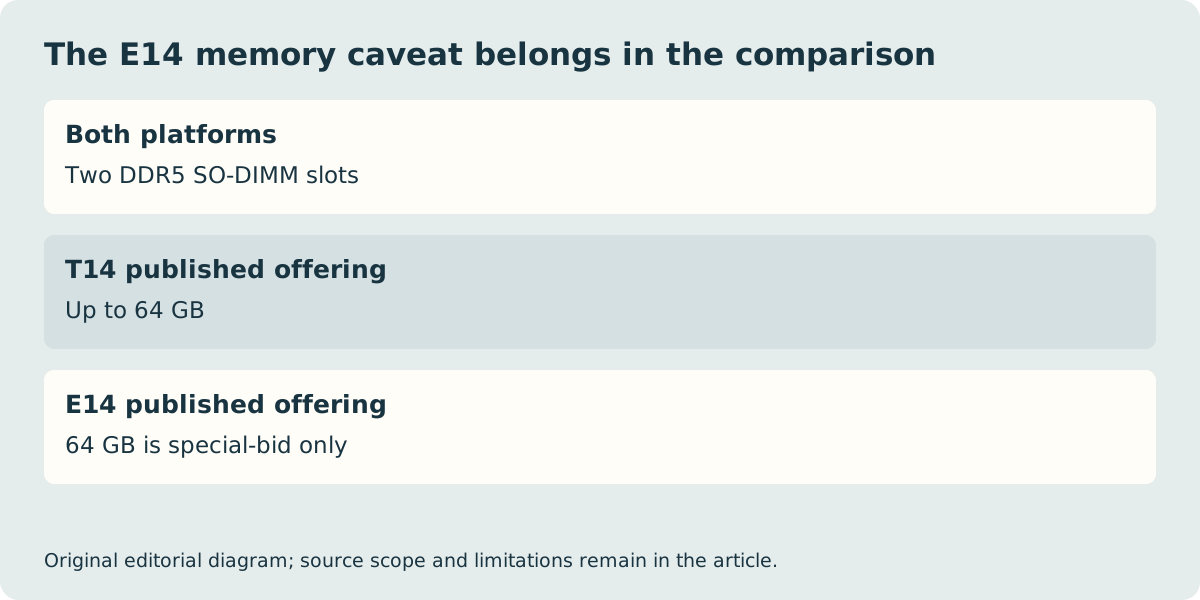
The most useful differences are specific. T14 has two Thunderbolt 4 USB-C ports, while E14 has one USB4 USB-C port and a separate USB 5 Gb/s USB-C port. Both offer two DDR5 SO-DIMM memory slots, but the E14 document explicitly qualifies its 64 GB memory option as special-bid only. Do not treat a platform maximum as a configuration that any UK shop will sell from stock.
| AMD platform reference | T14 Gen6 | E14 Gen7 |
|---|---|---|
| Processor family | Ryzen AI PRO 300 | Ryzen 200 / PRO 200 options |
| USB-C distinction | Two Thunderbolt 4 / USB4 40 Gb/s | One USB4 40 Gb/s; one USB 5 Gb/s |
| Memory slots | Two DDR5 SO-DIMM | Two DDR5 SO-DIMM |
| 64 GB qualification | Up to 64 GB offering | 64 GB special-bid only |
| Storage slots | One M.2 2280 | One M.2 2242 and one M.2 2280 |
Keep memory availability and hardware support separate
A laptop can have physical memory slots without every capacity appearing in a normal retail basket. For E14, ask the supplier to confirm the exact available configuration rather than treating the special-bid maximum as an included standard feature. For T14, confirm the actual installed capacity as well as the supported platform offering. Two listings with the same family name may still have different usable memory from delivery.
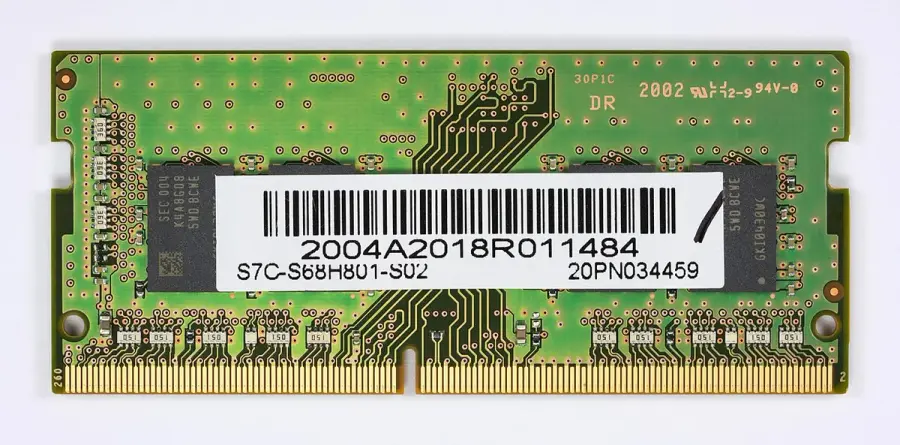
The historical DDR4 module shown below is a physical component example, not a recommended part for either DDR5 platform. An existing spare cannot be assumed to fit because its outline looks similar. If a future change matters to the purchase, consult the exact official service and parts information or ask the supplier about the supported service route. This comparison does not demonstrate internal work or certify a third-party module.
Match the actual socket used by the dock
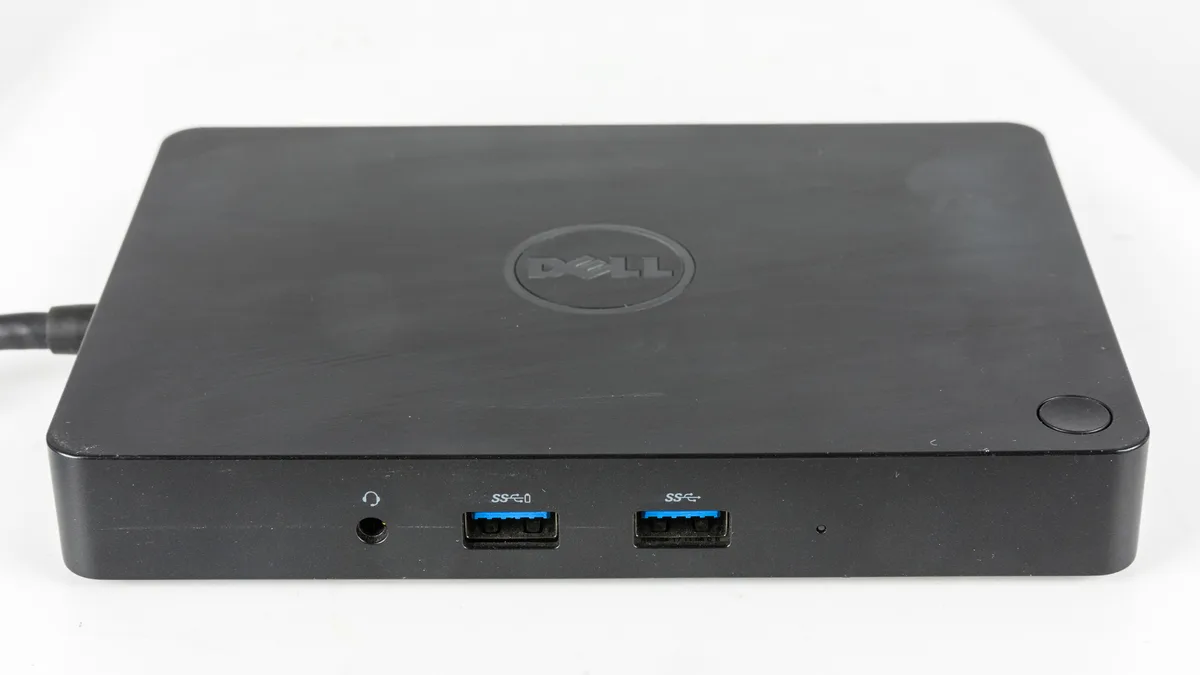
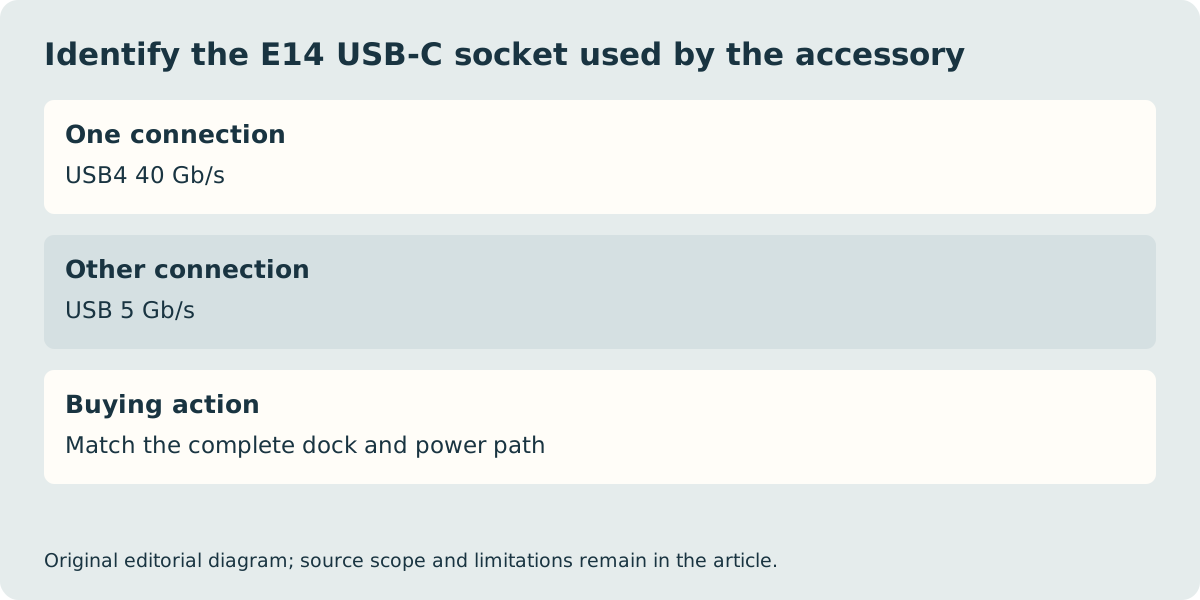
The E14’s two USB-C connections do not have identical capabilities. Record which one a required dock must use, including its display and charging requirements. The T14’s pair of Thunderbolt 4 connections may fit a different arrangement, but even there the entire dock and display path needs confirmation. A historical dock photograph cannot approve every current computer merely because a compatible-looking plug is present.
Both references list HDMI up to 4K at 60 Hz and Ethernet among their standard connections. Optional smart-card and mobile-connectivity features require further configuration checks rather than assumptions from a product-family photo. If a business requires one of those options, obtain the exact machine type and confirm that the relevant hardware is fitted. A blank case opening or a generic specification menu is not evidence that the feature was ordered.
Do not turn a starting weight into a universal mass claim
The E14 document quotes a starting mass of 1.41 kg. The T14 document gives multiple starting masses that change with cover material and battery, including a 1.38 kg black-cover 57 Wh reference. Selecting the lightest T14 line and comparing it with a different seller configuration would be misleading. Confirm the quoted variant and add the power supply, case and necessary adapters before judging the complete carried arrangement.
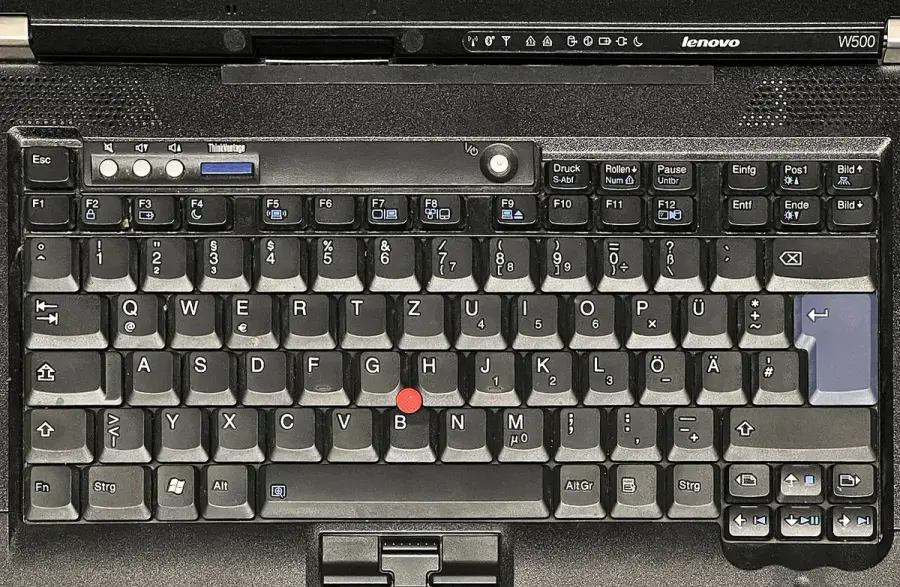
The W500 keyboard photograph is explicitly historical and German-layout, not a current T14, E14 or UK keyboard. It makes the layout-check question visible without proving the answer for your order. Lenovo’s global PSREF menus also include country-dependent power-adapter options. We have not verified a final UK price, delivery promise or current stock winner. Retain the machine type, installed memory, display, storage, keyboard layout and included equipment as one record; those details make the two real offers comparable.