Choose a laptop from its complete app and connection requirements
Compare the UK MacBook Air M5 13-inch and Surface Laptop 13-inch as complete working systems, including software, ports and the equipment you carry.
Updated:
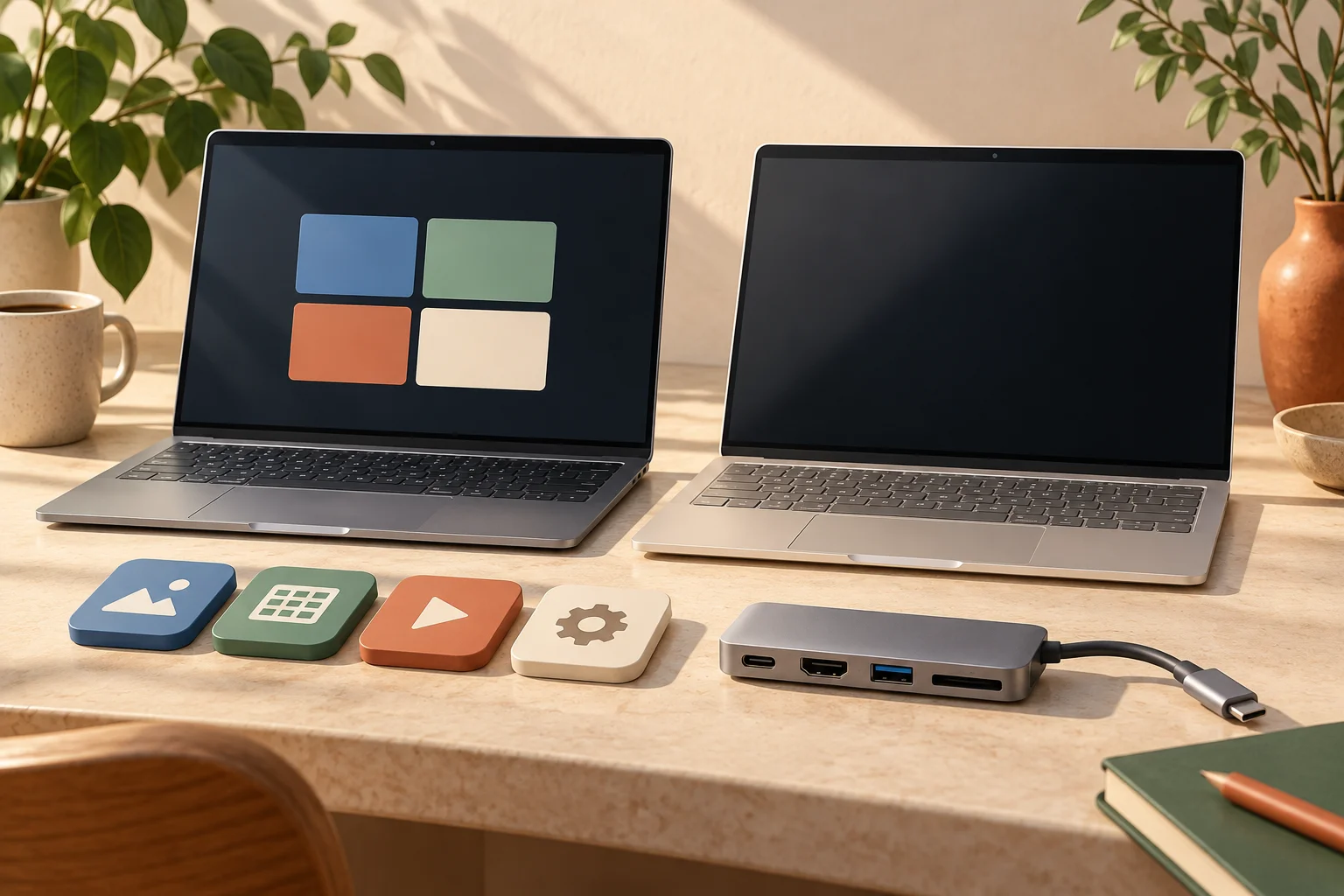
Two real options, with different reasons to choose them
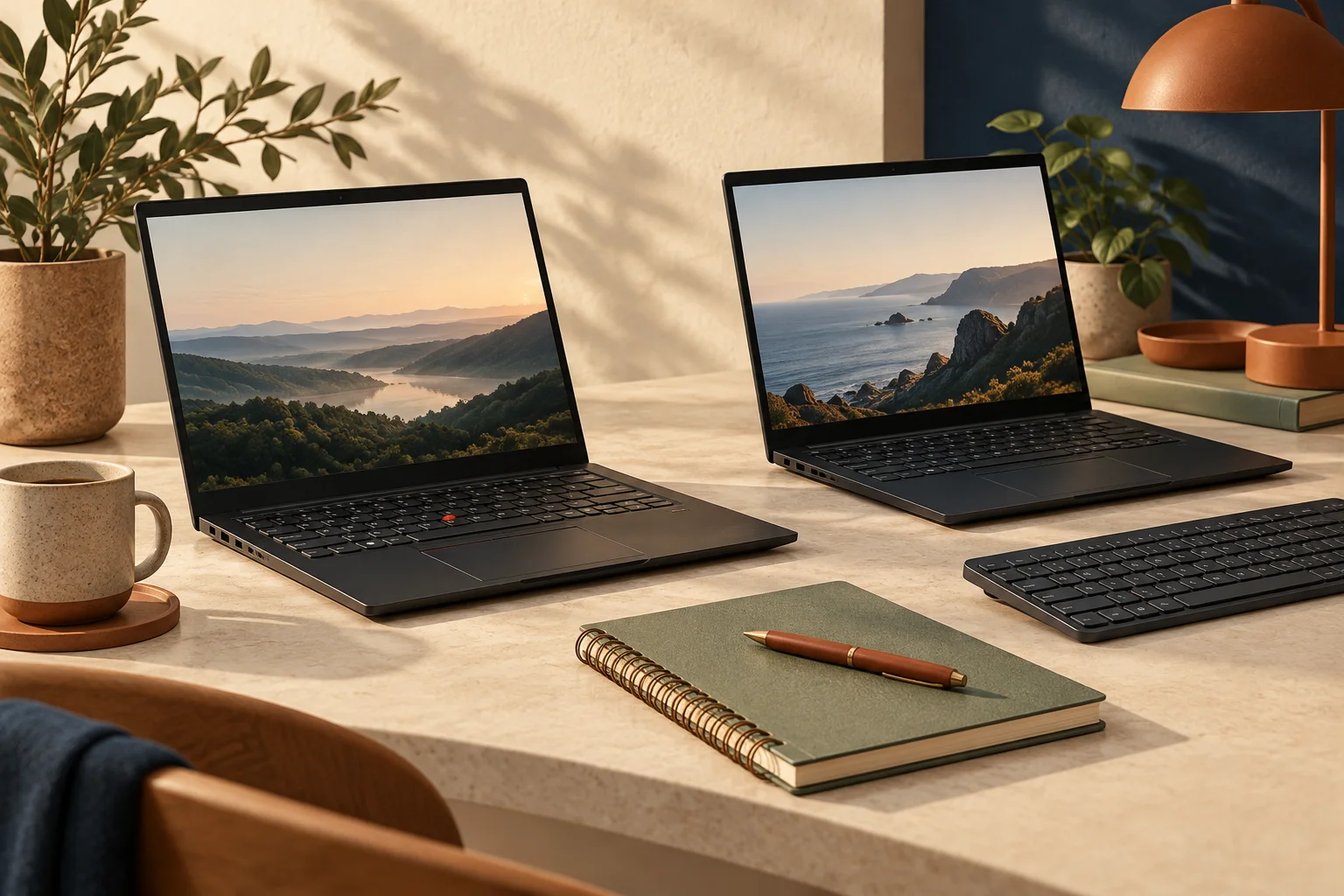
For a portable laptop shortlist, compare the 13-inch MacBook Air with M5 against Microsoft’s current 13-inch Surface Laptop with Snapdragon X2 Plus. Choose the Air when the Mac versions of your essential applications and existing accessories meet your work requirements. Choose the Surface when your required Windows applications and their drivers explicitly support its Arm platform. Neither recommendation follows from the processor badge alone. A specialist application that cannot complete your work is a more important exclusion than a small difference in computer mass.
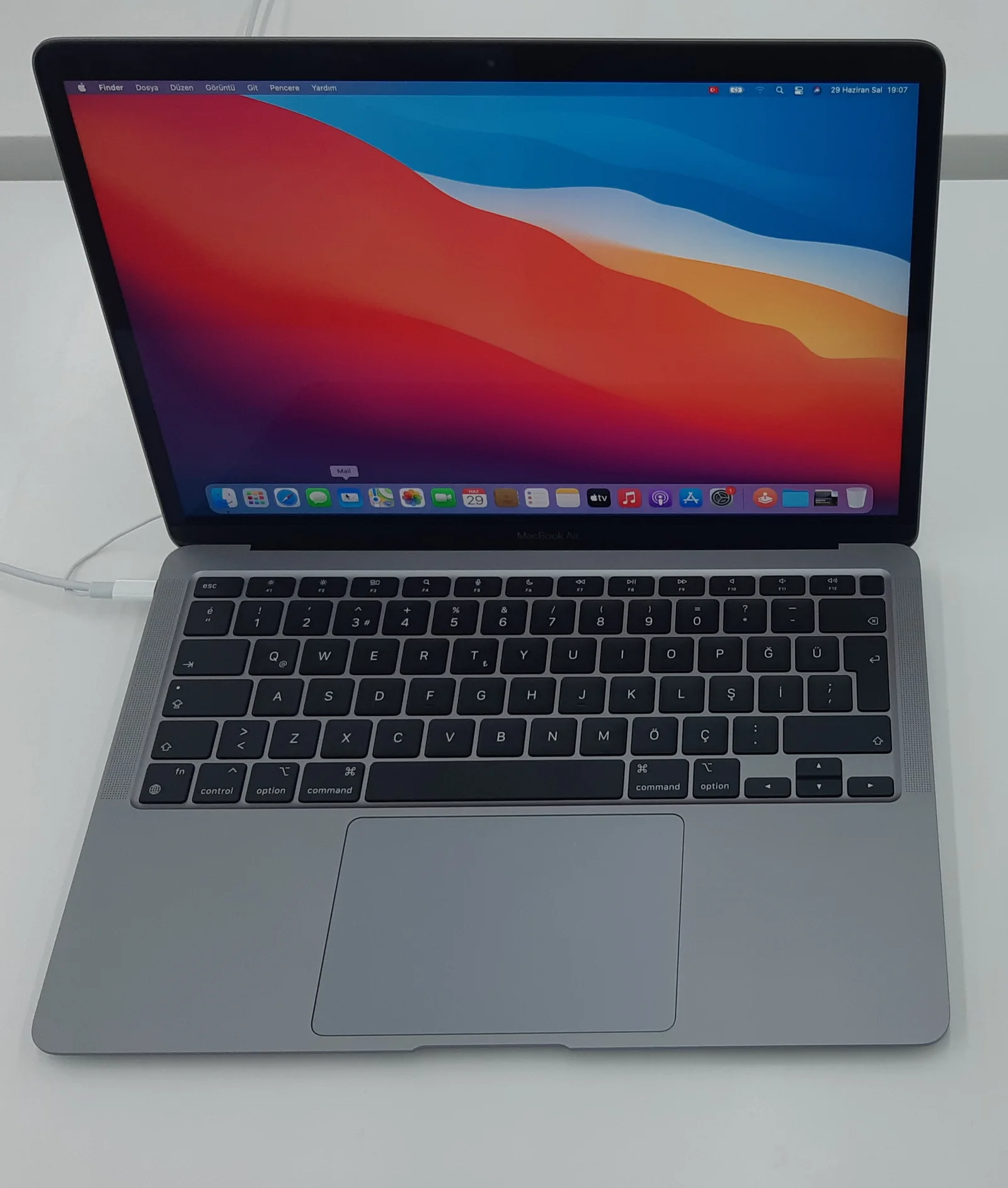
The manufacturer pages checked on 29 October 2026 describe different equipment. The Air has two Thunderbolt 4 ports, MagSafe 3 and a headphone socket. The Surface 13-inch has two USB-C USB 3.2 ports, USB-A and a headphone socket. Microsoft’s larger 13.8-inch model has USB4; do not transfer that specification to the 13-inch purchase.
| UK reference | MacBook Air M5 13-inch | Surface Laptop 13-inch |
|---|---|---|
| Processor platform | Apple M5 / macOS | Snapdragon X2 Plus 6-core / Windows |
| Manufacturer device mass | 1.23 kg | 1225 g |
| Display | 13.6-inch non-touch | 13-inch touch, 1920 × 1280, 60 Hz |
| Physical connection distinction | Thunderbolt 4 and MagSafe 3 | USB 3.2 USB-C and USB-A |
Check the work, not just the application name
Start with the task that would make the purchase fail: the exact spreadsheet add-in, examination software, specialist VPN, accounting package or printer utility. A browser version may be a sufficient route for one person and omit a required feature for another. Ask the supplier for the supported operating-system version and processor architecture, then check the actual add-in or peripheral separately. Having a native main application does not prove that every extension works.
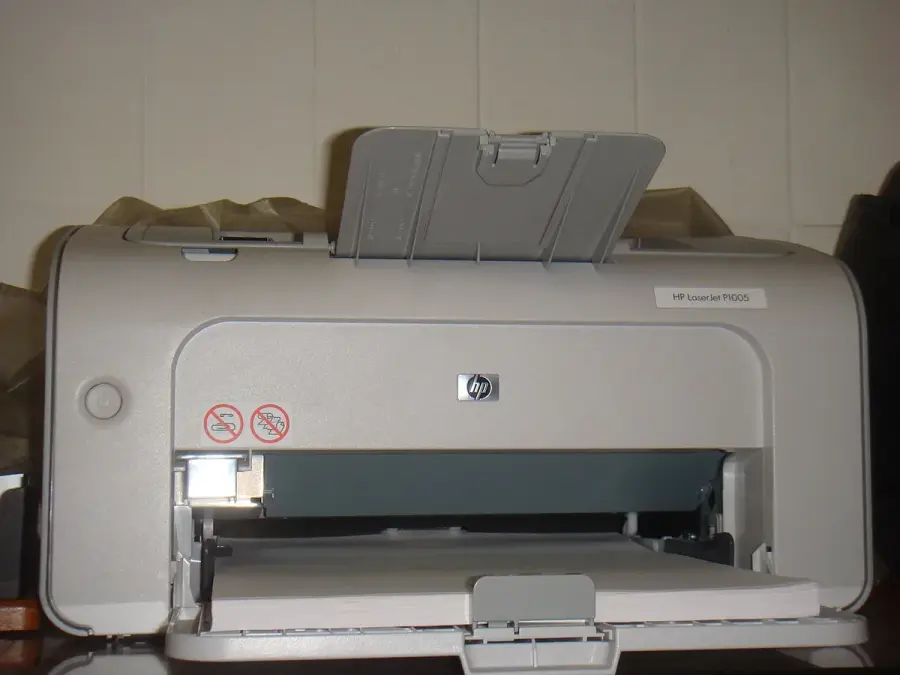
Microsoft explains that Windows on Arm can emulate many applications, while hardware and software that depend on drivers require suitable drivers. The historical printer photograph below therefore represents a real purchasing question, not a claim that this printer works with this Surface. Likewise, a Windows-only program does not become a supported Mac application simply because both computers can open the same document format.
Draw the complete connection arrangement
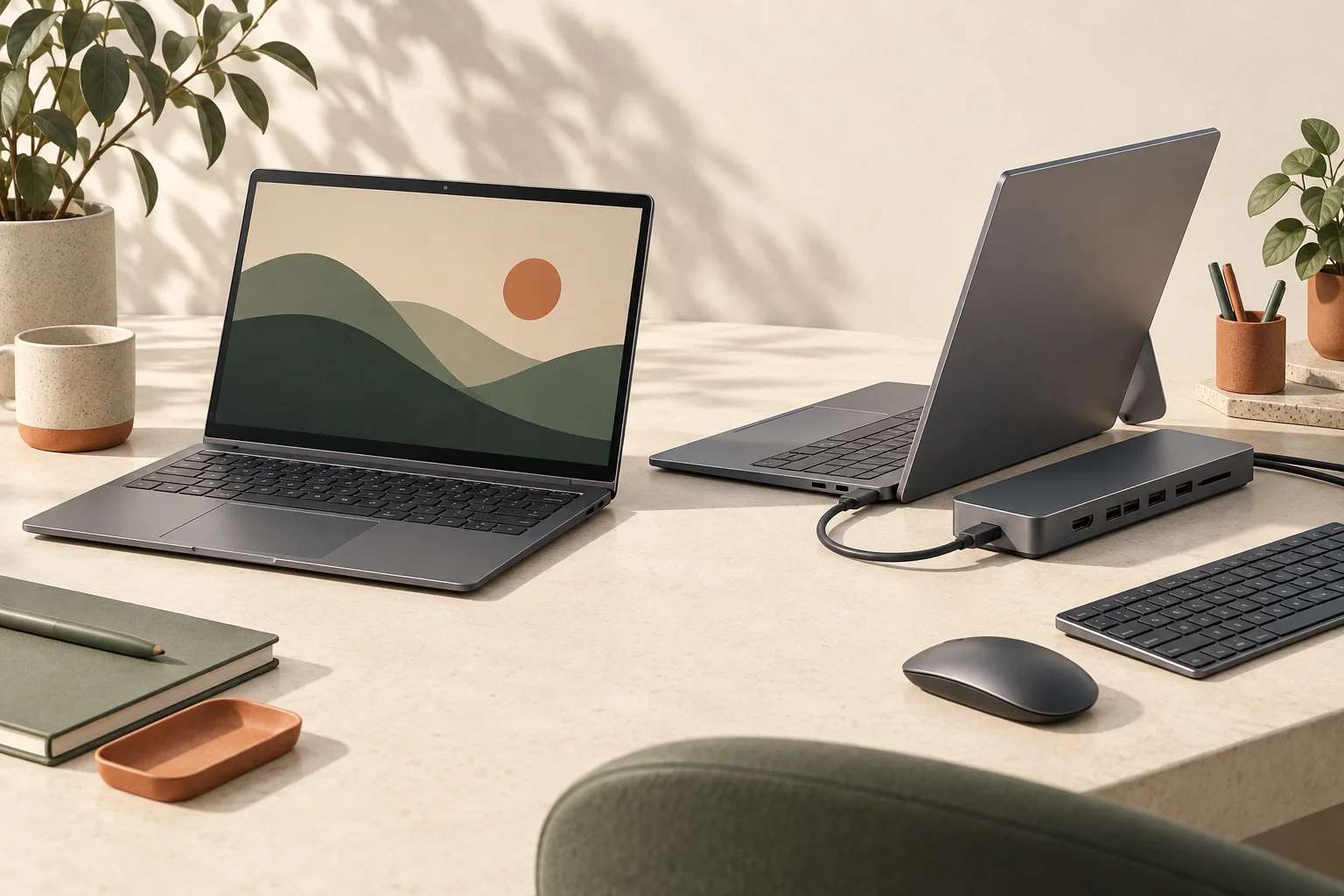
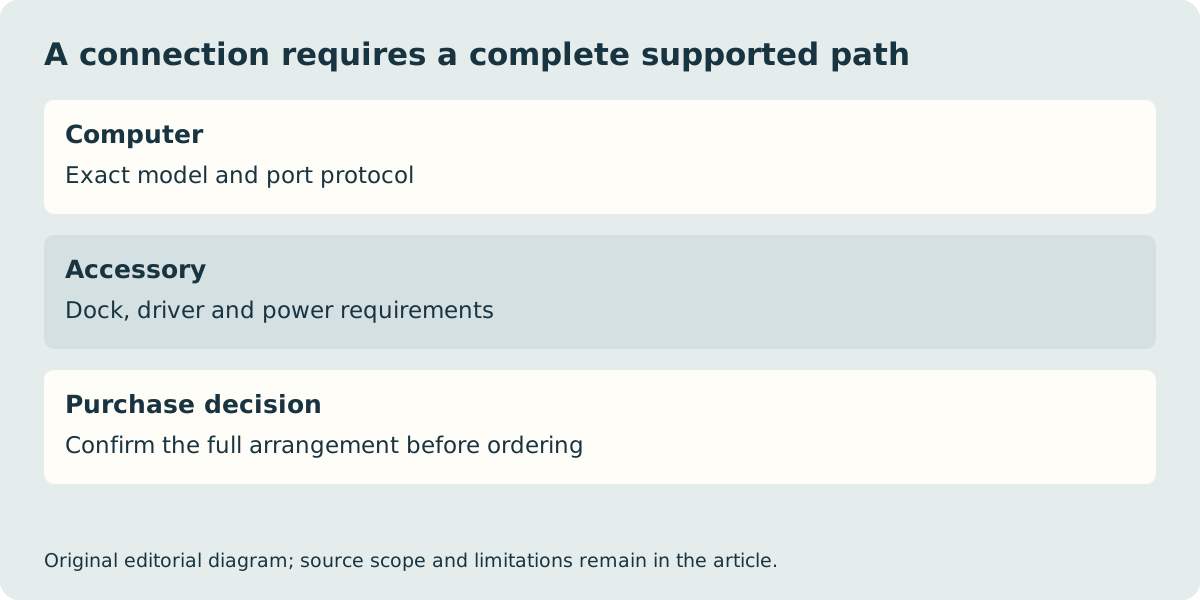
List what must remain attached simultaneously: charging, a display, storage and perhaps a USB receiver. A dock may consolidate these connections, but its host requirements, power delivery and display path must match the computer. The Air’s manufacturer page documents up to two external displays under stated resolution and refresh-rate combinations. That is not a promise that any two-socket hub produces two independent desktops. Establish the complete dock and cable path before buying it.
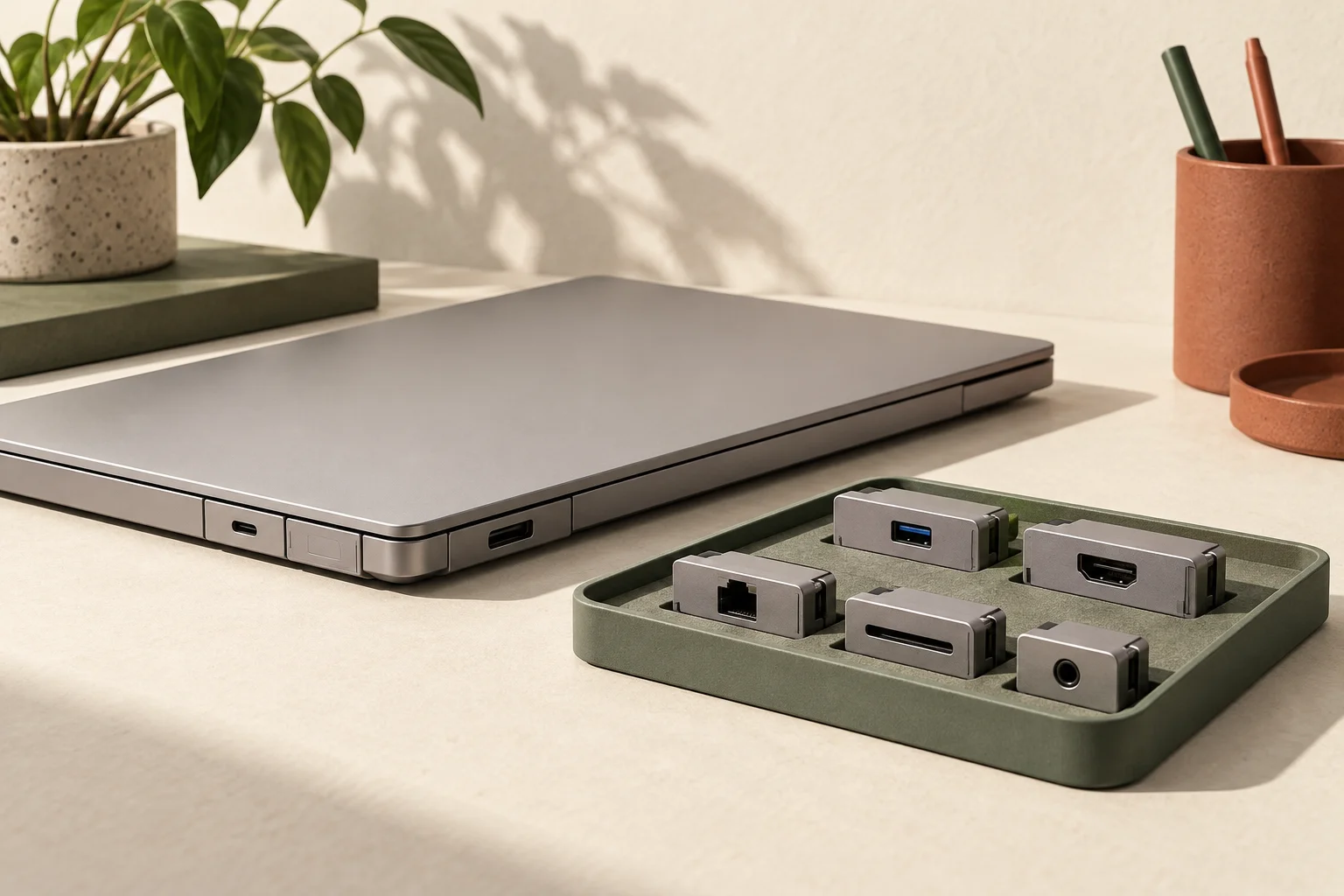
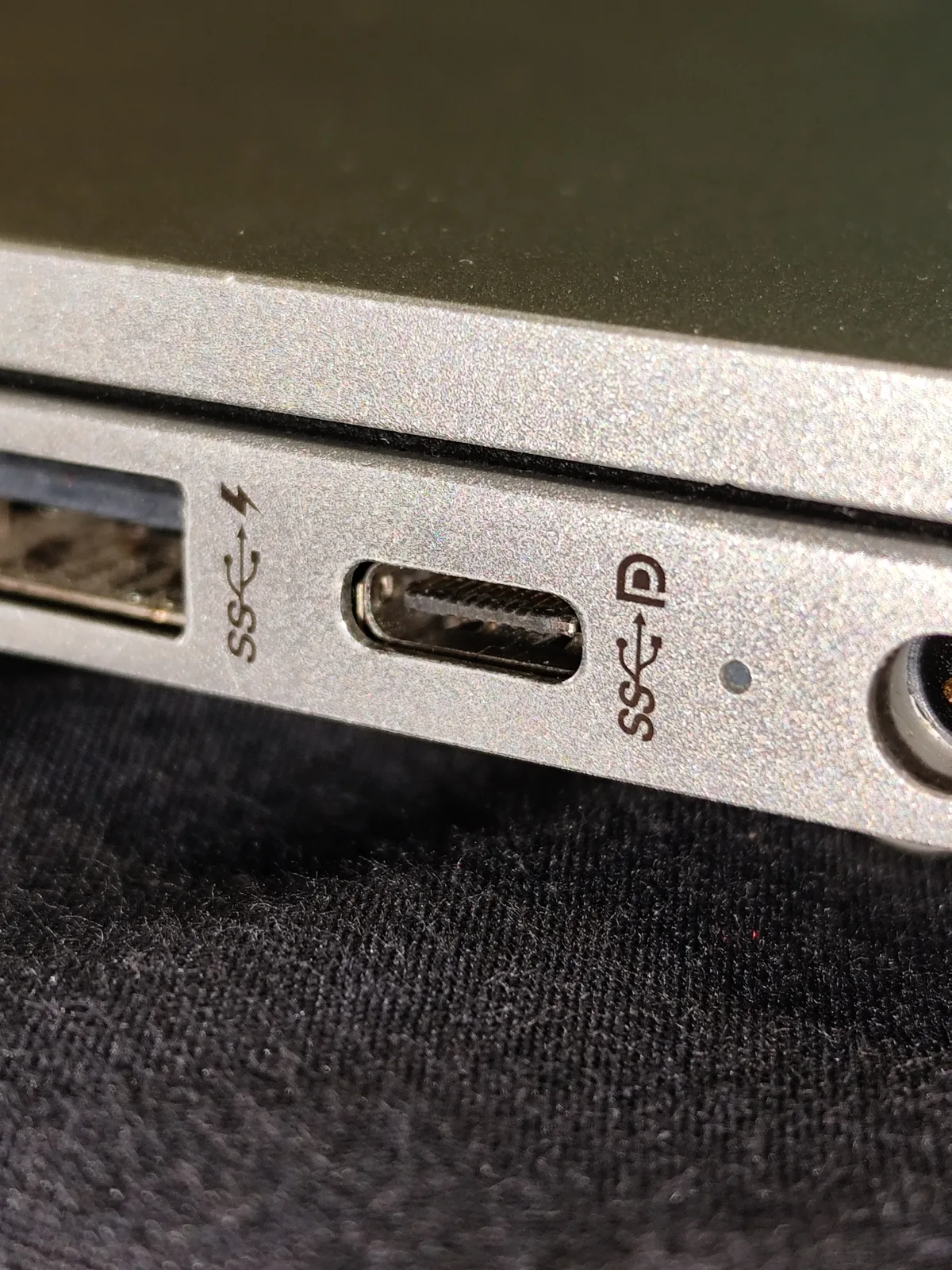
The Surface’s useful built-in USB-A socket may avoid a small adapter for an existing accessory. Conversely, a Thunderbolt accessory should not be purchased on the assumption that every USB-C port provides Thunderbolt. The physical connector photograph is deliberately from another computer: connector shape alone is not evidence of the protocol on this purchase.
Compare the carried kit and the UK order
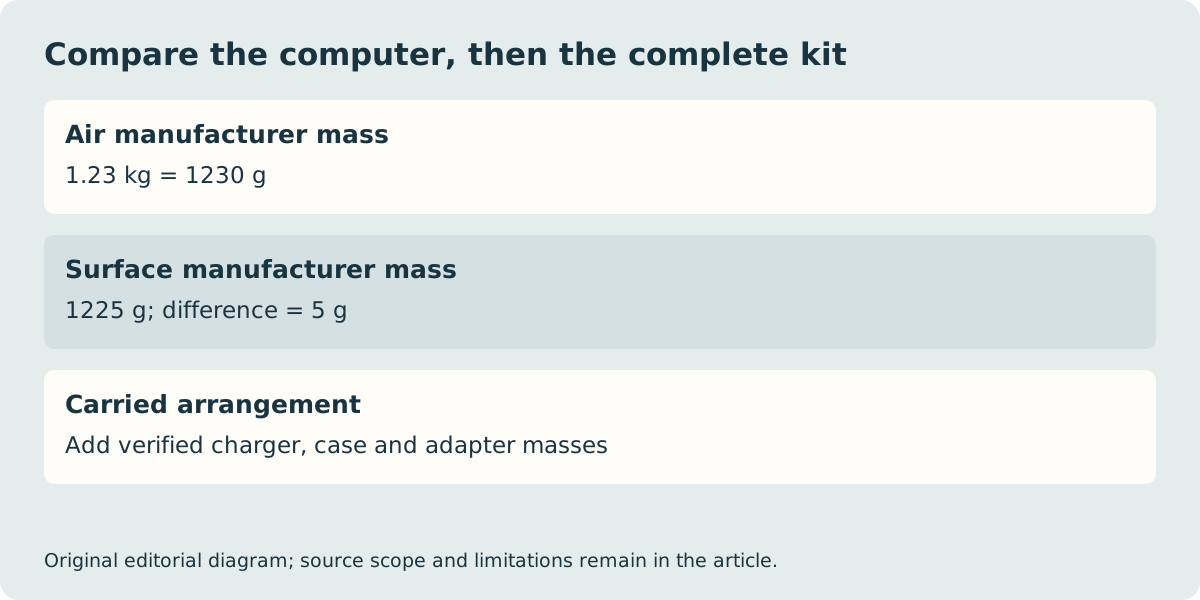
Convert the quoted masses to the same unit: the Air’s 1.23 kg is 1230 g, only 5 g above the Surface’s stated 1225 g. This is a comparison of manufacturer computer masses, not our scale measurements. Once you add a charger, sleeve and necessary adapters, the complete kit may change much more than that difference. Use the carried-mass tool with your own verified component weights rather than treating this small device-only gap as a decisive travel advantage.
Apple’s UK Air specification lists a USB-C to MagSafe 3 cable and says the power adapter is sold separately. Microsoft’s page qualifies power-supply inclusion by configuration and market. Confirm your exact UK basket rather than importing an overseas unboxing list. We have not verified a current total-price winner, stock, delivery date or specialist-software performance. Keep the final configuration and seller terms with the order; a platform choice is complete only when the required work and complete arrangement both fit.