Lenovo laptop choices: compare the exact Yoga and IdeaPad platforms
Compare Yoga Slim 7 14Q8Y11 and IdeaPad Slim 5 14AKP10 from real processor platforms, memory access and ports, keeping country-specific configurations separate.
Updated:
Choose the platform before the family name
For a portable Lenovo shortlist, compare Yoga Slim 7 14Q8Y11, marketed as Yoga Slim 7x 14-inch Gen 11, against IdeaPad Slim 5 14AKP10. The checked Lenovo PSREF documents describe a Snapdragon X2 Yoga and an AMD Ryzen AI 300-series IdeaPad. They are not interchangeable Windows configurations: software and driver compatibility can change the sensible choice before you compare screen appearance or a shop’s headline discount.
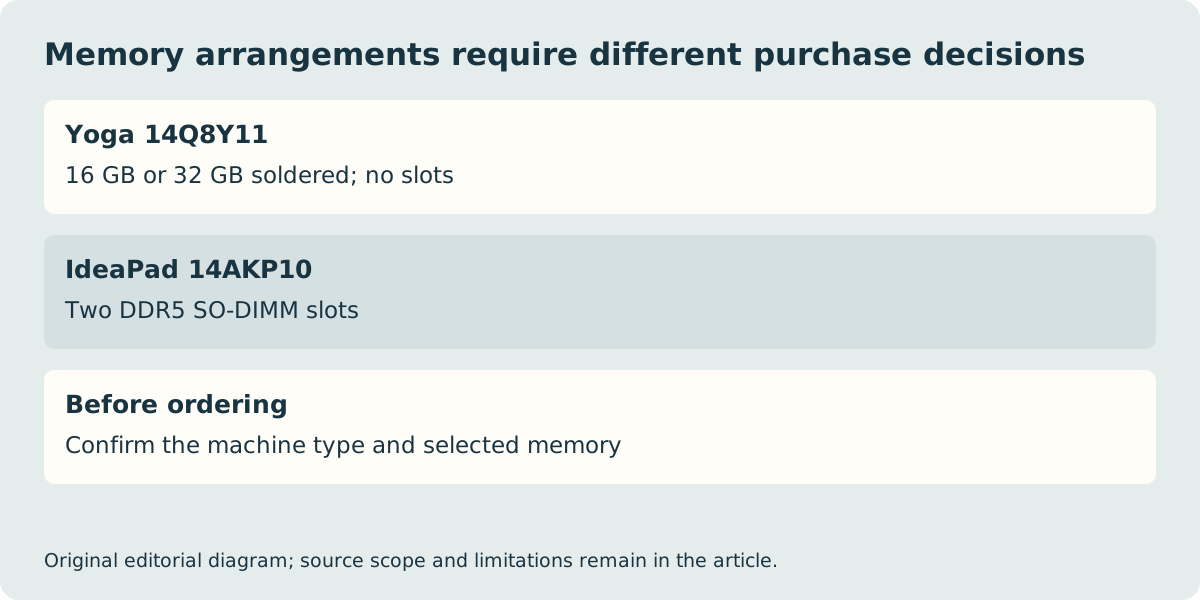
Choose the Yoga when its Arm software route, USB-C-focused arrangement and fixed memory configuration meet the required work. Choose the IdeaPad when its documented built-in connections or socketed memory arrangement match your requirements more closely. This comparison uses the specific manufacturer platform documents, not a claim that all Yoga or IdeaPad computers share these features. We have not established a current UK price, stock or benchmark winner.
| Manufacturer platform reference | Yoga Slim7 14Q8Y11 | IdeaPad Slim5 14AKP10 |
|---|---|---|
| Processor architecture | Snapdragon X2 / Windows Arm | AMD Ryzen AI 300 / x86 Windows |
| Memory arrangement | 16 GB or 32 GB soldered; no slots | Two DDR5 SO-DIMM slots |
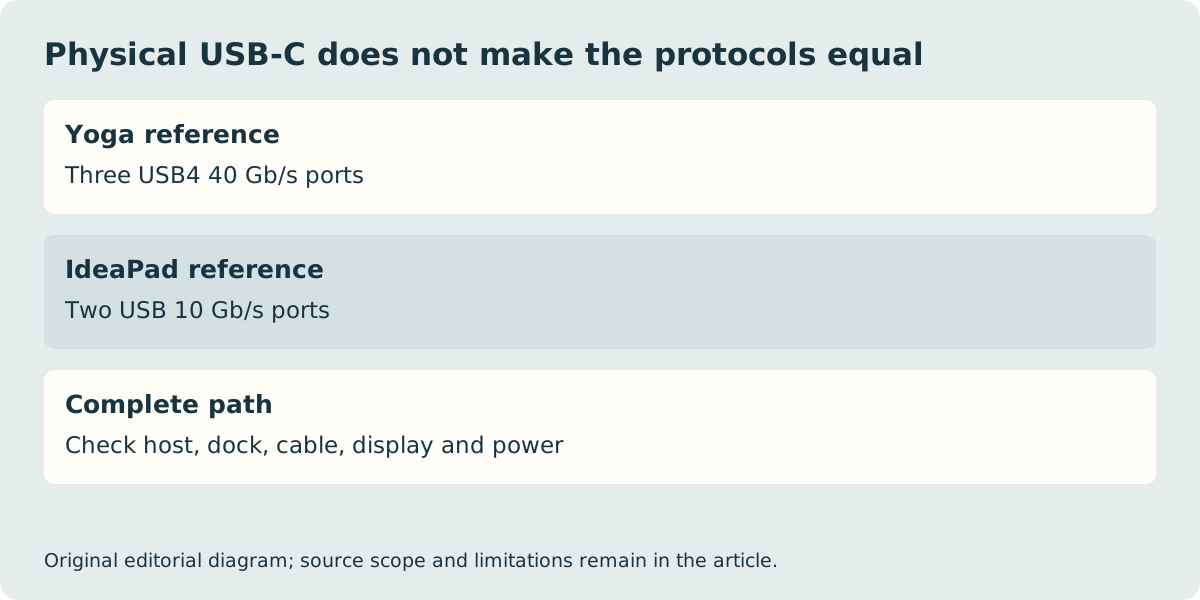
| USB-C | Three USB4 40 Gb/s | Two USB 10 Gb/s |
| Other listed connections | USB-C-focused port arrangement | USB-A, HDMI, audio and microSD |
| Storage format distinction | One M.2 2242 slot | Processor-dependent M.2 slot arrangement |
A soldered memory choice is part of the original order
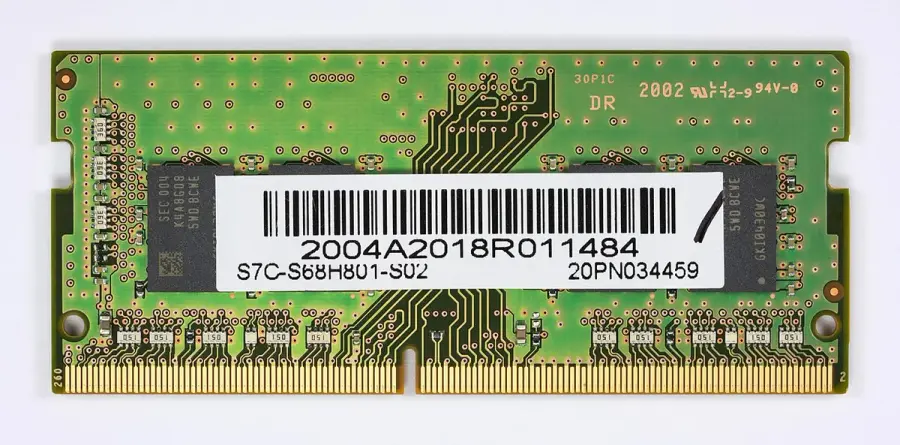
The Yoga document lists 16 GB and 32 GB soldered memory with no memory slots. If your required project needs the larger option, establish that at purchase. A photo of a memory module must not be read as a later upgrade route for this Yoga. The IdeaPad instead documents two DDR5 SO-DIMM slots, with its tested memory offerings described in the PSREF. That does not approve an arbitrary module or make every seller’s configuration identical.
The historical DDR4 module photograph illustrates precisely why the memory generation and physical specification matter: it is not a suitable substitute merely because the other machine uses removable memory. For any proposed later change, use the exact model’s official service and compatibility information. This buying guide does not provide disassembly instructions or certify third-party parts.
Decide which adapters the work actually needs
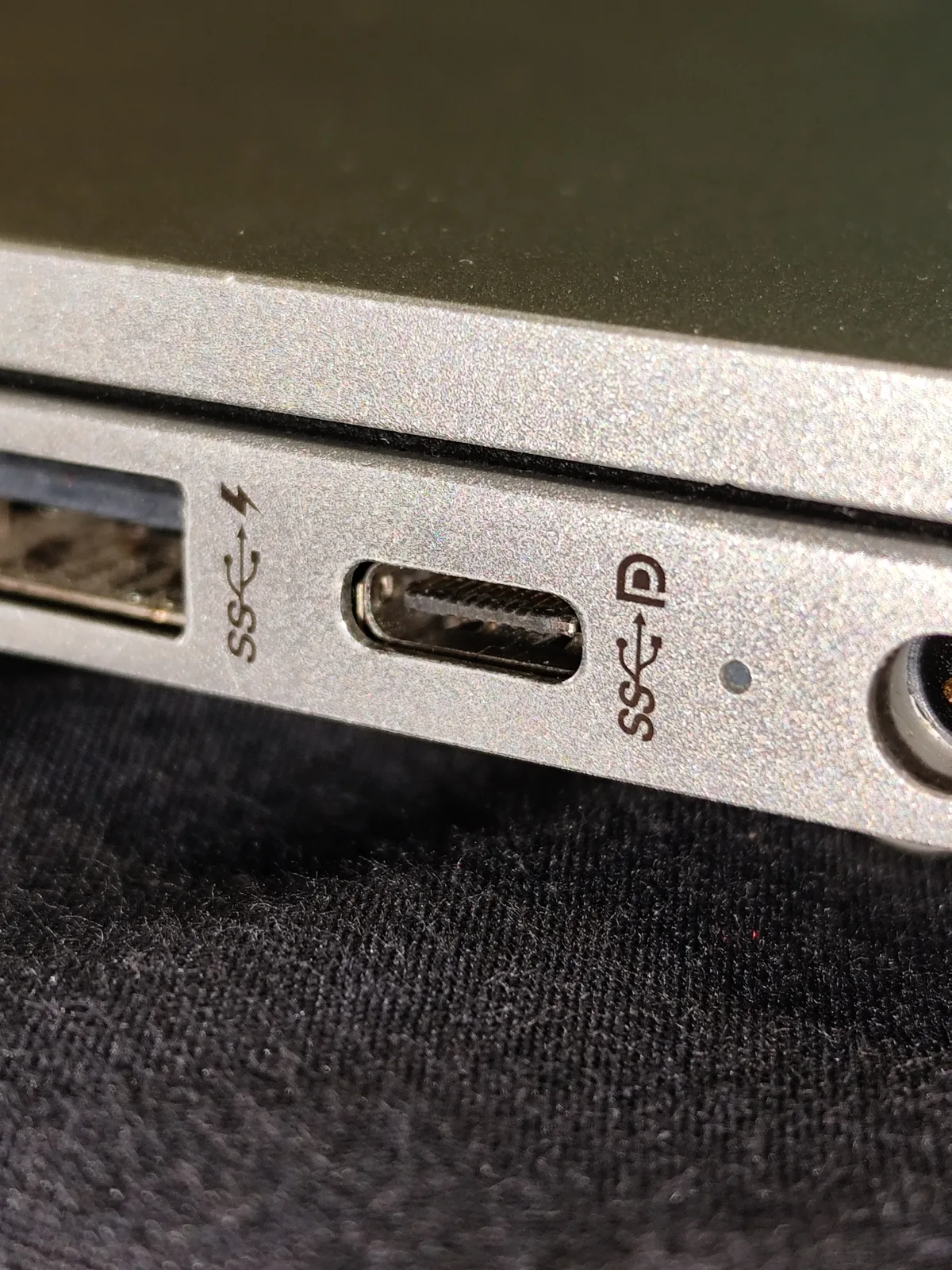
The Yoga’s three USB4 USB-C ports each list USB Power Delivery and DisplayPort support. The IdeaPad lists two USB-C USB 10 Gb/s ports, two USB-A connections, HDMI, audio and a microSD reader. If an existing mouse receiver or HDMI display must connect without an additional hub, that built-in arrangement can be a useful distinction. Conversely, an accessory that needs USB4 cannot be approved from the IdeaPad’s USB-C connector shape.
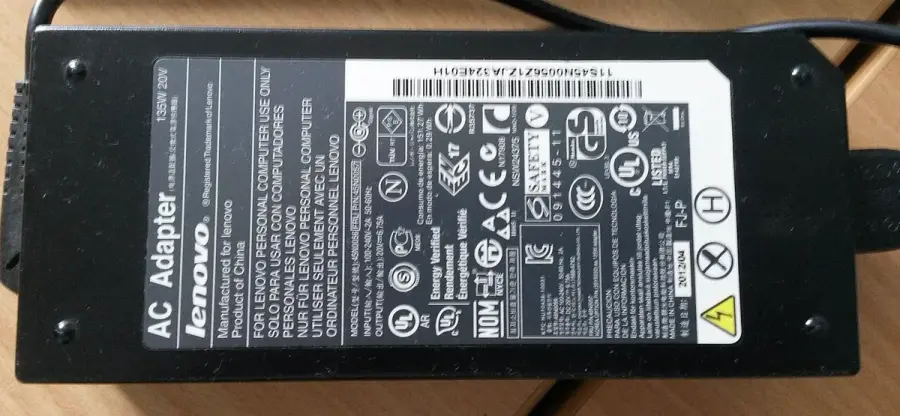
Keep the host protocol, cable, dock and display together as one path. The photographed historical Lenovo charger and USB-C socket are physical examples, not supplied accessories or measured tests for these exact platforms. PSREF also warns that theoretical data rates are not guaranteed transfer results. Do not multiply an interface ceiling into a claim about how quickly your real project will copy or export.
Use the UK machine type to finish the purchase
Lenovo’s platform references cover multiple configurations and markets. The Yoga document is dated 28 October 2026; the checked IdeaPad document is dated 17 June 2026. Their menus include different displays, storage and power-supply offerings. A list of available options does not prove that a particular UK machine type includes all of them. Obtain the complete machine-type or product number and compare the seller’s actual configuration against the manufacturer record.
Both references include power-adapter variations by country, including no-adapter offerings. Confirm the actual UK box contents rather than importing a global photograph or assuming that an old 135 W charger is appropriate. Check the keyboard layout and essential application or peripheral drivers before ordering; Microsoft’s Arm guidance is especially relevant to the Yoga. Save the machine identity, selected memory, display, storage and included equipment. The correct result is a supported working arrangement, not a family-name recommendation detached from its configuration.