Tablet keyboard choices: compare an attached case with a separate keyboard
Compare Magic Keyboard for iPad Air with Logitech Keys-To-Go2 for iPad as two real support and connection arrangements, including the missing stand and platform variants.
Updated:

Choose a supported arrangement, not just a row of keys
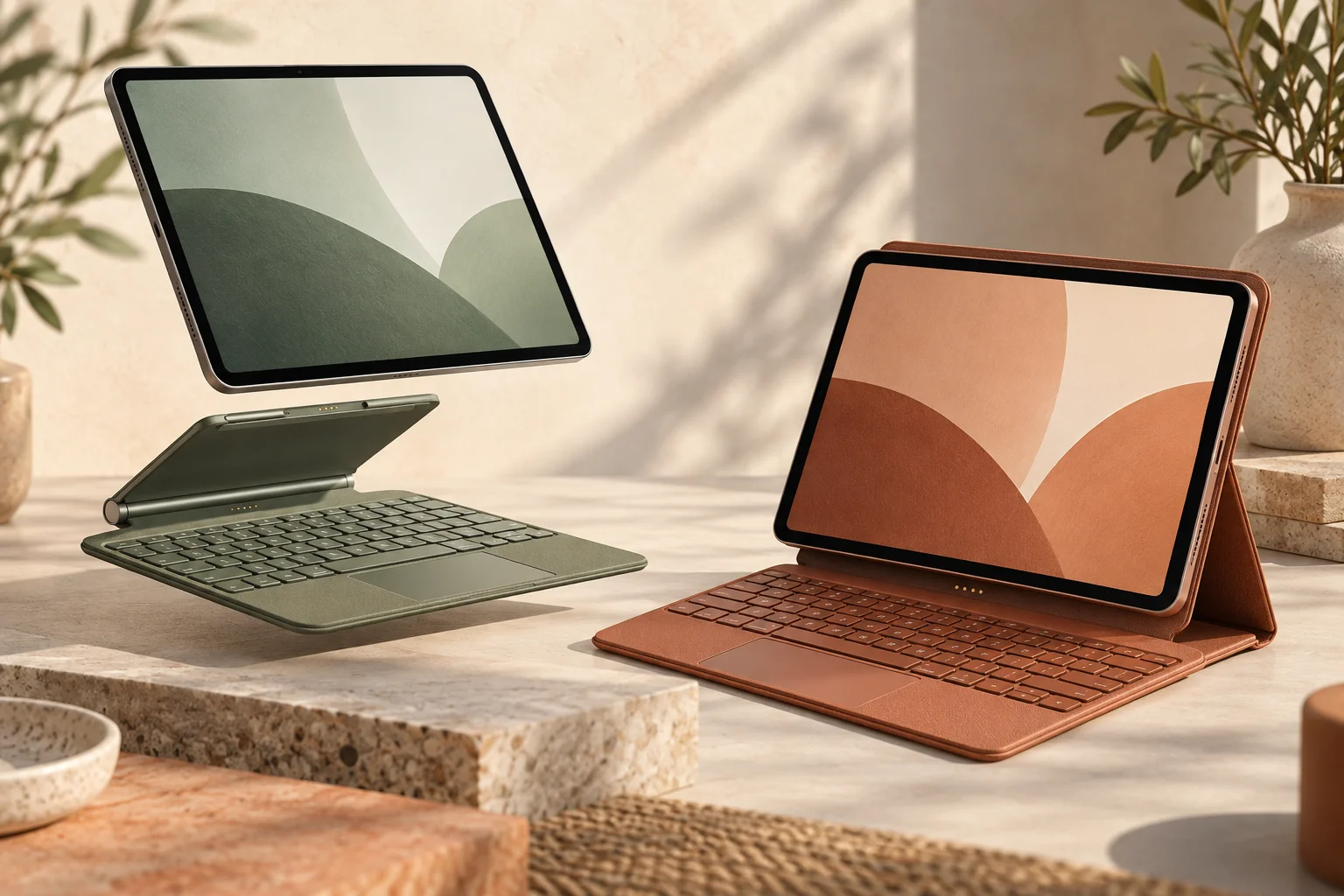
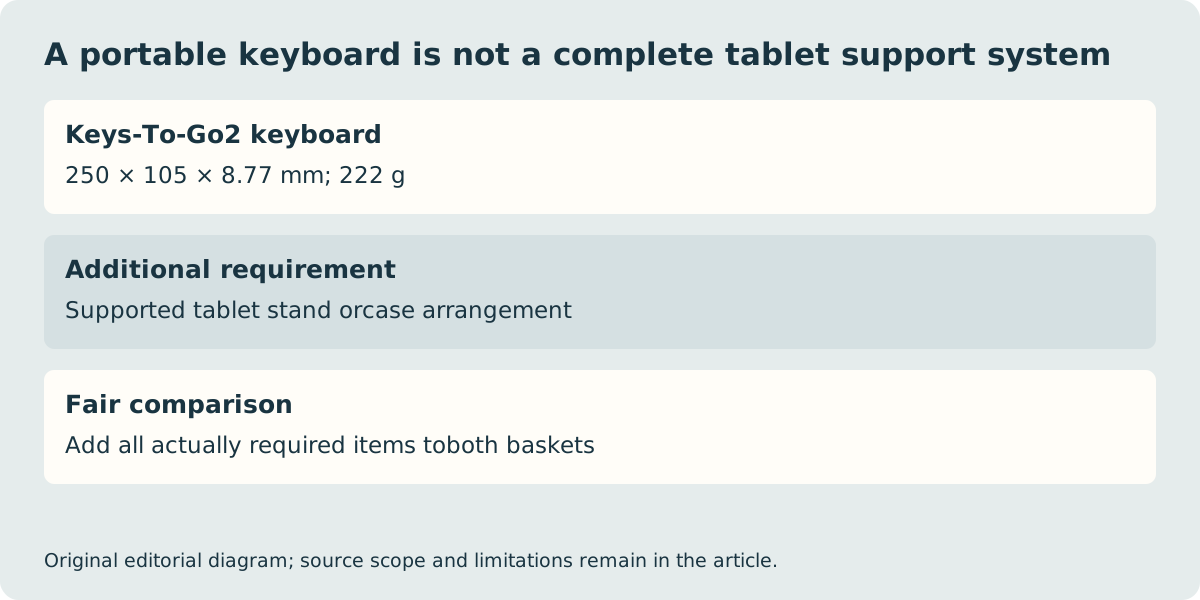
Choose Magic Keyboard for iPad Air when you have a listed compatible Air and want the keyboard, trackpad and adjustable tablet support to form one attached arrangement. Choose Logitech Keys-To-Go 2 for iPad when a separate Bluetooth keyboard suits the work and you already have, or will buy, a suitable way to support the tablet. These are two named real products with different boundaries: the separate keyboard does not become a fitted tablet case because both products enable typing.
Apple’s keyboard page describes a floating cantilever design and a 14-key function row for the Air product. Logitech documents a portable keyboard measuring 250 × 105 × 8.77 mm and weighing 222 g. That Logitech figure is the keyboard alone, not a ready-to-type tablet kit or the total with a stand. We have not measured either complete arrangement or established a current total-price winner.
| Actual product reference | Magic Keyboard for iPad Air | Keys-To-Go2 for iPad |
|---|---|---|
| Tablet support | Attached cantilever case | Separate tablet support required |
| Input connection | Compatible iPad attachment; no Bluetooth pairing | Bluetooth |
| Pointing surface | Integrated trackpad | Separate keyboard; no integrated tablet trackpad |
| Multiple-device route | Specific compatible iPad fit | Easy-Switch for up to 3 devices |
| Mass boundary | Check exact size-specific keyboard weight | 222 g keyboard only |
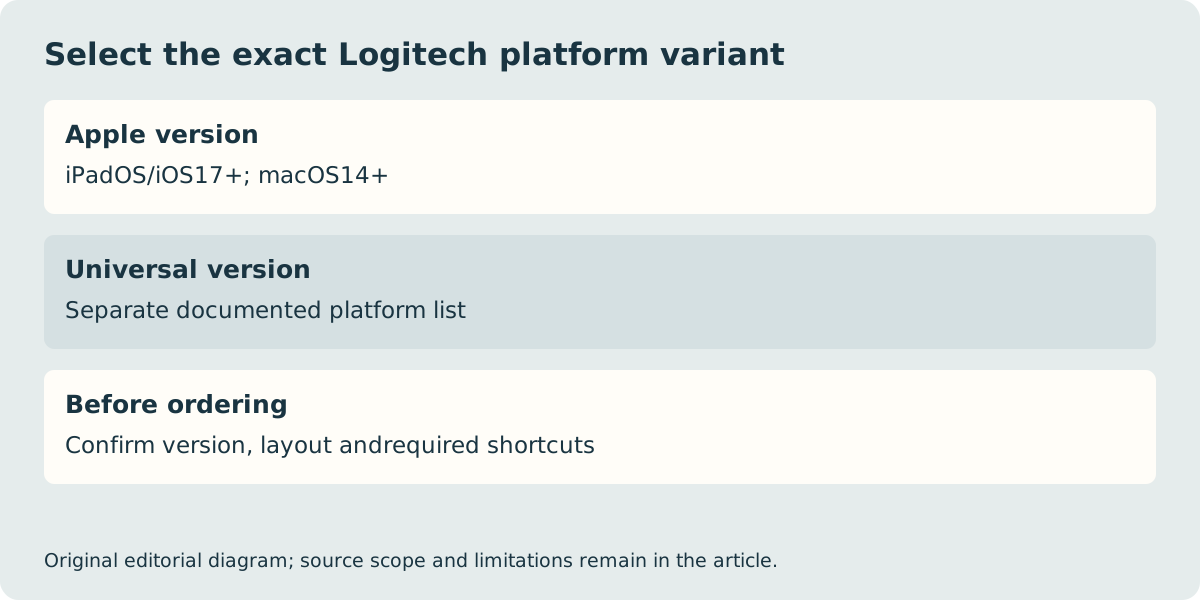
Check the exact platform and layout version
Logitech distinguishes Apple and Universal versions in its support specification. The Apple version lists iPadOS or iOS 17 and later and macOS 14 and later; the Universal version has its own platform list. Do not treat a store’s generic product photograph as proof that the version in its basket supports every operating system. Select the required layout and version explicitly, and confirm any software-dependent shortcut behaviour.
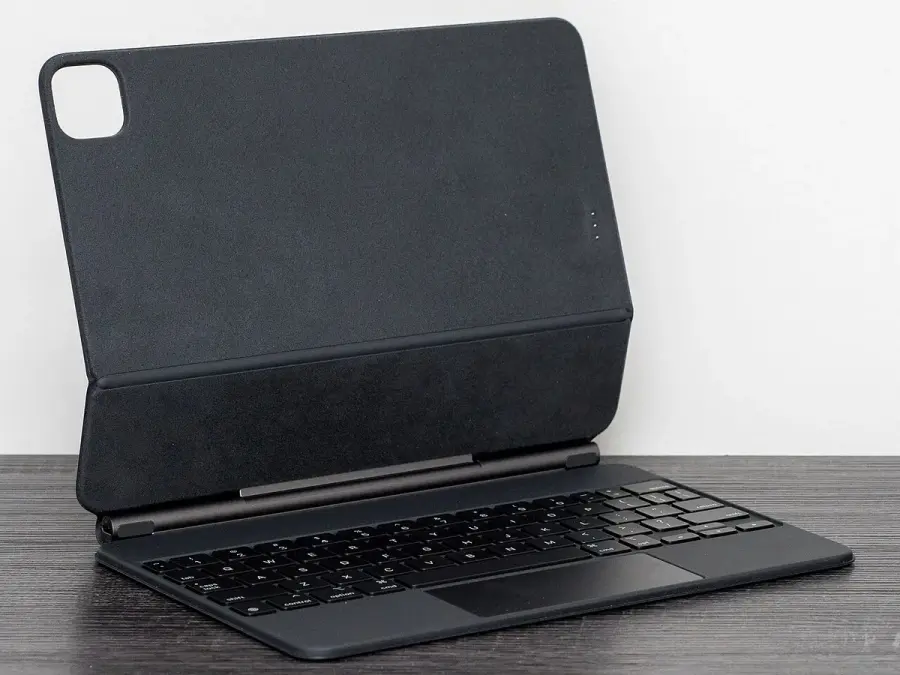
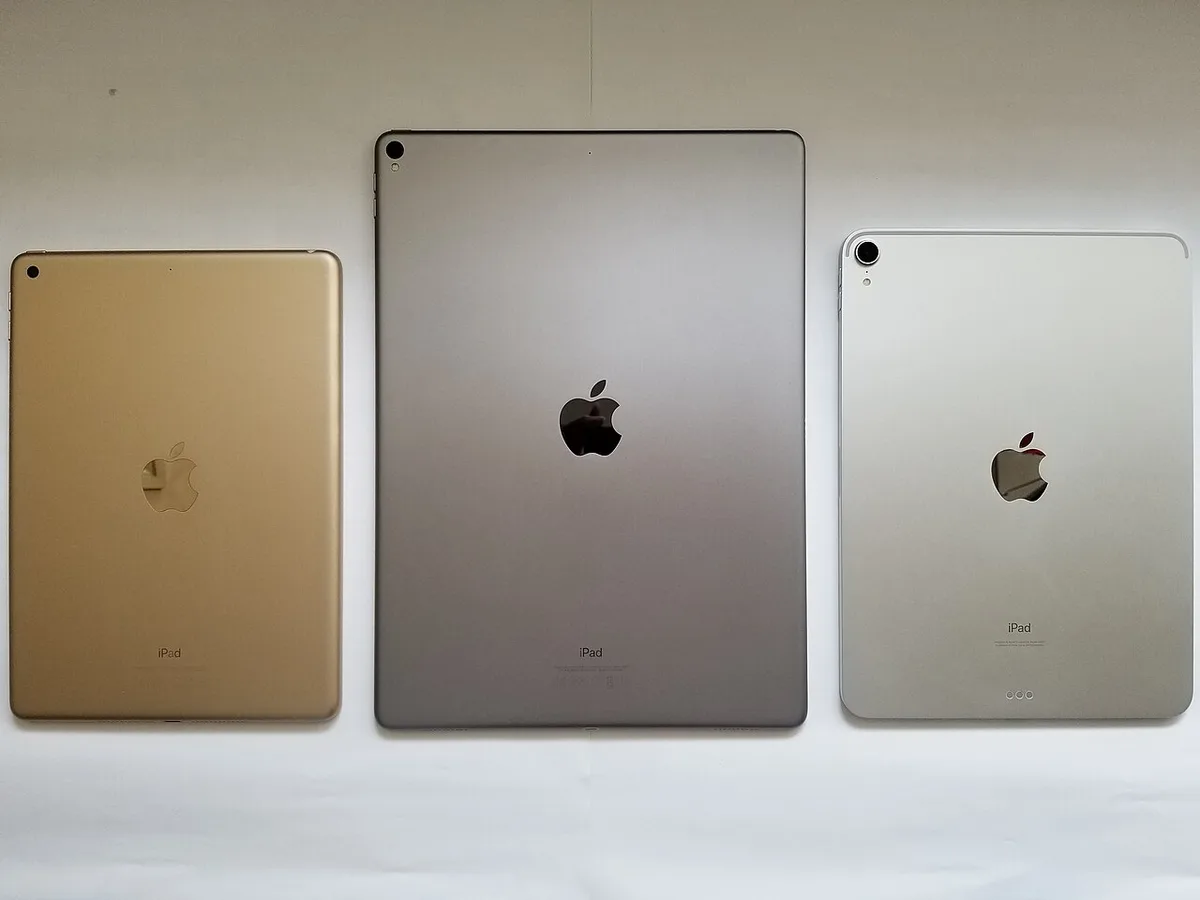
An attached Apple case has a different constraint: the tablet family, generation and size must appear on the keyboard’s compatibility list. A photograph of an older empty Magic Keyboard case does not approve a current iPad. The older tablet photograph below illustrates why model identity matters without claiming that the photographed devices are the present purchasing references.
Include the stand and actual working surface
For the separate-keyboard route, decide how the screen will be held at the required angle. A protective case that lies flat may not replace a stand, and a small table must hold the tablet support as well as the keyboard. The attached case can simplify that boundary for a compatible Air, but it still needs a suitable supporting surface. Try the intended posture when long writing sessions or lap use are important; we have not run a comfort or stability test.
Logitech’s specification lists two CR2032 batteries and no backlighting. Its advertised battery duration is a manufacturer claim under its conditions, not a measured result from this site. Apple’s attached keyboard does not require a separate Bluetooth pairing or its own charging routine. Those maintenance and connection differences can matter more than a small difference in an unverified accessory price.
Keep the tablet connection plan and total basket explicit
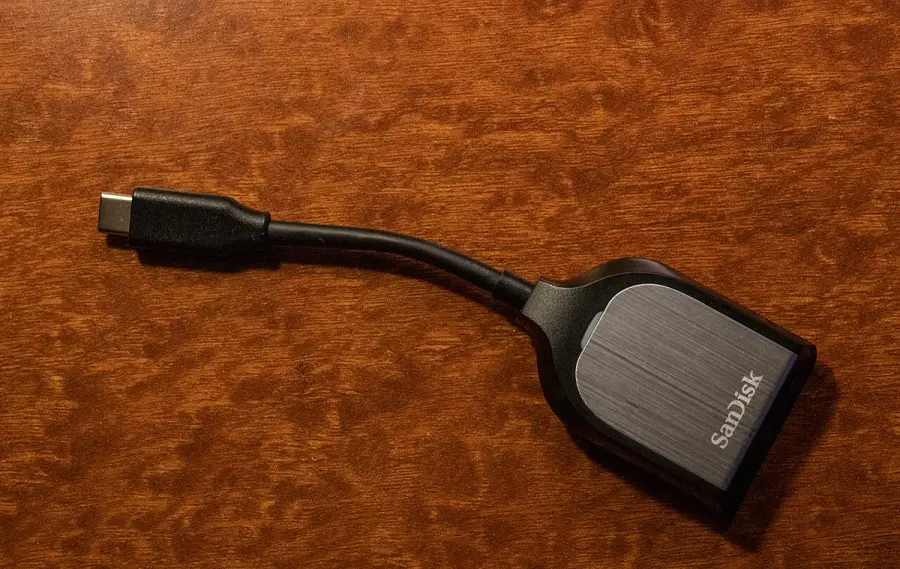
The Apple keyboard’s USB-C hinge port is for pass-through charging, not data transmission. A reader or storage accessory belongs on the supported tablet connection path, not on that power-only socket. A Bluetooth keyboard avoids using the tablet’s data connector for typing, but it does not approve every reader or charging arrangement. The card-reader photograph below illustrates the additional accessory whose requirements must be confirmed separately.
Compare complete local baskets: tablet, correct keyboard, necessary stand or case, suitable power equipment and any required reader. Add verified component masses rather than comparing Logitech’s keyboard-only 222 g with an invented total for the attached case. We have not verified current stock, delivery or a price winner. The useful outcome is a named arrangement that fits the device, layout, surface and connection requirements; preserve those exact choices with the seller’s local conditions before ordering.