Apple iPad keyboard choices: match the exact family, size and generation
Compare actual Magic Keyboard for iPad Air and Magic Keyboard for iPad Pro compatibility, with dimensions and the charging-only hinge port kept separate from tablet data connections.
Updated:

Choose the keyboard from the iPad identity
For an 11-inch iPad Air M4, shortlist the corresponding Magic Keyboard for iPad Air 11-inch. For an 11-inch iPad Pro M5, shortlist the corresponding Magic Keyboard for iPad Pro 11-inch. These are different real Apple keyboard products, not two names for a universal 11-inch case. The checked UK family page lists Pro M4 and M5 support for the Pro keyboard, while the Air keyboard family supports the corresponding Air M2, M3 and M4 sizes, with additional older Air support on the appropriate smaller model.
Do not buy from the diagonal alone. The 11-inch Air M4 tablet measures 247.6 × 178.5 × 6.1 mm, while the 11-inch Pro M5 measures 249.7 × 177.5 × 5.3 mm. These manufacturer dimensions are not keyboard dimensions, but they demonstrate that two 11-inch labels do not identify the same case fit. The actual accessory compatibility list remains the deciding evidence.
| Actual keyboard family | Magic Keyboard for iPad Air | Magic Keyboard for iPad Pro |
|---|---|---|
| Current named tablet example | 11-inch Air M4 | 11-inch Pro M5 |
| Family sizes | 11-inch and 13-inch; choose correct size | 11-inch and 13-inch; choose correct size |
| Function row | 14 keys | 14 keys |
| Trackpad description | Glass trackpad for Multi-Touch | Glass trackpad with haptic feedback |
| USB-C hinge connection | Pass-through charging | Pass-through charging |
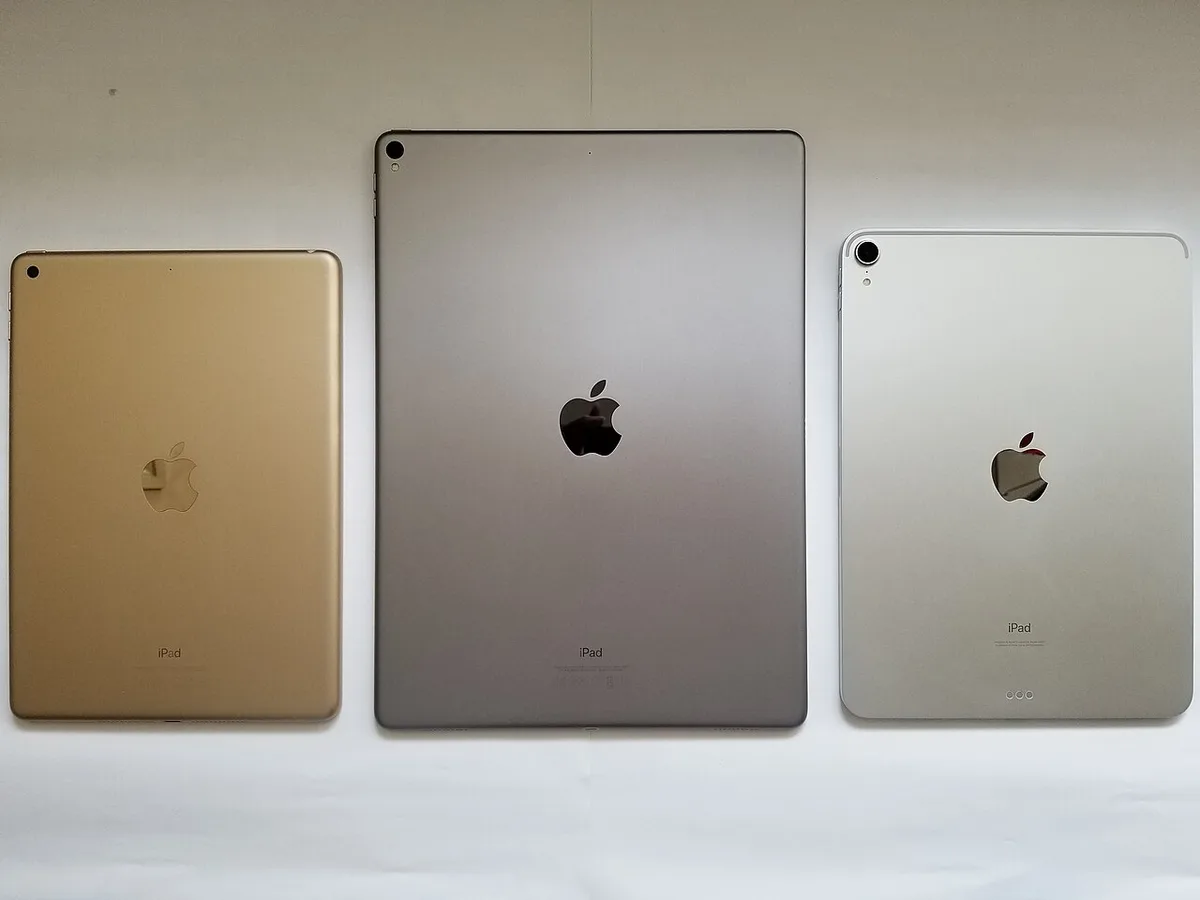
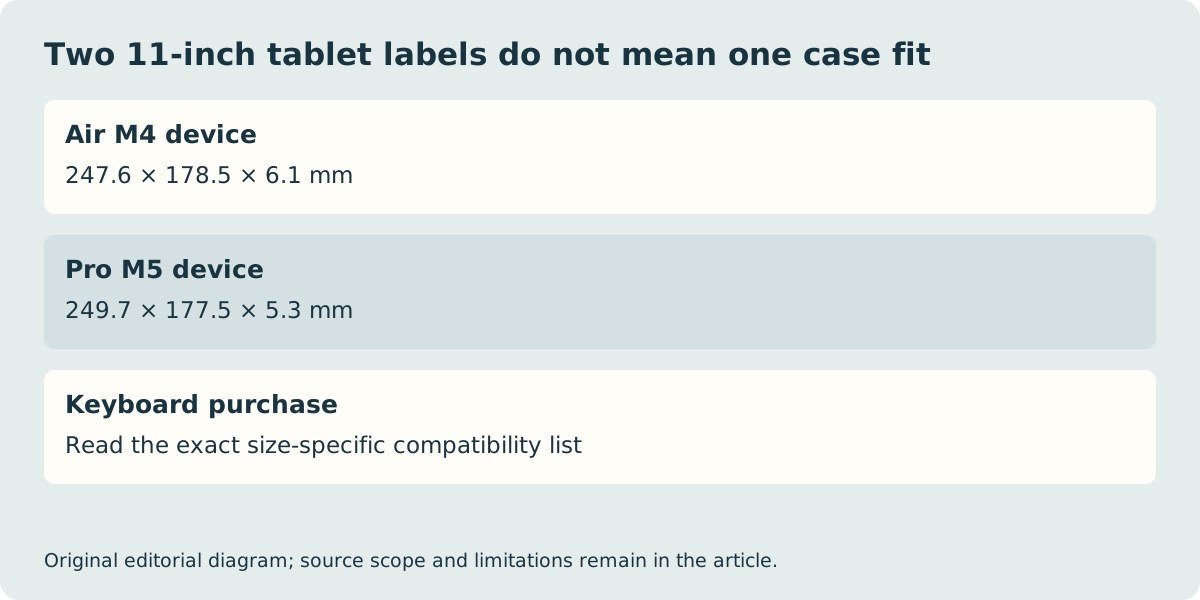
A familiar old keyboard photograph cannot approve a new case
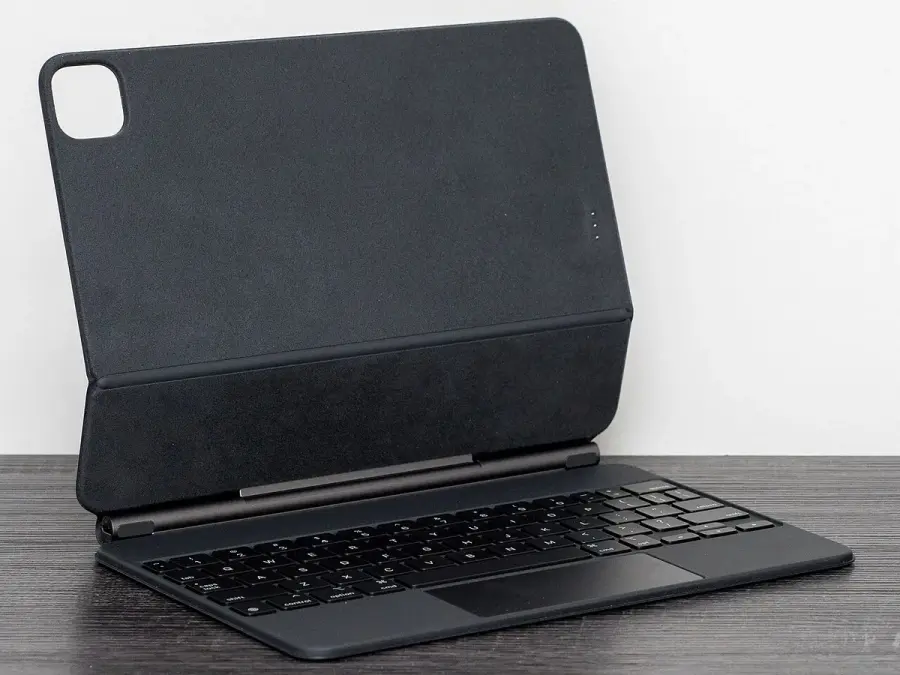
The historical keyboard case below is shown without a tablet and is deliberately not labelled as the current Air or Pro accessory. Its appearance explains the attached-support format, not the generation match. Record the full tablet name from its settings or model identification, then read the exact size-specific keyboard listing. A used seller’s broad description of Air, Pro or 11-inch is insufficient evidence when the compatibility details are missing.
Check the keyboard layout at the same time. A photograph taken in another country may show a different layout, while a British English product title identifies a specific local option. Function-key and shortcut preferences are separate from case fit: a keyboard can offer useful controls and still be the wrong physical accessory for the tablet being ordered.
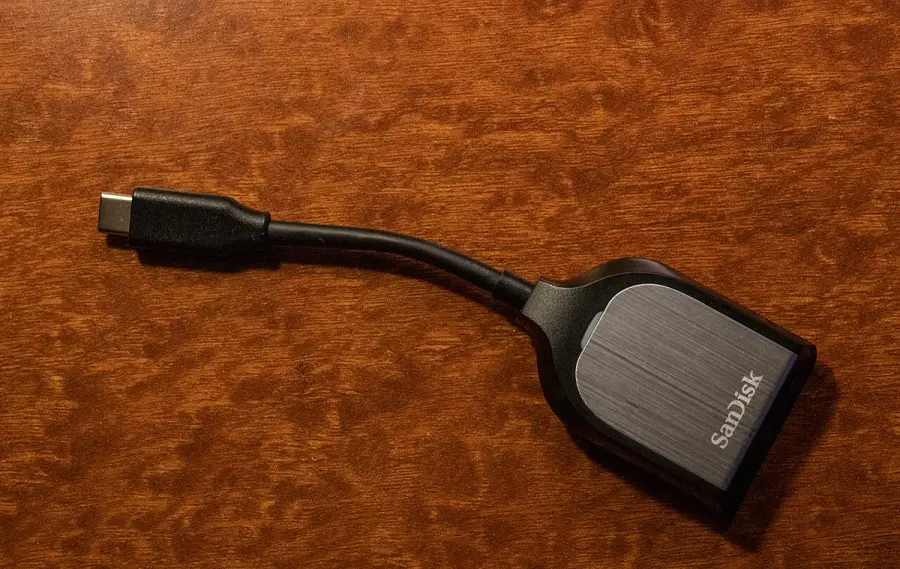
The hinge USB-C socket is for power, not data
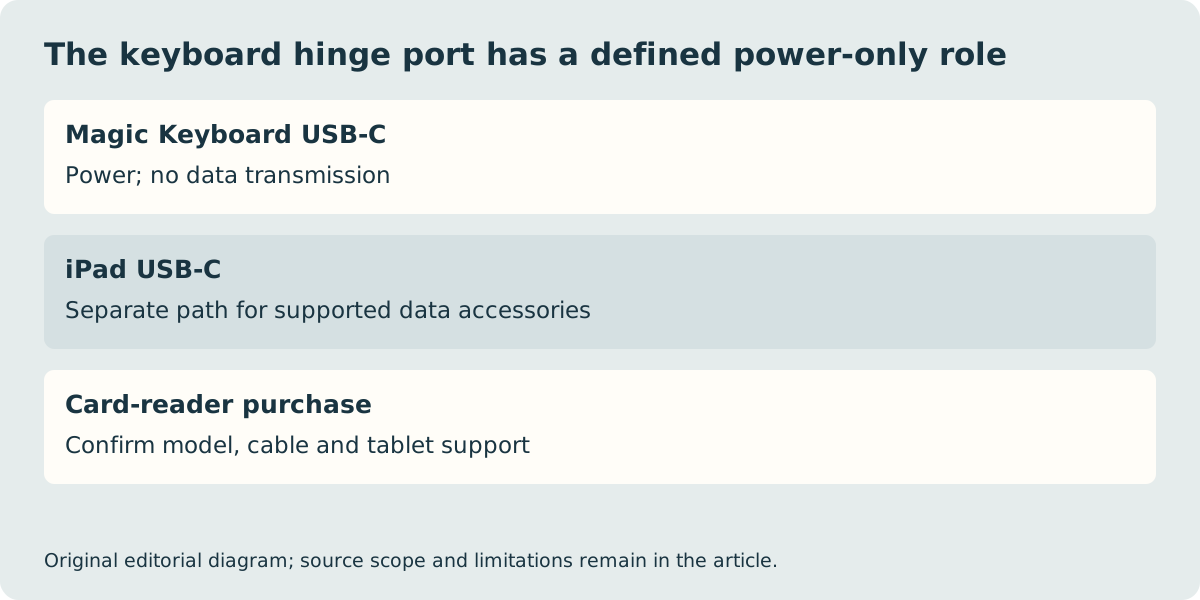
Apple’s support document states that the Magic Keyboard USB-C port provides power but does not transmit data. Do not connect a card reader, storage device or USB mouse to that hinge socket expecting the tablet to see it. The iPad’s own USB-C port is the separate accessory path. The card-reader photograph below therefore makes a concrete connection distinction rather than claiming a measured transfer rate or tested reader compatibility.
Charging through the keyboard can leave the tablet port available for a supported accessory, but every device and cable still needs the correct specification. A second USB-C-shaped opening is not a second general-purpose data port. Check the power equipment and accessory requirements before buying a dock or reader to complete the arrangement.
Compare the finished typing setup and the actual UK basket
Both keyboard families use a floating cantilever arrangement and provide front and back protection in their intended use. That does not establish comfort on every lap, exact drop protection or a suitable drawing angle for every person. Try the working position on a representative surface if that is central to the purchase. We have not performed a typing, fit or durability test.
Add the correct keyboard, required charging equipment, reader or other accessories to the same budget and carried-mass record as the tablet. Use verified product weights and local prices; a hypothetical allowance is not a quote or a scale result. The manufacturer pages establish the named fit and connection distinctions, but we have not verified current stock, delivery or a final price winner. Keep the exact tablet generation, keyboard size, layout and seller terms together so that the basket remains a supported combination rather than a collection of familiar names.