Chromebook choices: compare a clamshell with a convertible
Compare the actual ASUS Chromebook Plus CX34 and Lenovo IdeaPad Flex 5i Chromebook Plus UK-listed configurations, then check the apps, ports and exact version before buying.
Updated:
Choose the physical format before treating Plus as one product
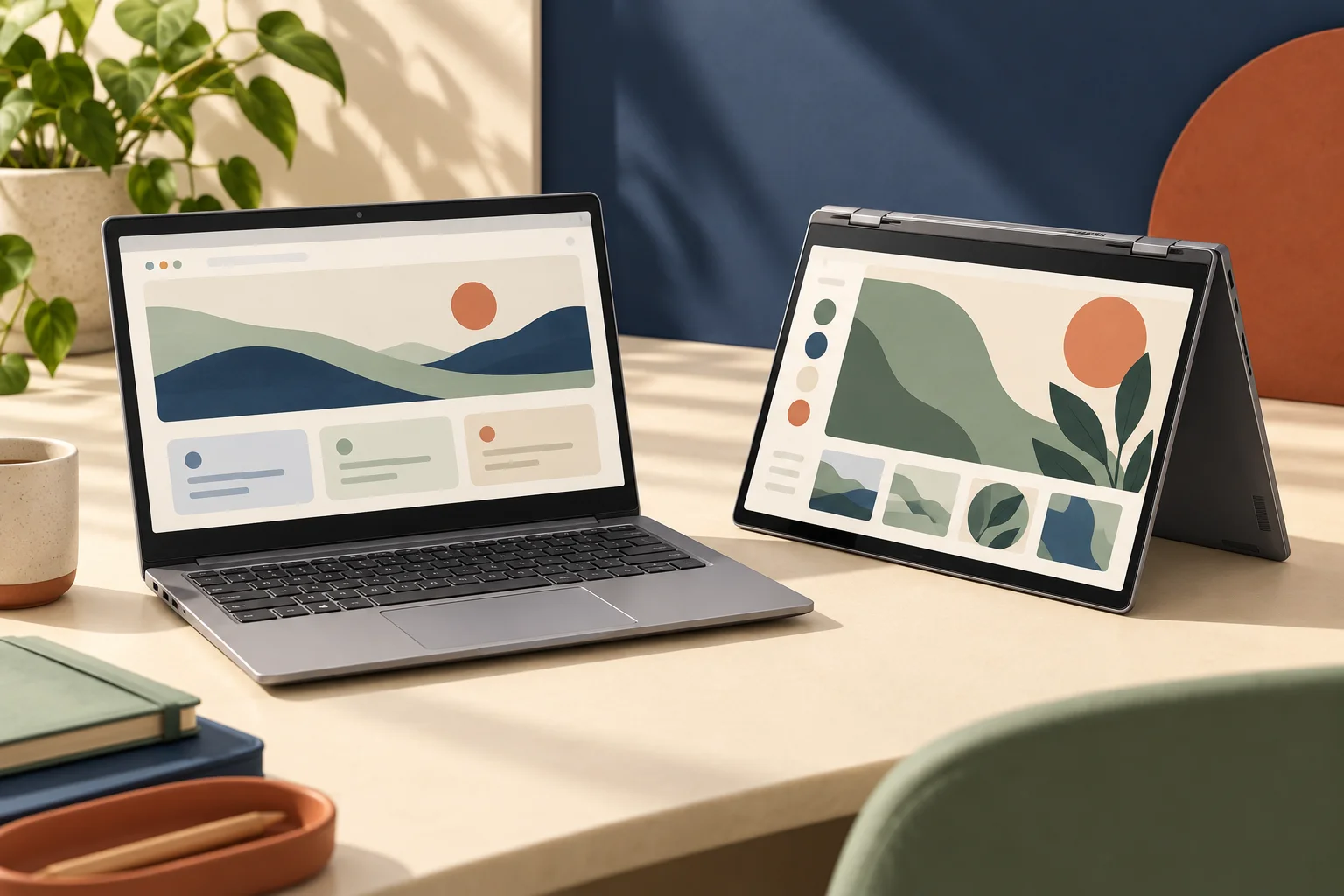
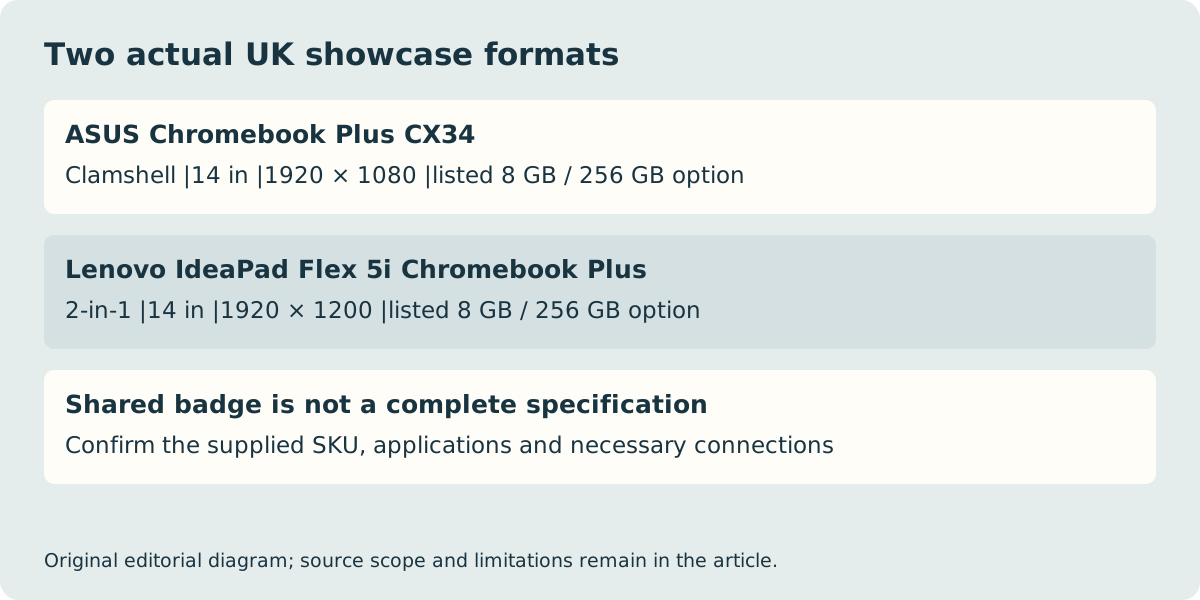
For ordinary keyboard-led desk use, the ASUS Chromebook Plus CX34 is a documented clamshell candidate. If a folding2-in-1 format is essential, the Lenovo IdeaPad Flex 5i Chromebook Plus is the relevant alternative in Google’s UK showcase. Both have listed Intel Core i3, 8 GB memory and 256 GB storage configurations, but their native display grids and physical formats differ. Shared Plus branding does not make the two purchases equivalent.
This is a comparison of those named UK-listed configurations checked on 29 October 2026, not a claim that every regional SKU has those components. Google also lists a different CX34 Core i5/512 GB configuration. Ask which complete reference the seller will supply rather than buying a family name or a photograph. No current offer price, stock or measured performance winner is asserted here.
| Google UK listed option | Published configuration | Format and native screen |
|---|---|---|
| ASUS Chromebook Plus CX34 | Core i3; 8 GB RAM; 256 GB storage | Clamshell; 14 in; 1920 × 1080 |
| Lenovo IdeaPad Flex 5i Chromebook Plus | Core i3; 8 GB RAM; 256 GB storage | 2-in-1; 14 in; 1920 × 1200 |
The extra vertical pixels are real, but not extra physical inches
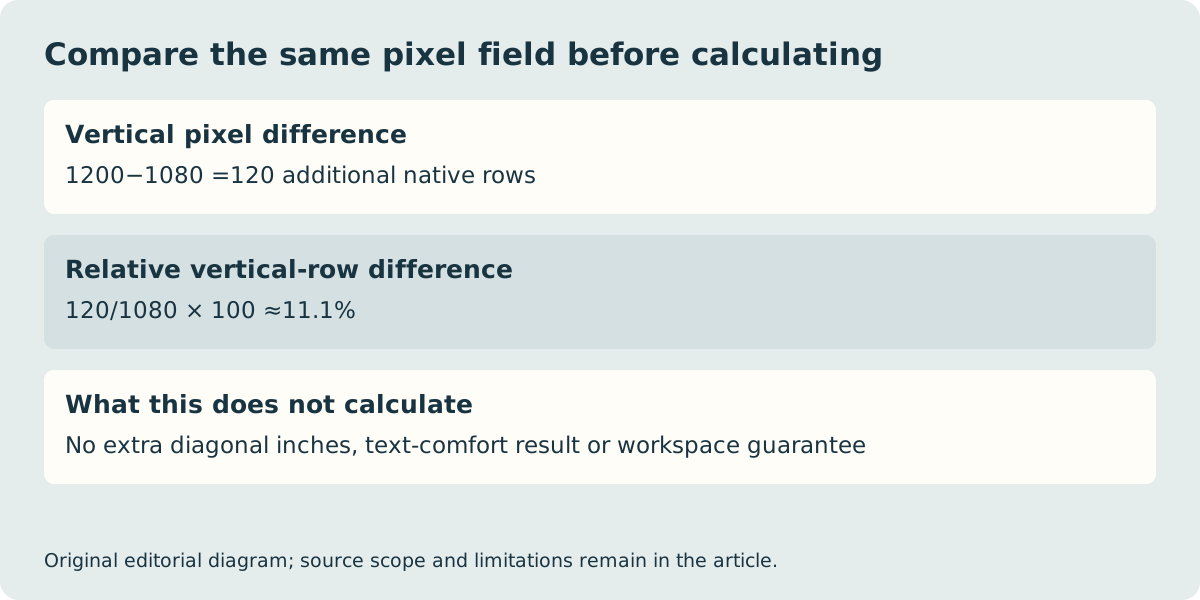
The Lenovo showcase entry has120 more native vertical pixels at the same1920 pixel horizontal count. That is about11.1% more vertical rows. It does not make the nominal14 in diagonal larger or promise11.1% more useful application workspace:operating-system scaling, interface layout and the actual application determine how the pixels are used.
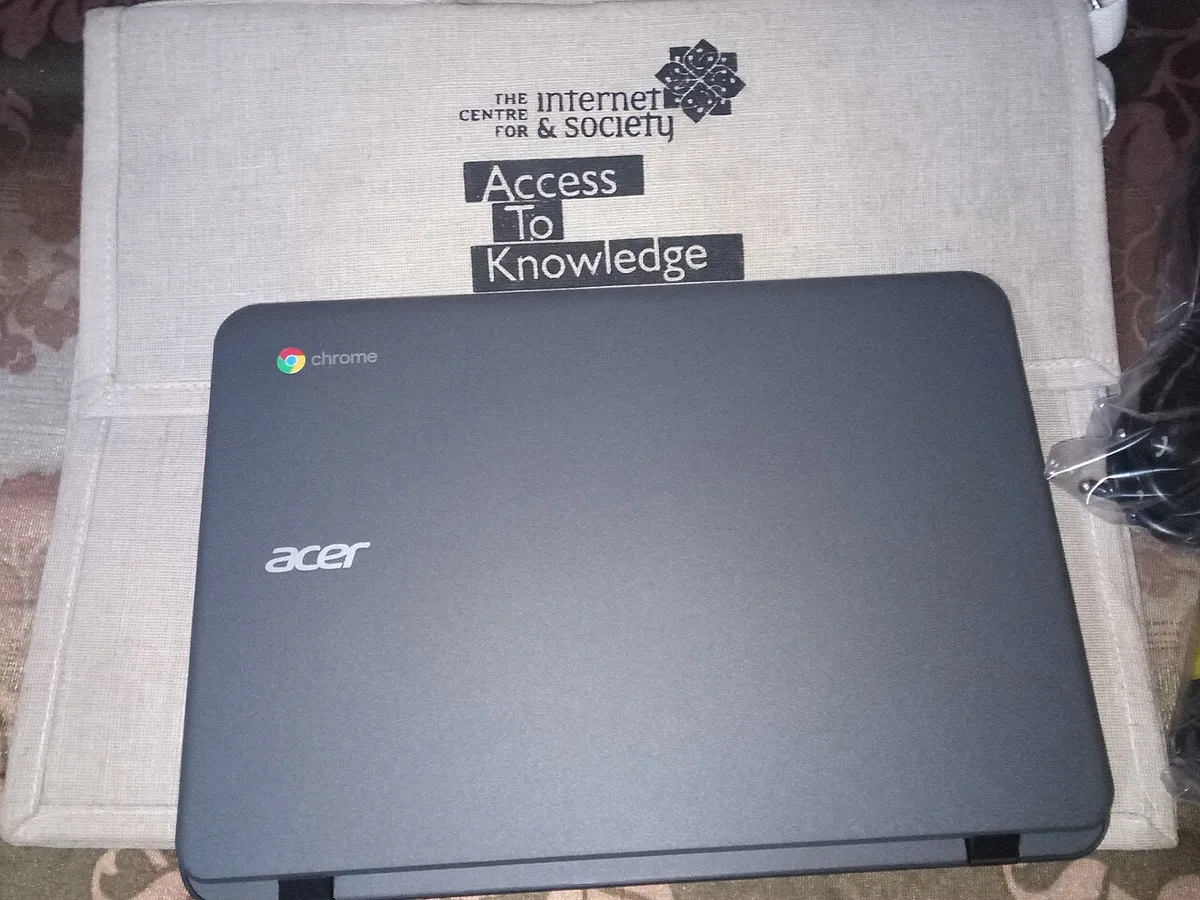
The historical Acer photograph shows a real closed Chromebook enclosure. It establishes neither the hinge arrangement nor the specifications of either current comparison model. Use the documented format to decide which device to investigate, and assess the actual offered unit if touch, hinge movement or a particular use position is decisive. The illustration at the top is likewise an imaginary concept, not a product test.
An Intel badge does not turn ChromeOS into Windows
Both choices are Chromebooks. Microsoft’s support guidance says the Windows and Mac desktop versions of Microsoft 365 or Office 2016 cannot be installed on a Chromebook; it directs users to the web apps. A processor-family name therefore does not settle whether a required desktop application, plug-in or workflow will run.
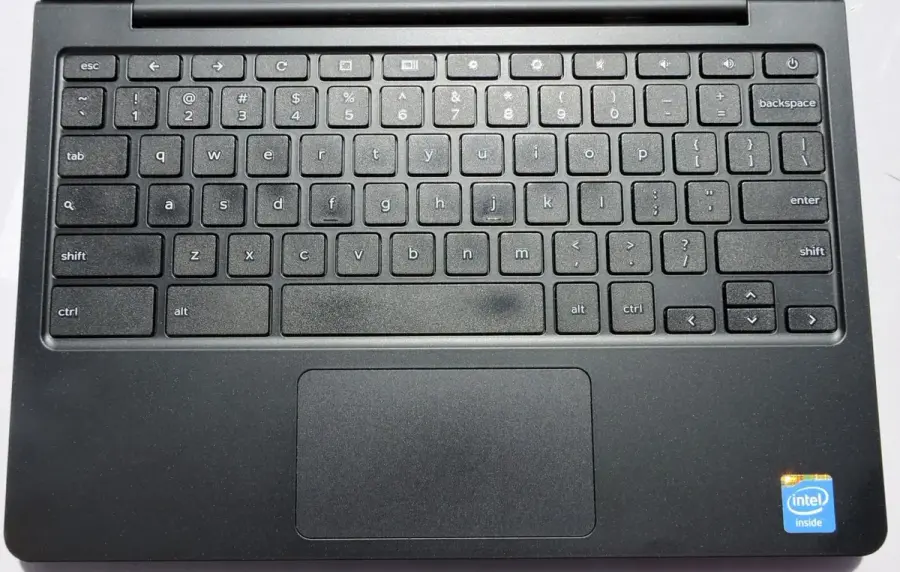
Before choosing either candidate, name the actual applications and any school or workplace account requirements. Confirm the supported web or ChromeOS route for the needed features. If a Windows-only desktop function is essential and no supported alternative meets it, neither of these two choices answers that requirement. The older Dell Chromebook keyboard photograph illustrates a distinct ChromeOS keyboard layout, not a UK-layout guarantee for the ASUS or Lenovo.
Match the technical sheet to the supplied configuration
ASUS’s UK CX3402CBA sheet lists an i3-1215U processor, 8 GB on-board memory and both128 GB and 256 GB UFS storage variants. It describes a non-touch14in1920 × 1080 screen and two USB-C connections supporting display and power delivery, alongside USB-A and HDMI. The presence of multiple storage entries is a reason to confirm the exact supplied SKU, not permission to merge every field into a fictitious maximum configuration.
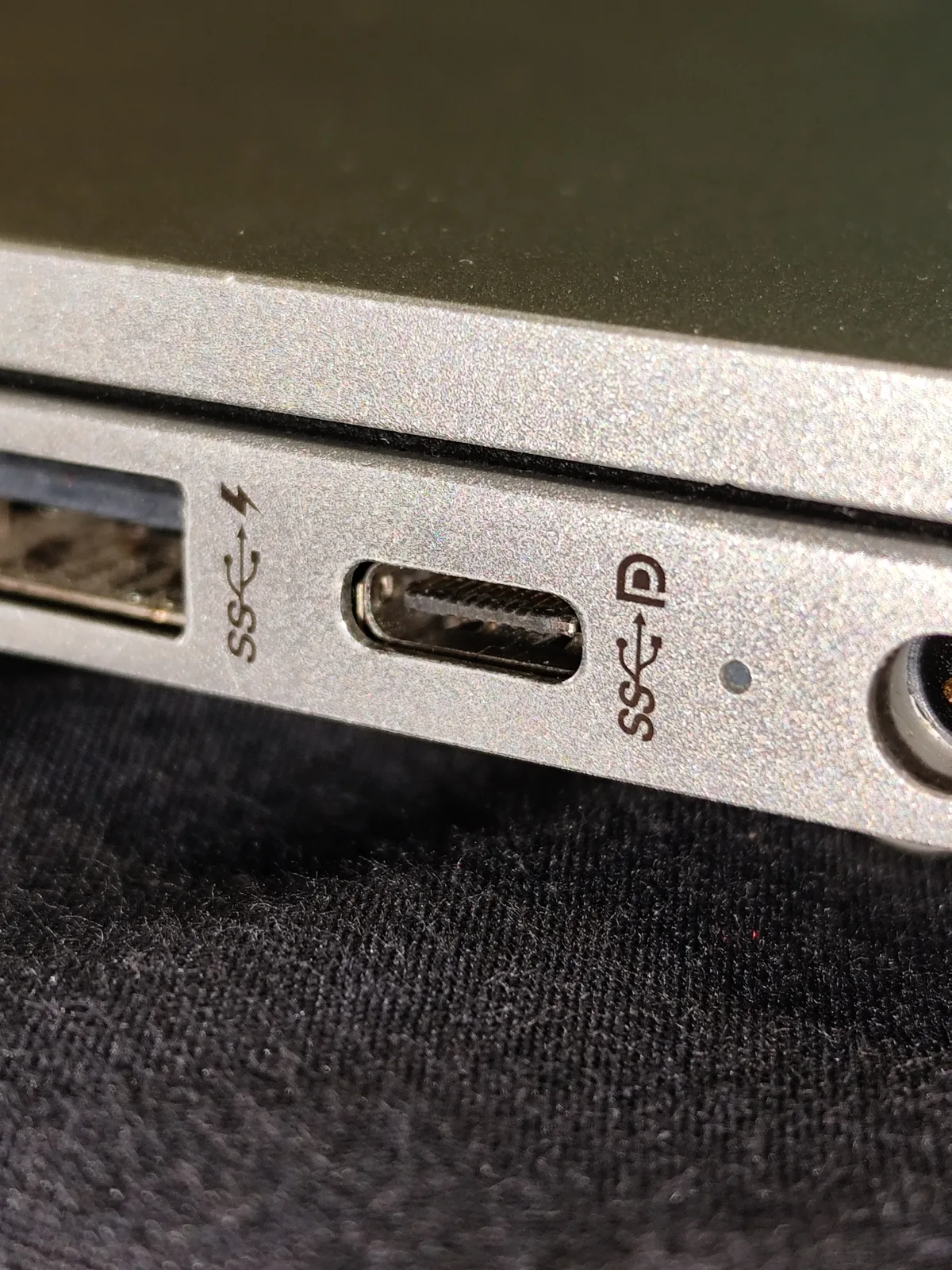
The separate laptop-port photograph shows an actual USB-C connector and printed symbols on another machine. It does not prove what either compared Chromebook can charge or display. Check required peripherals against the actual model documentation; connector shape alone cannot establish the whole display, power or data path. We have not measured speed, battery endurance or accessory performance for these products.
Finish with a configuration and support record
For these two actual choices, the immediate filter is clamshell versus 2-in-1, followed by the required app route and exact configuration. Google’s update policy measures its10-year platform support period from platform release, not from the day a new owner buys a device. Look up the full model identifier in its current end-date list rather than assuming Plus restarts a fresh support clock.
Retain the model reference, keyboard layout, confirmed contents and the seller’s applicable UK delivery, trial, return and warranty terms before paying. Those offer-specific conditions have not been independently verified here and are not entered as free or identical. This article supplies a real feature comparison and clear rejection conditions; it does not claim a universal best Chromebook, a delivered-price ranking or the suitability of an unidentified second-hand unit.