Surface Pro sizes: compare the current 12-inch and 13-inch arrangements
Compare Microsoft UK’s 12th Edition Surface Pro references, including different ports, displays, keyboard families and the missing cost of optional input equipment.
Updated:
Select the complete detachable arrangement
Choose the current 12-inch Surface Pro when the smaller tablet format and its documented connections cover the work you need. Choose the 13-inch reference when its larger display, USB4 connection or a specified configuration is an actual requirement. Microsoft’s UK comparison checked on 29 October 2026 describes Snapdragon X2 models; it must not be combined with the first-generation 12-inch specification or older 13-inch Surface Pro photographs. Save the generation as well as the diagonal.
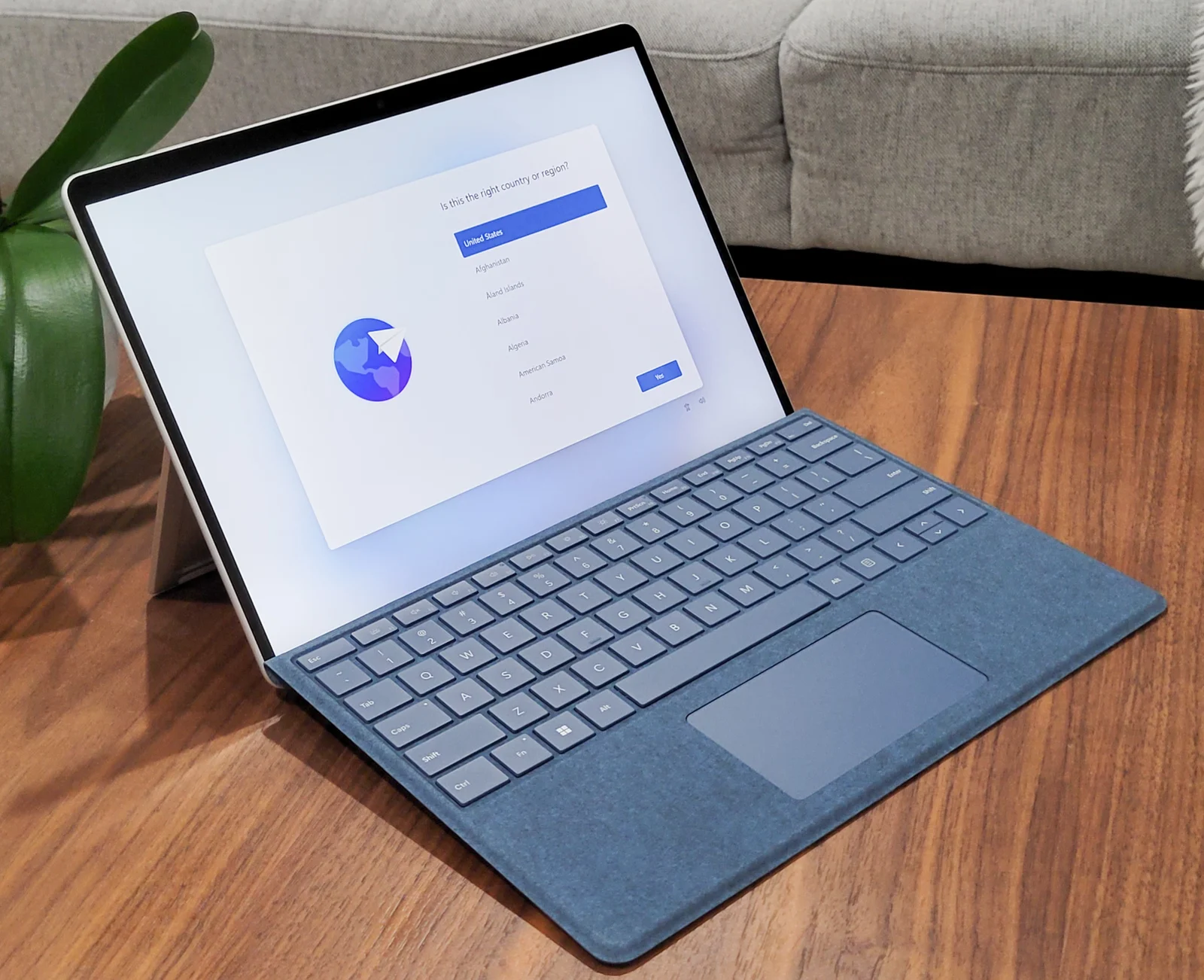
The tablet alone is not a complete laptop substitute for someone who needs extensive typing. Microsoft explicitly sells the keyboard and pen separately. Compare the supported keyboard, its working footprint and the power equipment with the tablet before deciding that one box replaces your whole existing arrangement. A familiar blue keyboard in a historical photograph is not evidence of inclusion in today’s UK basket.
| Current Microsoft UK reference | Surface Pro 12-inch | Surface Pro 13-inch |
|---|---|---|
| Processor choices | Snapdragon X2 Plus 6-core | X2 Plus 10-core or X2 Elite 12-core |
| Display | 2196 × 1464 LCD, 90 Hz | 2880 × 1920 LCD or OLED, 120 Hz |
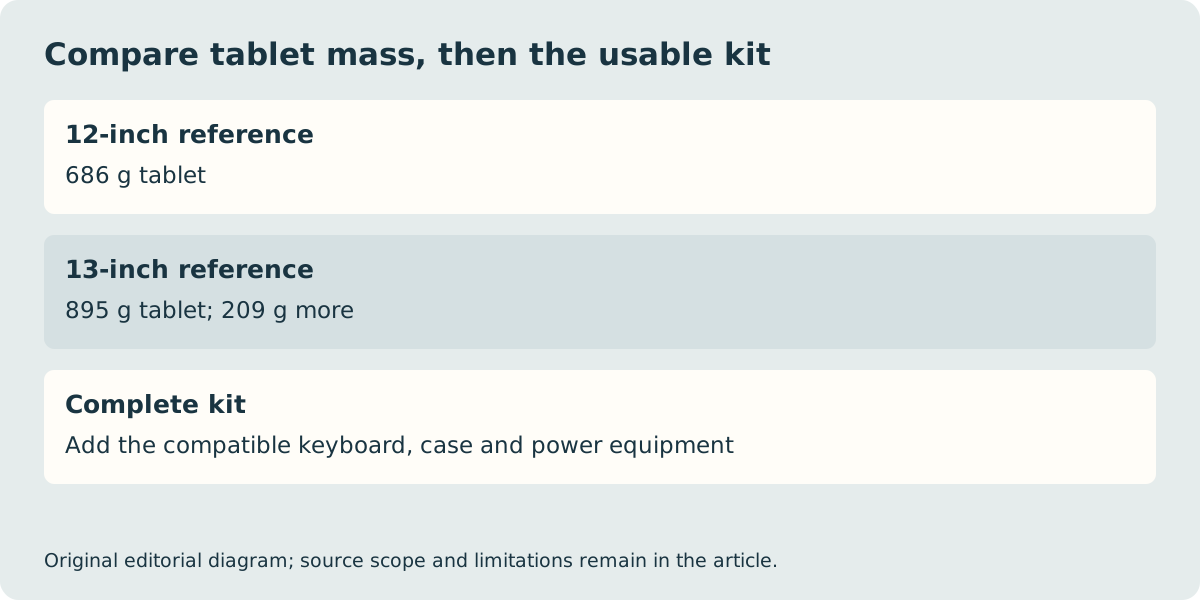
| Quoted device mass | 686 g | 895 g |
| Ports | Two USB-C USB 3.2 | Two USB-C USB4; Surface Connect |
| Keyboard family | Pro 12-inch Keyboard | Pro Flex 13-inch Keyboard |
A size change also changes the accessory shortlist
Microsoft identifies different keyboard families for these two devices. The 12-inch reference stores and wirelessly charges its supported pen on the back; the 13-inch arrangement uses the keyboard for the corresponding storage and charging provision. Do not transfer an existing keyboard or pen to a new basket based only on the word Surface. Read the exact accessory’s compatibility list and charging arrangement, including the required generation.
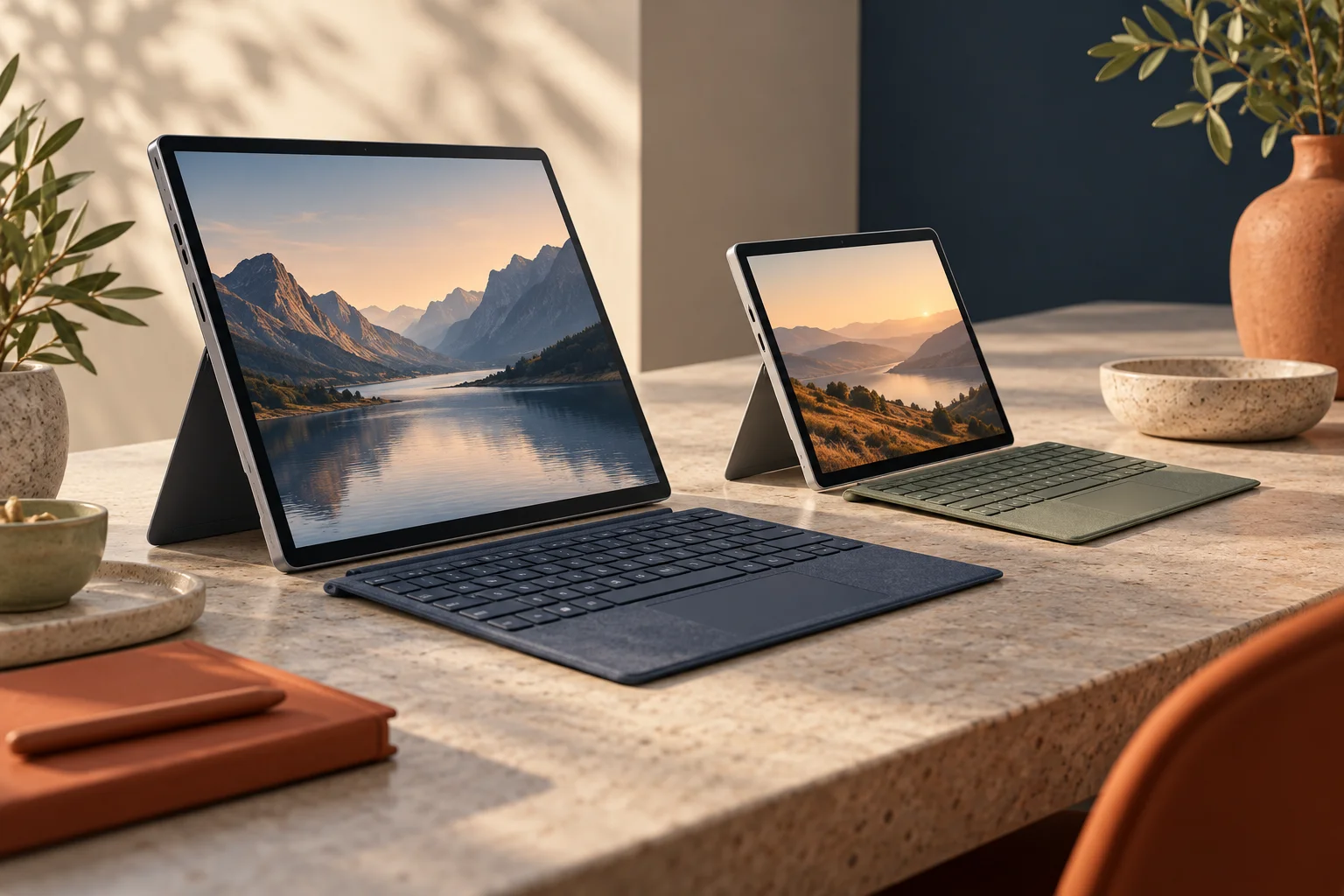
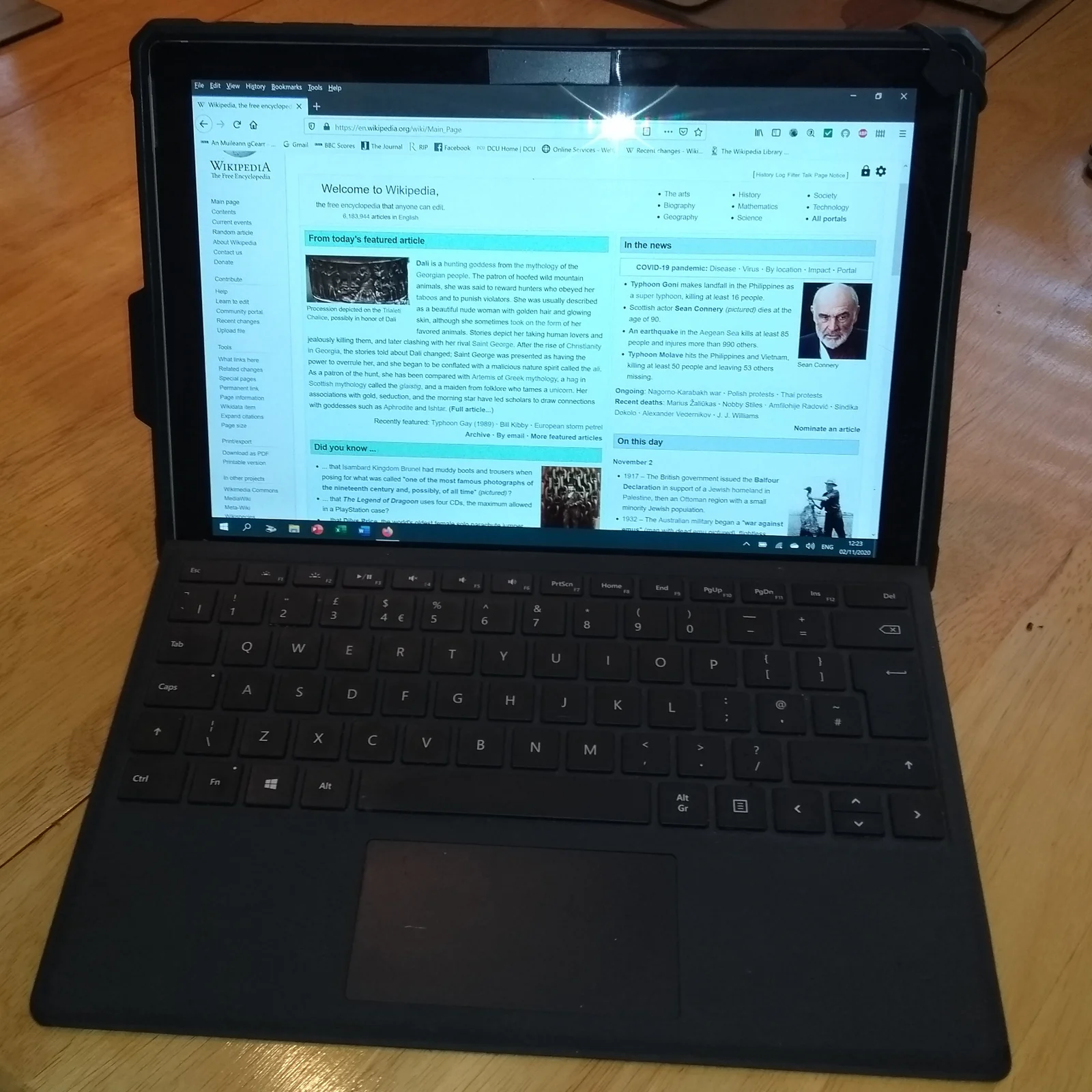
The detachable keyboard and kickstand need a supporting surface behind and in front of the screen. Measure the clear space where you will actually type, and try the arrangement if lap use matters. We have not performed a lap-stability test or measured either complete setup. The older Pro 6 in a protective case and Pro 9 with keyboard below show real examples of this device format, explicitly not the current units being compared.
USB-C is shared; USB capability is not
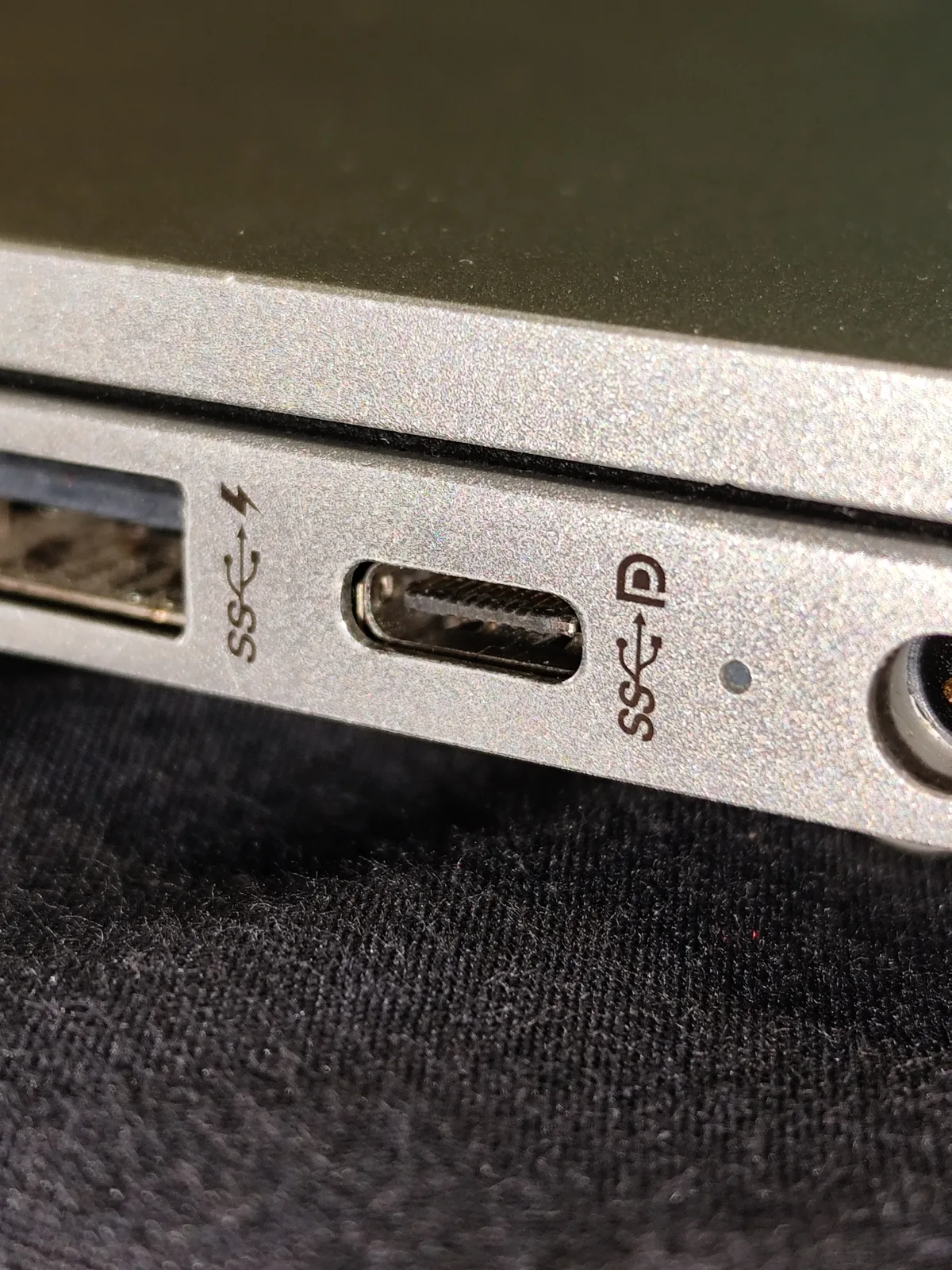
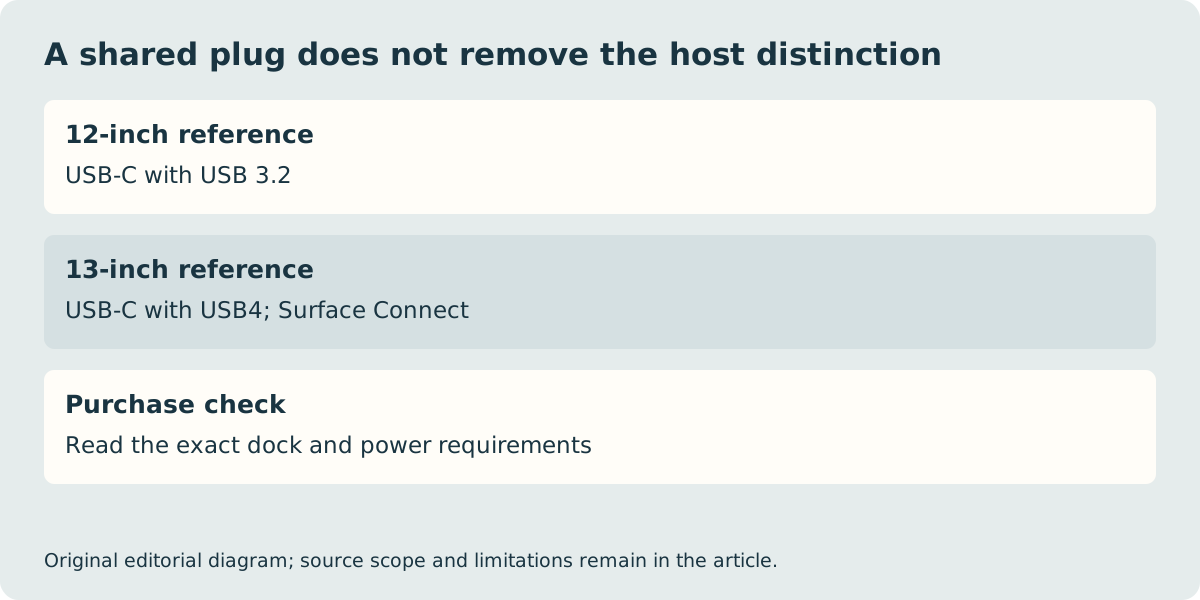
The checked 12-inch reference lists USB 3.2, while the 13-inch lists USB4 and Surface Connect. That distinction matters if a required dock or display arrangement depends on the host protocol. A USB-C plug that physically enters both computers does not demonstrate that both provide every function of the same accessory. Check the complete host, dock, cable, display and power path rather than buying from the shape of the connector.
Likewise, the 13-inch family offers both LCD and OLED display configurations. Do not read an OLED review as evidence about an LCD order. The resolution and refresh-rate figures in the table are manufacturer specifications, not measured brightness, colour accuracy or sustained application performance. Select the display option explicitly when comparing two seller listings.
Confirm the Windows work and the complete UK purchase
Both compared consumer references use an Arm processor platform. Microsoft’s Windows Arm guidance explains that applications can have native or emulated routes, while hardware and driver-dependent software require suitable drivers. Verify the exact specialist program, printer, VPN or examination software that would make the purchase fail. A browser demonstration or a generic Windows logo is not proof that its required extension or driver works.
The quoted tablet masses differ by 209 g: 895 minus 686. This does not include the optional keyboards, cases and chargers that may change the carried kit. Obtain those component weights and actual local prices before using the site’s mass and budget tools. We have not verified stock, delivery, a complete basket total or a performance winner. The useful result is a supported format and connection shortlist; retain the exact UK model, accessories and seller conditions before ordering.