2-in-1 laptop choices: compare a hinged convertible with a detachable
Compare Dell DB04250 and current Surface Pro 12-inch from actual support arrangements, keyboard boundaries, display dimensions and software requirements.
Updated:
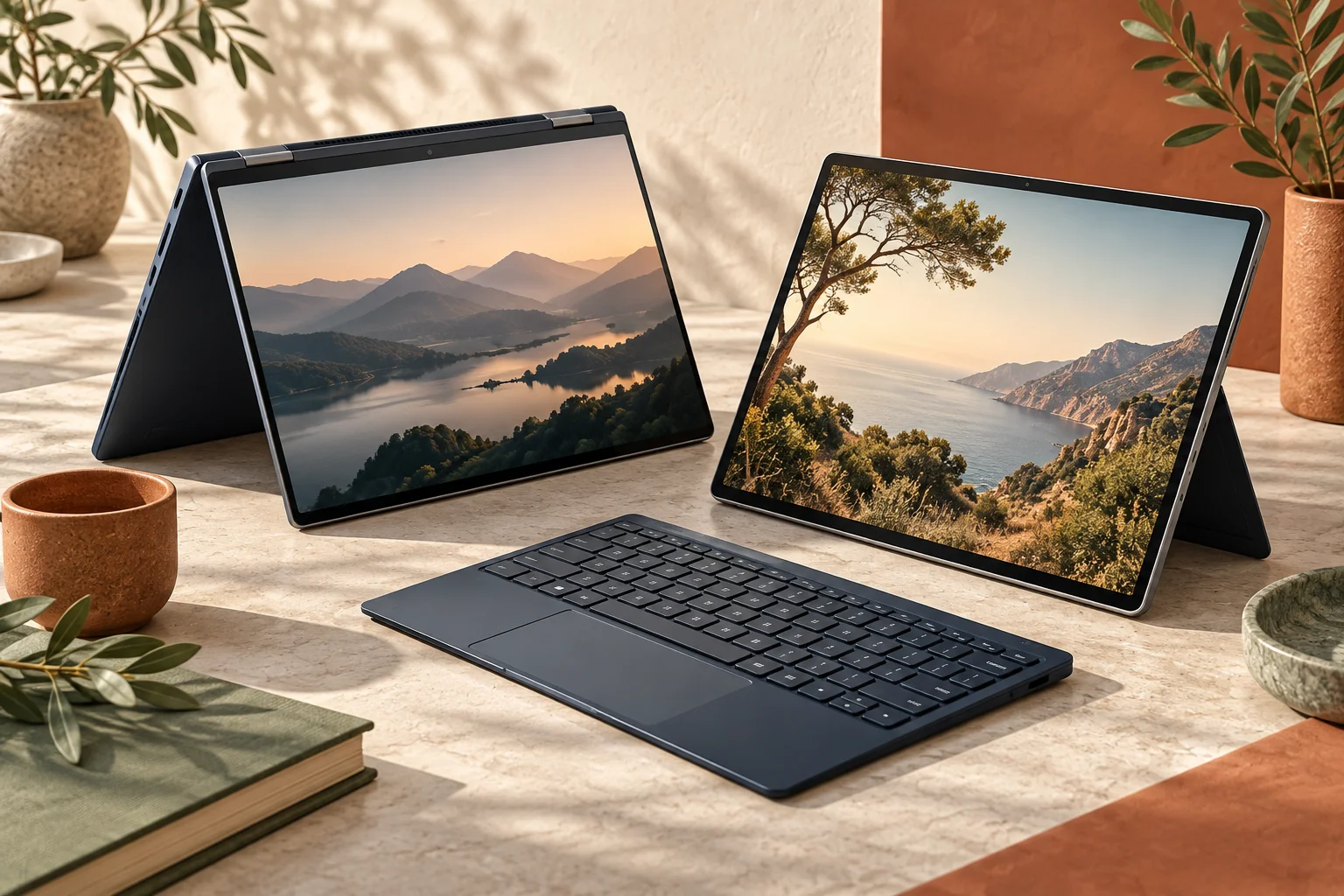
A 2-in-1 label covers two different physical purchases
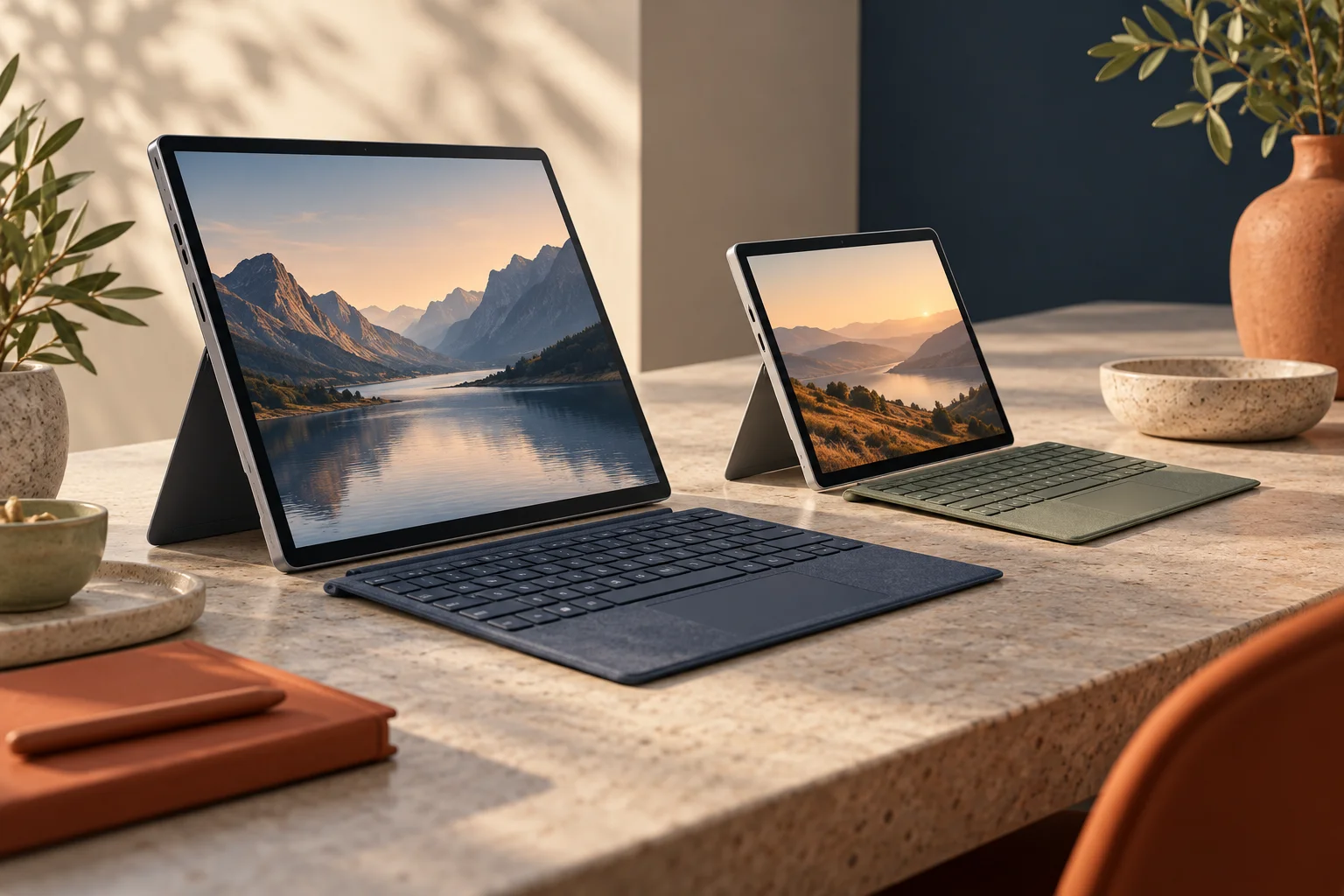
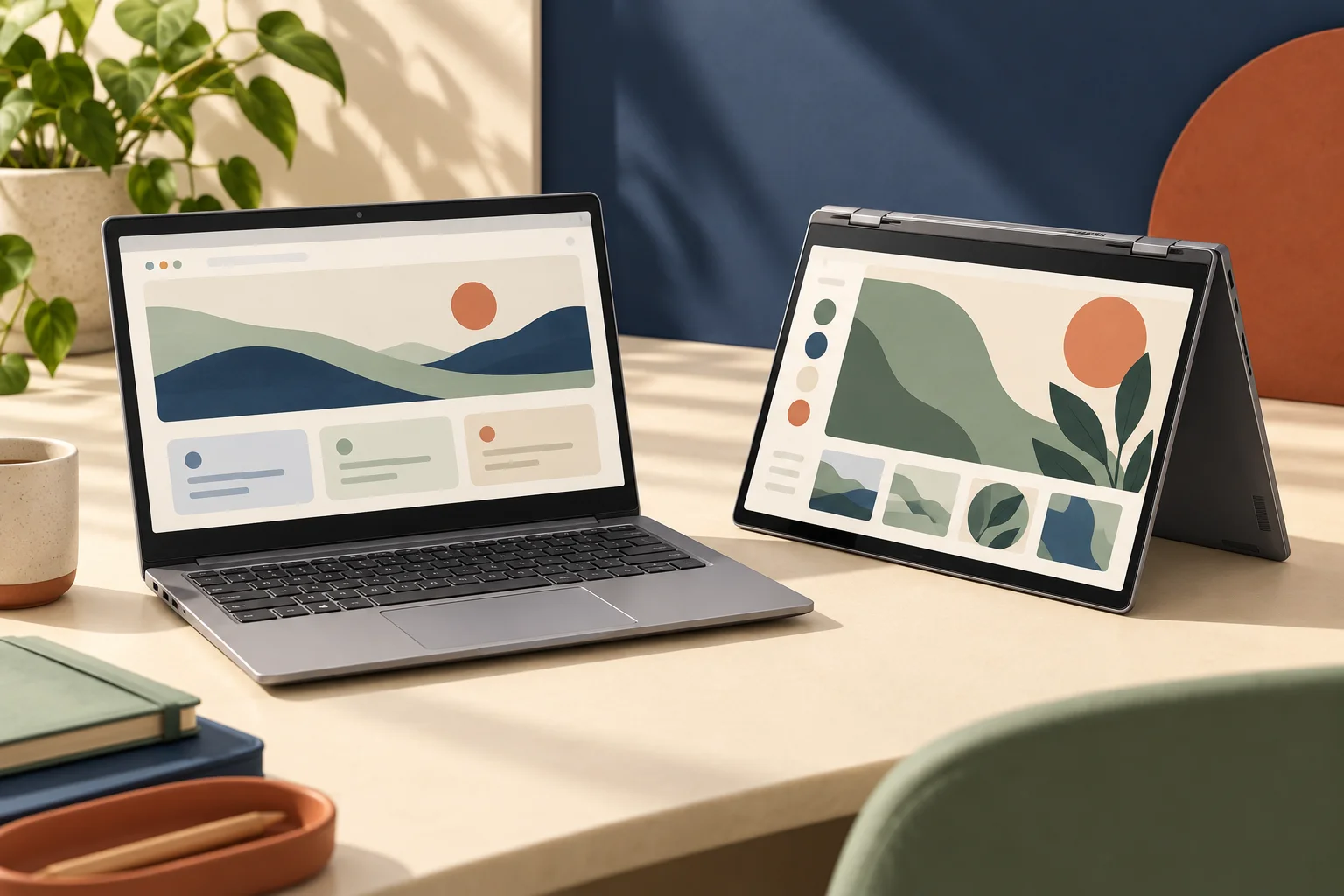
Choose a hinged convertible such as Dell 14 Plus 2-in-1 DB04250 when a permanently attached keyboard suits most of the work and folded touch positions provide an additional useful mode. Choose a detachable such as the current 12-inch Surface Pro when separating the keyboard is itself a practical requirement. Those are two real product formats, not interchangeable meanings of a marketing label. The best fit depends on how and where you will type, read or write.
The Dell manufacturer manual describes a 14-inch touch panel with 1920 × 1200 resolution. Microsoft’s current 12-inch reference has 2196 × 1464 pixels at 90 Hz. A larger physical diagonal does not automatically mean more native pixels. Test the actual application layout and input position instead of using the word laptop or tablet to predict the entire experience.
| Named reference | Dell DB04250 | Current Surface Pro 12-inch |
|---|---|---|
| Keyboard boundary | Built-in and attached | Compatible keyboard sold separately |
| Format | Hinged convertible | Tablet with kickstand and detachable keyboard |
| Display reference | 14-inch, 1920 × 1200 | 12-inch, 2196 × 1464 |
| Quoted device mass | Minimum 1.61 kg; configuration-dependent | 686 g tablet only |
| Processor platform | Intel Core Ultra 200V | Snapdragon X2 Plus 6-core |
Compare equivalent typing arrangements
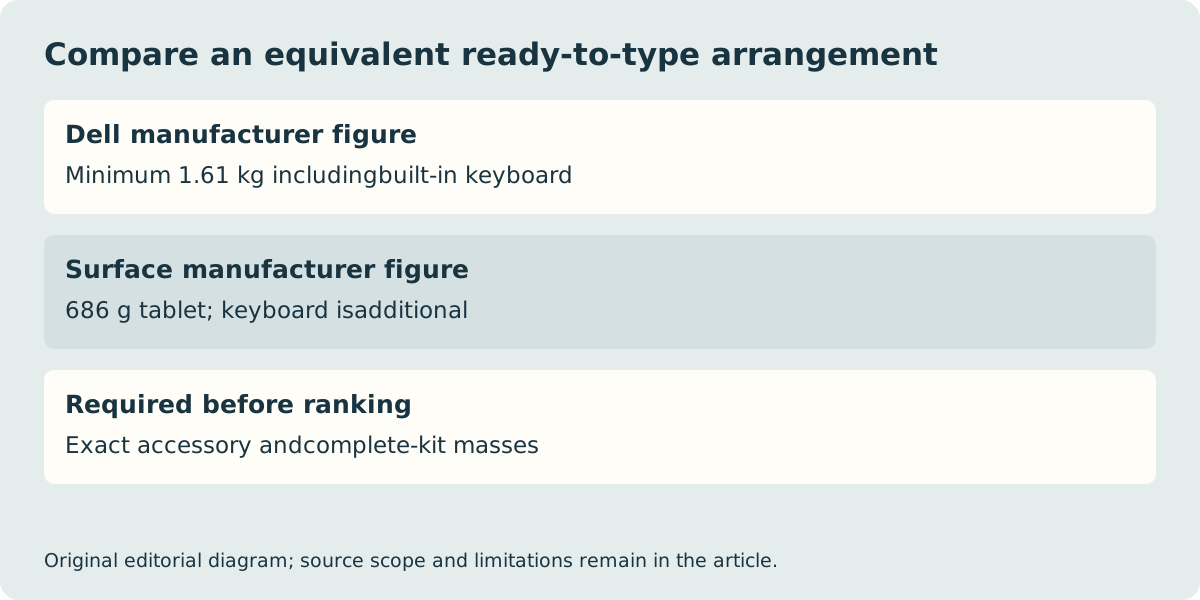
The Surface’s tablet-only mass must not be compared with the Dell’s whole-computer mass as though both figures describe a ready-to-type laptop. Add the exact supported Surface keyboard, protection and required power equipment before judging the carried kit. Microsoft explicitly sells the pen and keyboard separately. A hypothetical mass in a calculator is not a measurement of the actual accessory you are about to buy.
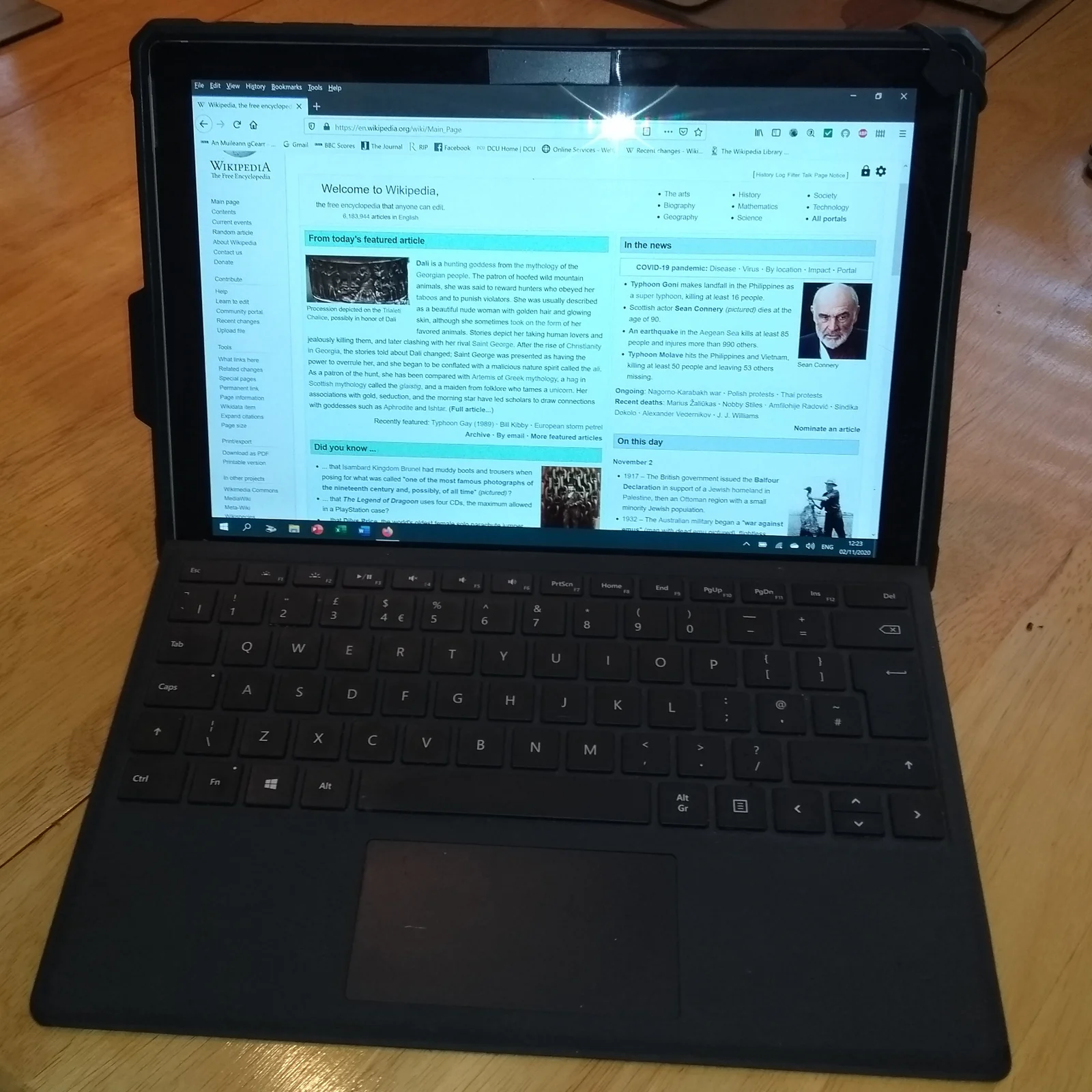
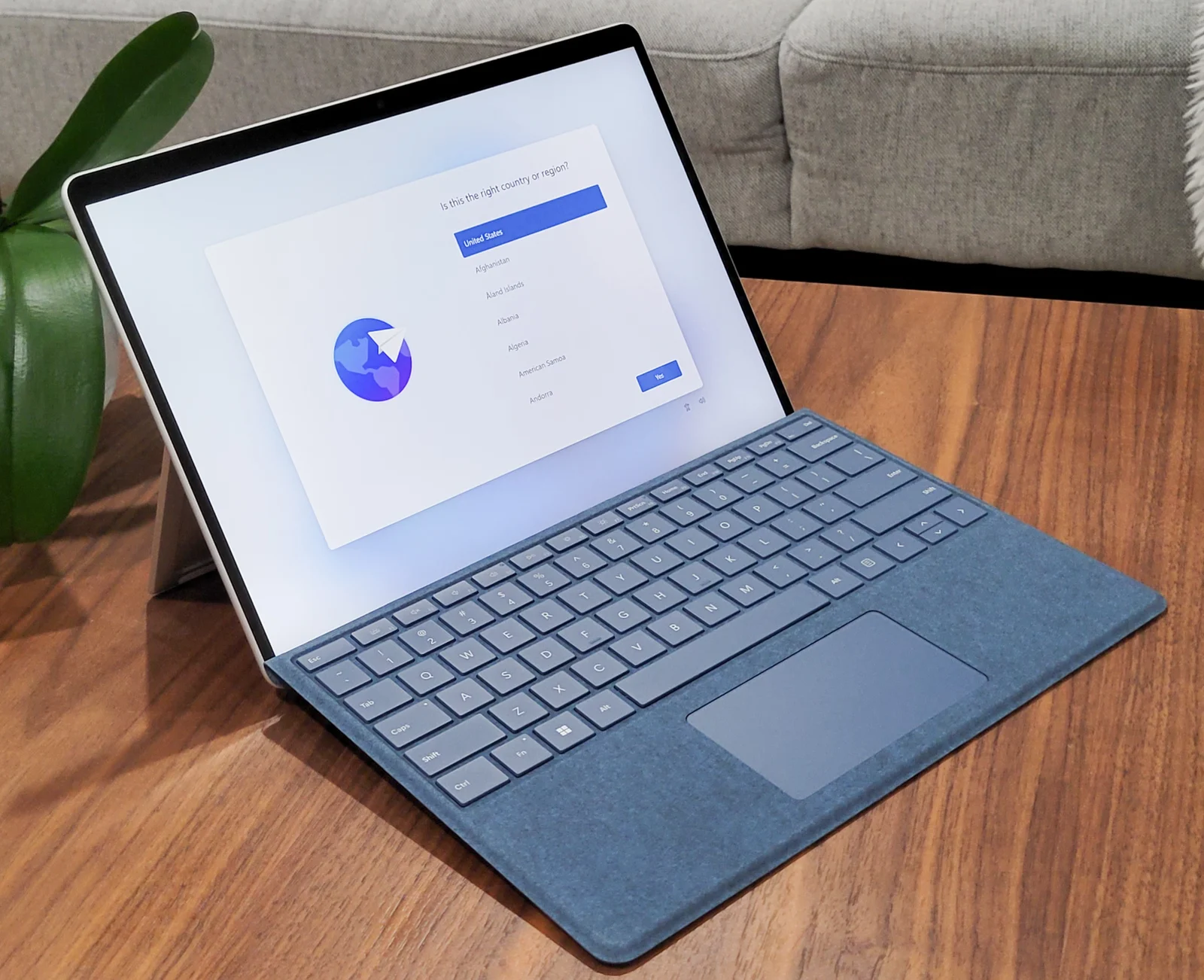
The old Surface Pro 6 and Pro 9 photographs below show real detachable arrangements and make the separate-keyboard boundary visible. They do not show the current Surface, prove keyboard interchangeability or establish the delivered UK layout. Read the exact accessory compatibility list. A keyboard that attaches to an older tablet is not automatically an acceptable transfer to a new generation.
Supporting surface and pen fit can decide the format
A detachable’s kickstand and keyboard need a supporting area, while a hinged convertible has a different support geometry. Try the intended position on a representative small desk or lap if that is central to the purchase. We have not measured stability, comfort or handwriting quality for either unit. A catalogue image in a dramatic folded pose does not demonstrate that it works well for a long session in your actual setting.
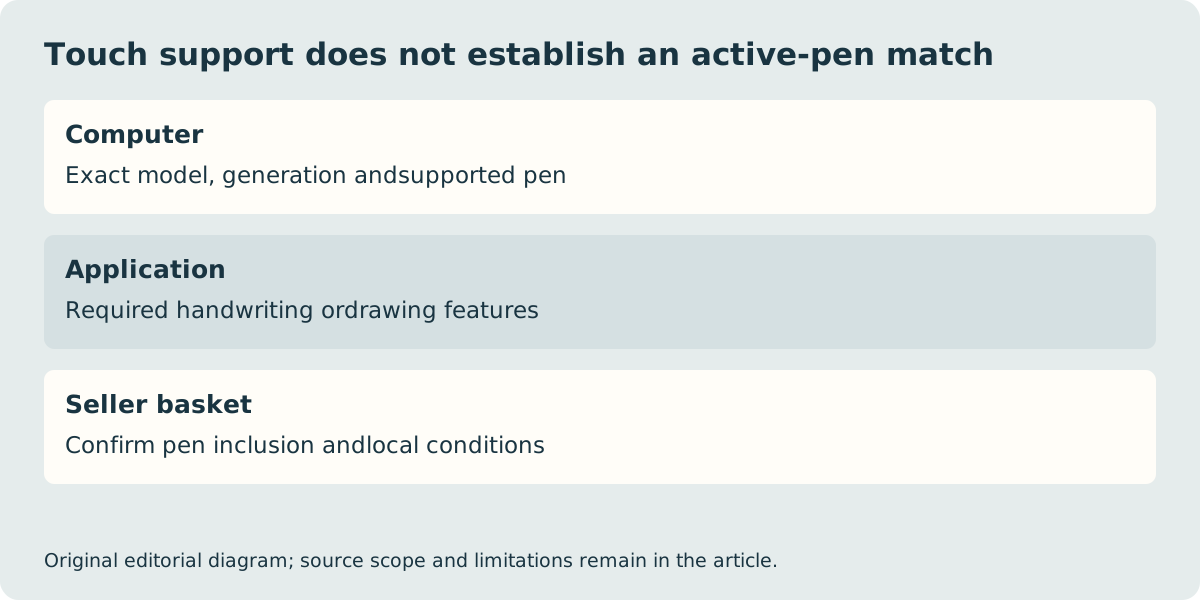
If drawing or handwriting is essential, identify the supported pen model and the features required by the application. Touchscreen support alone is not evidence that every active stylus works, that pressure behaves identically or that a pen is included. Confirm the actual computer-and-pen combination with the manufacturer and seller; do not count an incompatible existing stylus as a saving in a comparison basket.
The physical format does not answer the software question
The Surface reference uses Windows on Arm, while the Dell reference uses Intel. Verify the required application, plug-in and peripheral driver against the exact platform. Microsoft documents application emulation routes but treats driver support separately. A necessary examination tool, printer utility or specialist extension can exclude an otherwise attractive format. Likewise, a browser alternative is only a solution when it supplies the actual feature and offline conditions the work needs.
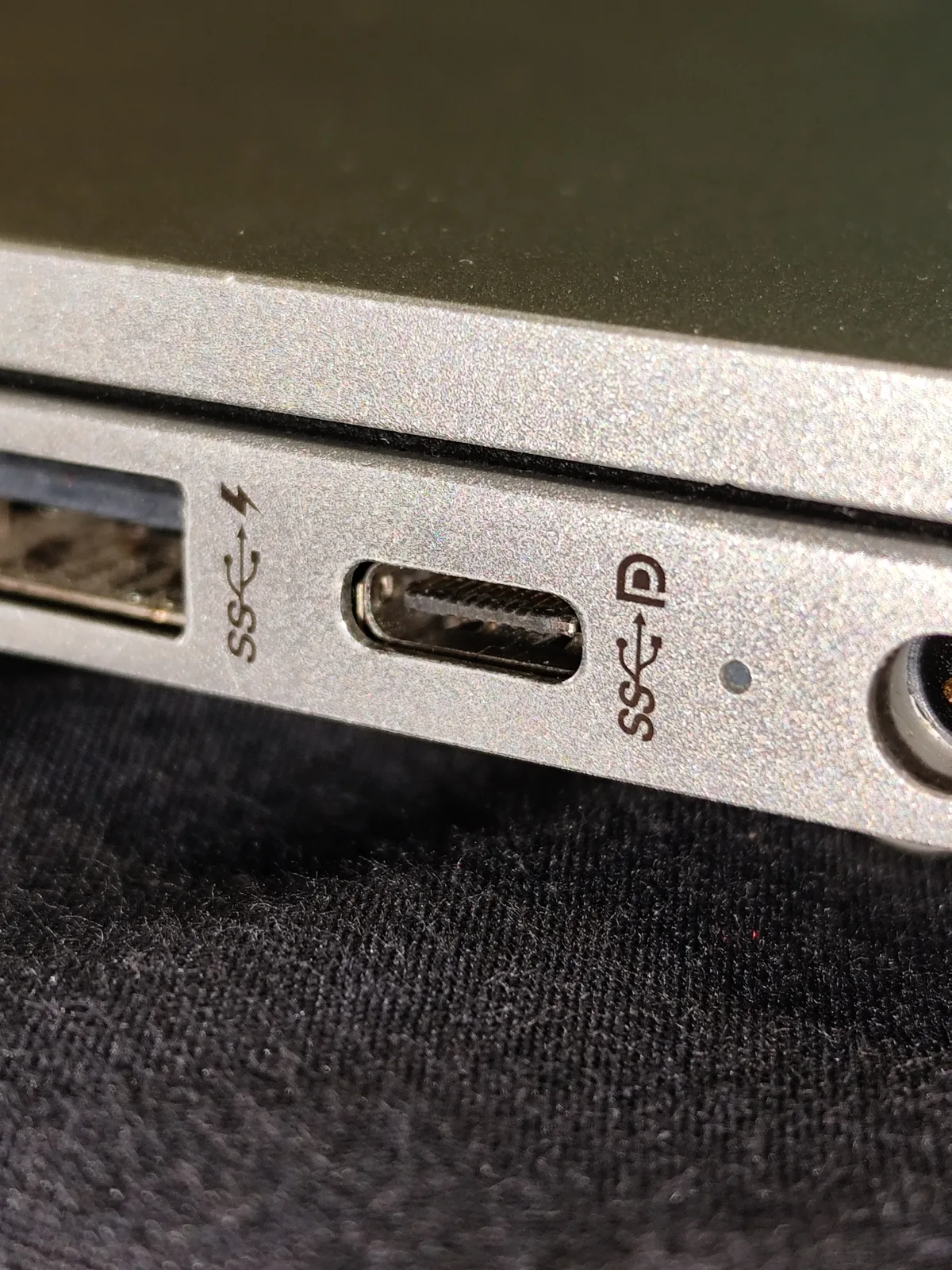
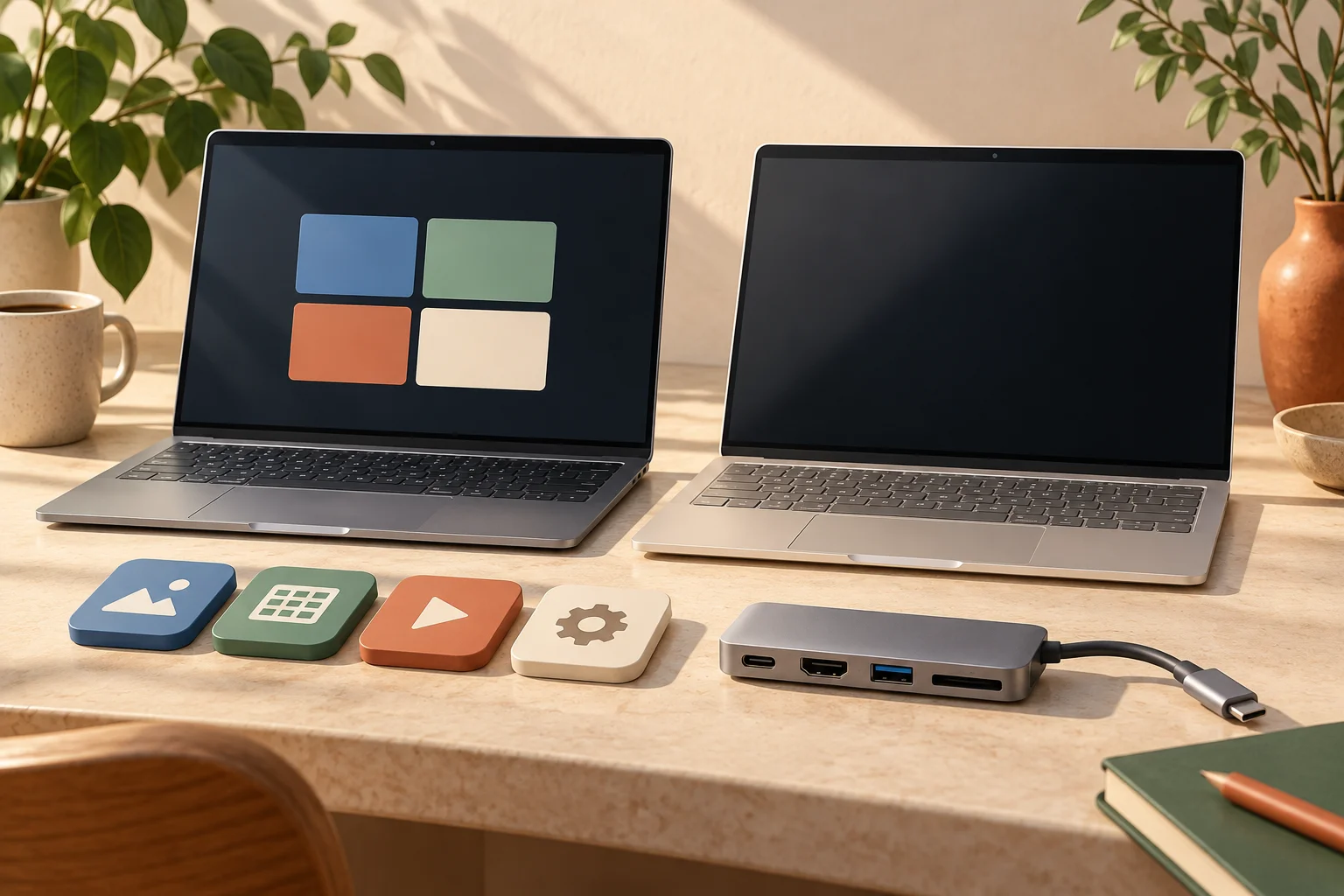
Plan charging, storage and external displays around the chosen working position. The USB-C photograph is a physical connection example, not approval for an arbitrary dock. Dell’s manual describes Thunderbolt 4 plus a separate USB 10 Gb/s connection; the Surface reference lists USB 3.2. Check the full host-to-accessory path. We have not verified a current UK stock or price winner. Keep the exact configuration, compatible input equipment, included power items and local seller terms together before deciding which complete arrangement to buy.