Surface Laptop sizes: compare the actual 13-inch and 13.8-inch models
Compare current Microsoft UK13-inch and 13.8-inch Surface Laptop references, including real USB, display, sign-in and complete-kit differences.
Updated:
The larger model changes more than the diagonal
Choose the current 13-inch Surface Laptop when its smaller display arrangement, USB 3.2 connections and fingerprint sign-in meet your work requirements. Choose the current 13.8-inch reference when USB4, the larger higher-resolution display or its facial sign-in arrangement is specifically useful. Microsoft’s UK comparison checked on 29 October 2026 describes Snapdragon X2 models; an older Surface Laptop review may concern a different processor generation, port set or weight.
The 13-inch reference uses a Snapdragon X2 Plus with 6 cores, while the 13.8-inch menu includes X2 Plus 10-core and X2 Elite 12-core options. Those specifications identify the available platforms, not a benchmark result or a reason to pay for a configuration your work does not need. Preserve the exact selected processor, memory and storage with the size.
| Current Microsoft UK reference | 13-inch Surface Laptop | 13.8-inch Surface Laptop |
|---|---|---|
| Display | 1920 × 1280 LCD, 60 Hz | 2304 × 1536 HDR LCD, 120 Hz |
| Quoted device mass | 1225 g | 1342 g |
| USB-C arrangement | Two USB-C / USB 3.2 | Two USB-C / USB4 |
| Other connection distinction | USB-A and headphone socket | USB-A, audio and Surface Connect |
| Windows Hello | Fingerprint | Facial recognition |
Plan the real display workspace
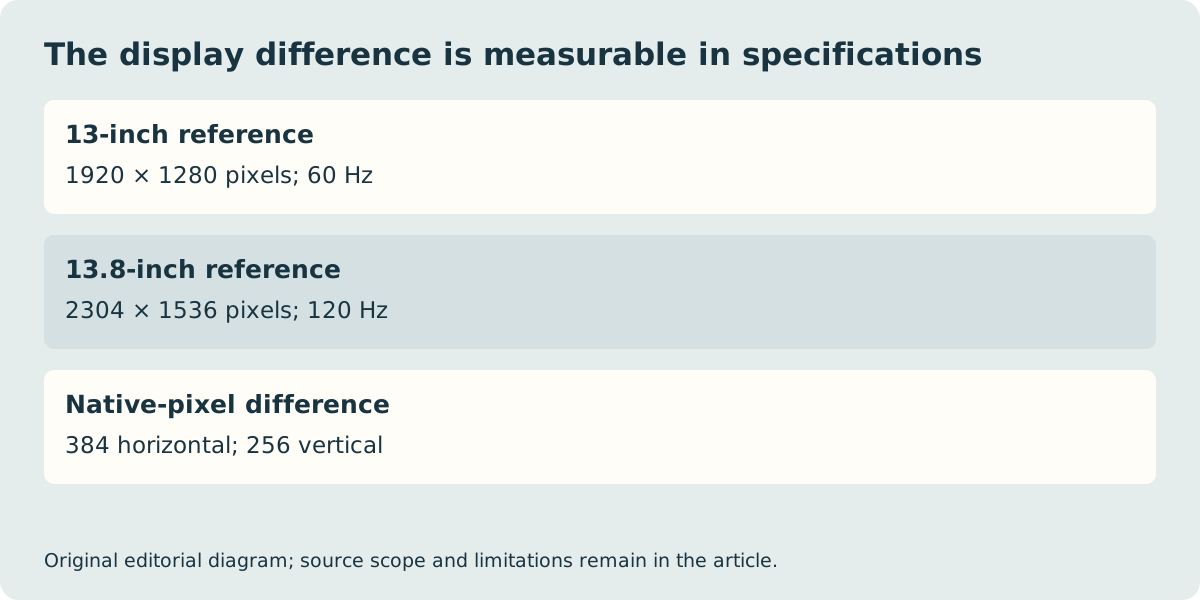
Both references have touch displays, but the listed native resolutions differ. The 13.8-inch model adds 384 horizontal pixels and 256 vertical pixels over the 13-inch reference. That is a real specification difference, not a guarantee that an extra application pane or particular spreadsheet will fit at your preferred text size. Windows scaling and the application’s own interface determine the visible working arrangement.
Likewise, the manufacturer’s 120 Hz versus 60 Hz figures describe the panels, not measured response time, colour accuracy or battery endurance. If the screen is central to the purchase, view representative content and confirm the actual selected configuration. A generic HDR label cannot replace the exact panel and application requirements, and a retailer photograph may show another size from the family.
USB4 may matter more than a small mass difference
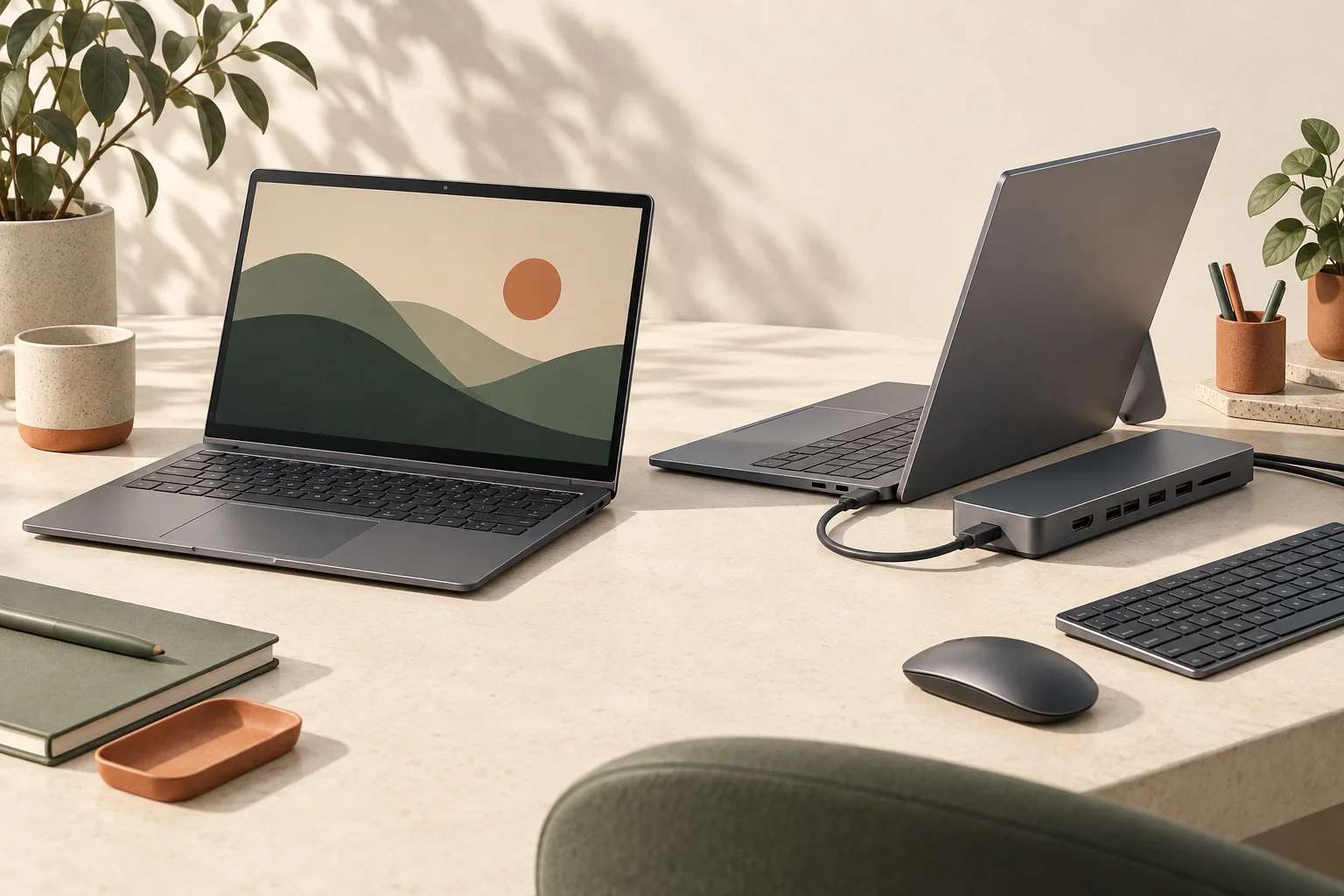
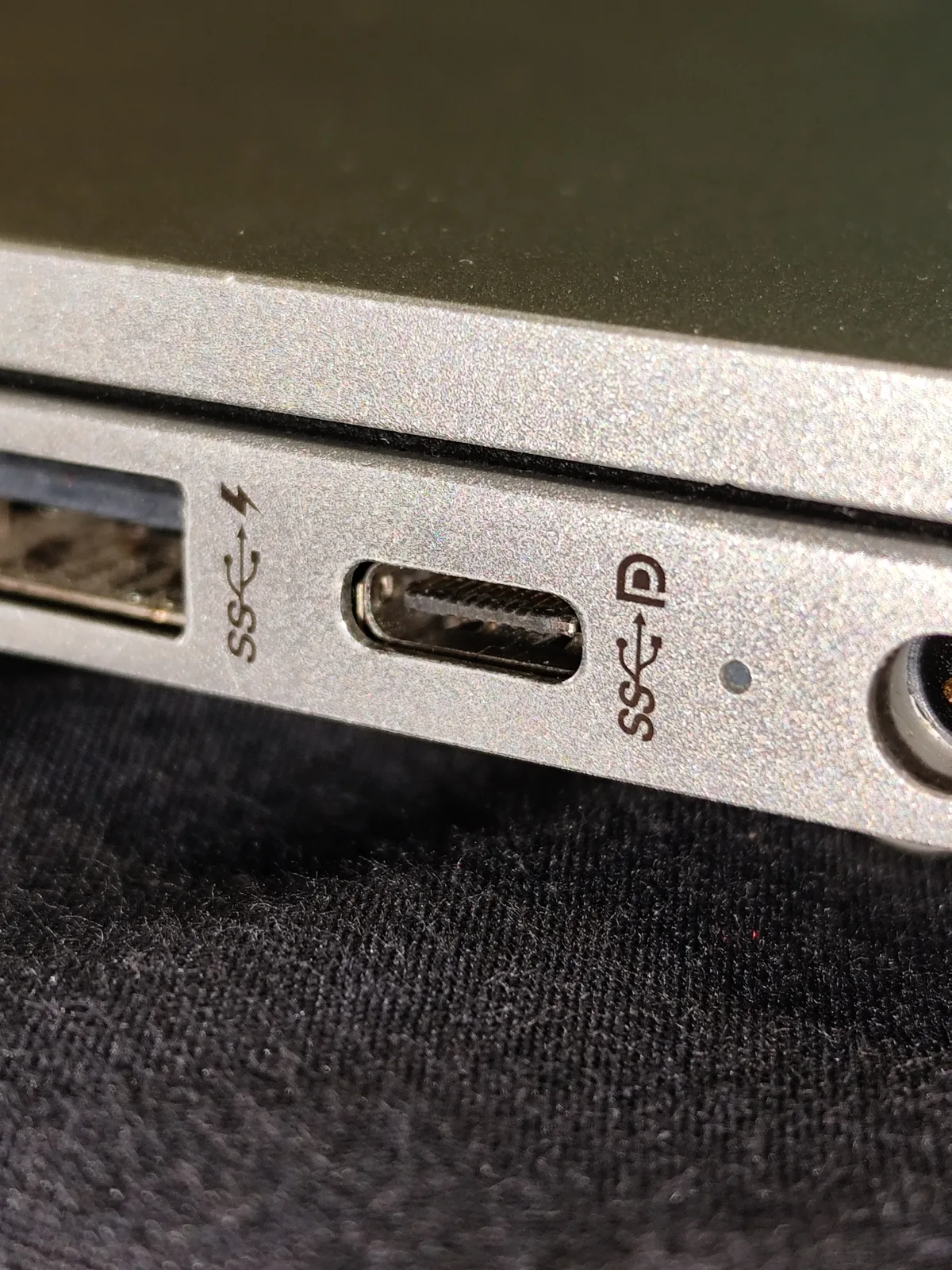
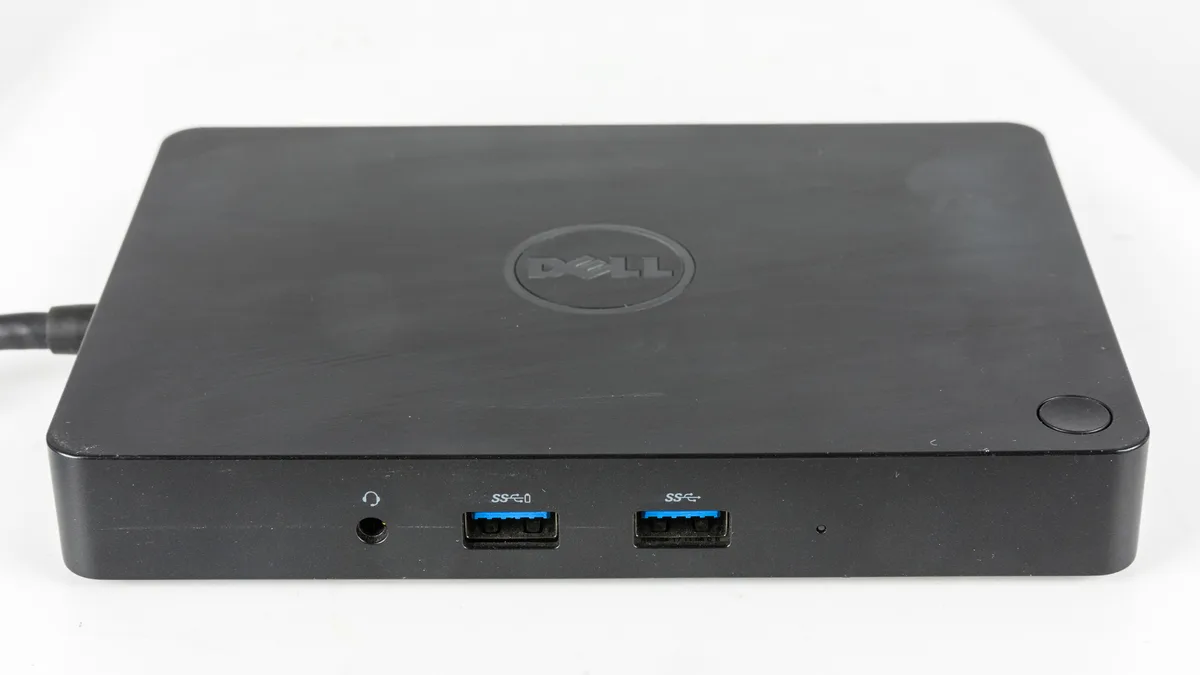
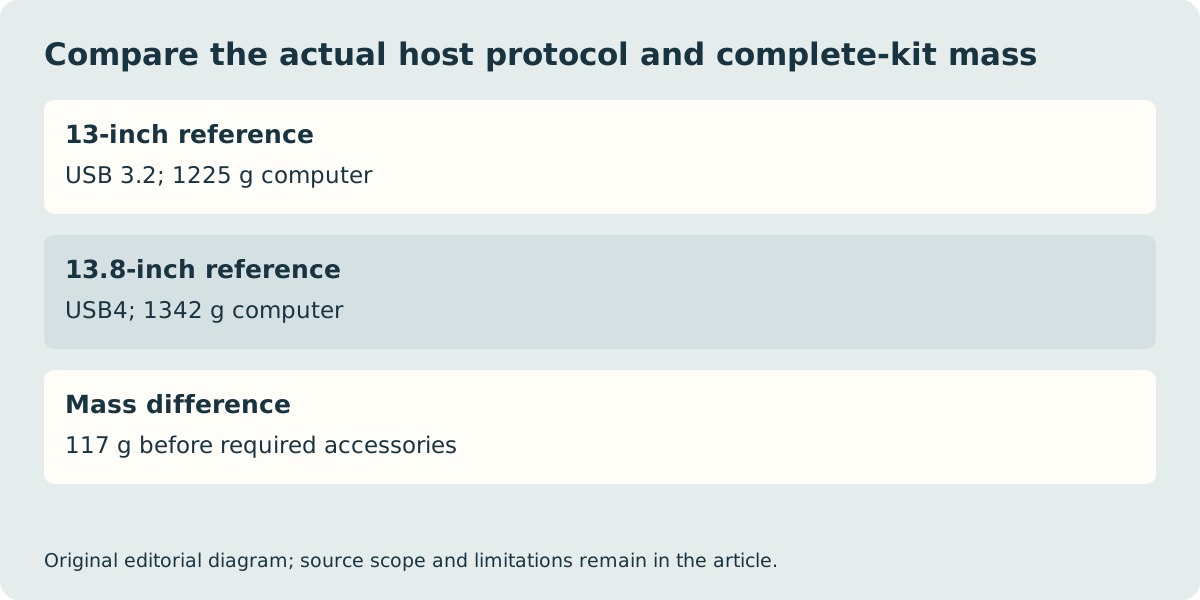
Microsoft lists USB4 for the 13.8-inch reference but USB 3.2 for the 13-inch. Identify any required dock or external display arrangement before selecting the smaller model solely for its mass. The historical Dell dock photograph is a physical example of the extra accessory to investigate; it is not a tested recommendation for either Surface. Confirm host requirements, cable capability, display outputs and power delivery as one complete path.
The quoted computer masses differ by 117 g, calculated as 1342 minus 1225. That difference excludes the charger, case and required adapters. If one arrangement needs additional equipment, add its verified mass to the same carried-kit boundary. Do not compare a manufacturer’s bare-computer figure with someone else’s measured bag total or treat a hypothetical accessory allowance as a product measurement.
Check the essential Windows task and local order
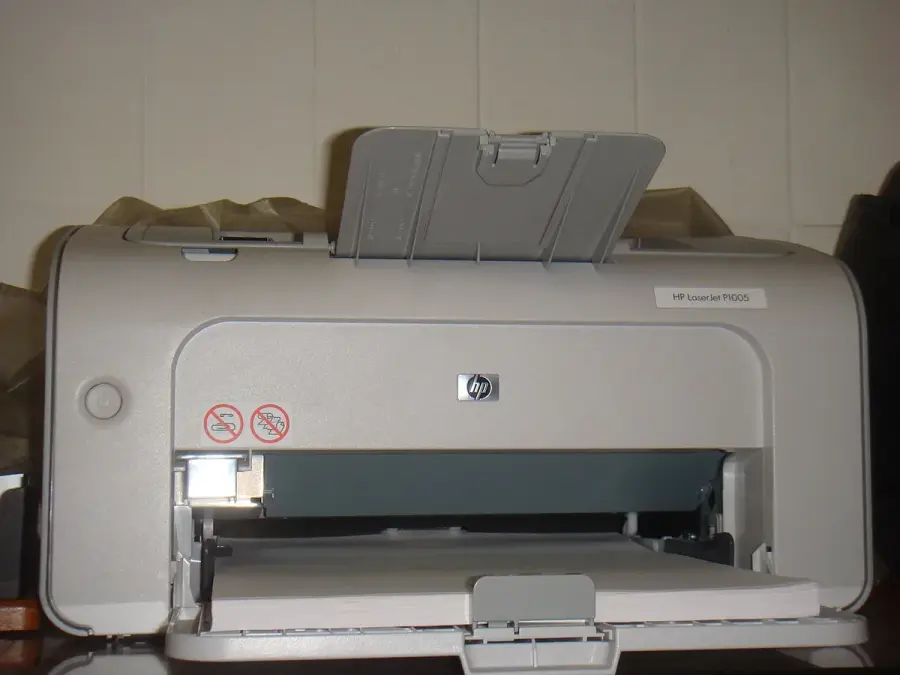
Both current references use an Arm platform. Microsoft’s guidance separates application support and emulation from drivers required by peripherals or specialist software. Check the exact printer, VPN, audio interface or examination tool before deciding. The historical HP printer photograph below is included because an existing peripheral can determine the supported platform route, not because we have verified that particular printer with these laptops.
Power-supply inclusion on Microsoft’s page is qualified by configuration and market. Confirm the exact UK basket and required charger rather than importing another country’s unboxing. The fingerprint versus facial sign-in distinction should also be kept with the chosen size; neither is a claim of universal security suitability. We have not verified current stock, delivery, a complete price winner or measured application performance. Save the precise local product, processor, display, included equipment and seller conditions once the supported software and connection arrangement has been confirmed.