MacBook Pro configurations: keep the chip, memory and display family together
Compare named 14-inch Liquid Retina XDR M5 Pro and M5 Max configurations, with real memory, storage and display-output differences; no inferred benchmark winner.
Updated:
Start with the exact display family, not a search thumbnail
This comparison concerns the 14-inch MacBook Pro with Liquid Retina XDR display, using the M5 Pro and M5 Max configurations on Apple’s UK specification page checked on 29 October 2026. It does not describe the separate PROLED XDR family or every computer sold under the MacBook Pro name. Apple’s main specification address redirects into a particular display family; keep that final page identity with your research, especially when a retailer or cached search result shows a different generation.
Choose an M5 Pro configuration when its verified memory capacity, display support and software requirements cover the work you need. Consider M5 Max when you have a specific requirement beyond those limits, such as the manufacturer-documented additional external-display support or a memory configuration not offered by the selected Pro chip. We have no application benchmark evidence that would justify telling every buyer to pay for Max.
| 14-inch Liquid Retina XDR reference | M5 Pro, 15-core CPU/16-core GPU | M5 Max, 18-core CPU/32-core GPU |
|---|---|---|
| Memory options for this chip | 24 GB or 48 GB | 36 GB |
| Listed storage options | 1 TB, 2 TB or 4 TB | 2 TB, 4 TB or 8 TB |
| Manufacturer device mass | 1.60 kg | 1.62 kg |
| Thunderbolt ports | Three Thunderbolt 5 | Three Thunderbolt 5 |
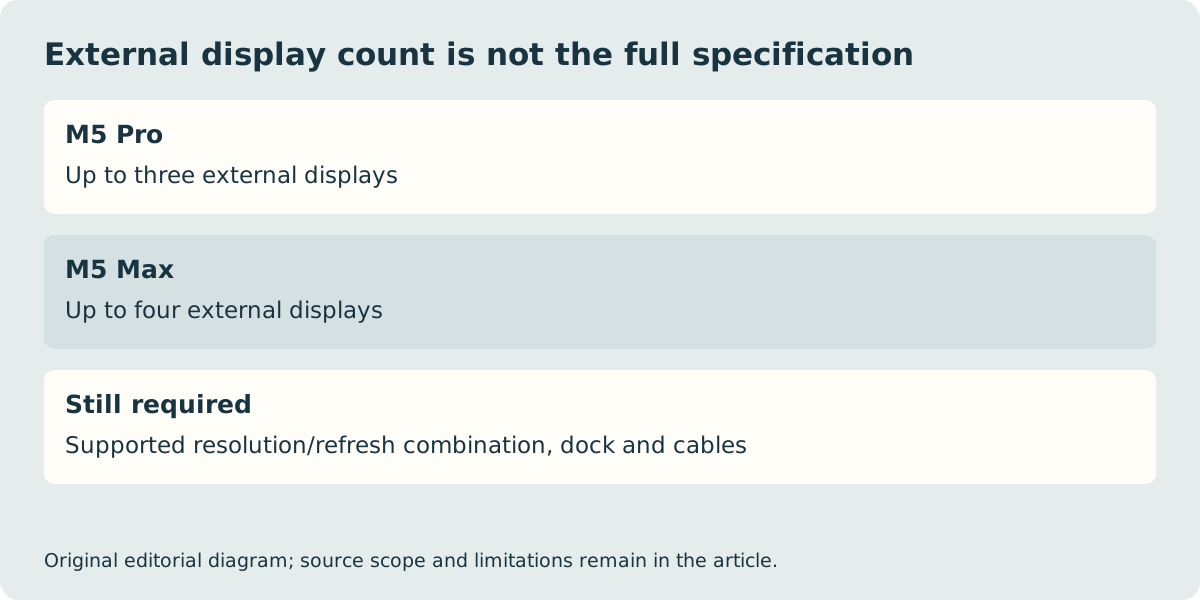
| Maximum external display count | Up to three; combinations apply | Up to four; combinations apply |
A chip change can alter the memory menu
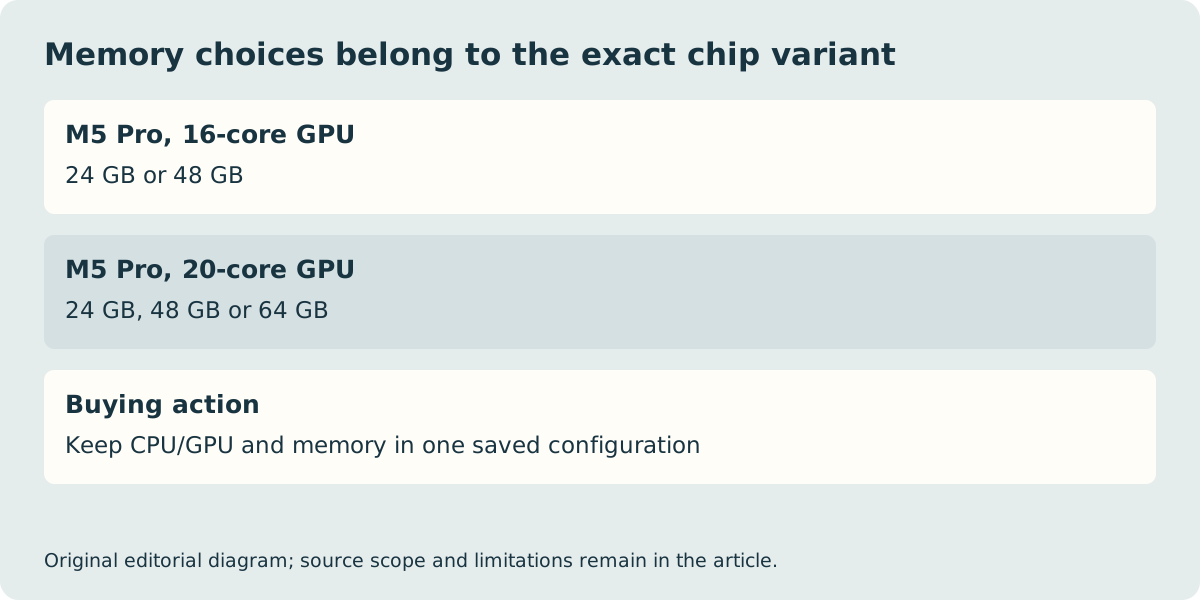
Apple’s table does not offer one universal memory menu across all M5 Pro and M5 Max variants. The M5 Pro with 20-core GPU has 24 GB, 48 GB or 64 GB choices. The M5 Max with 40-core GPU lists 48 GB, 64 GB or 128 GB. Those options belong to those specific chip configurations; they must not be attached to the 16-core or 32-core GPU references in the table above.
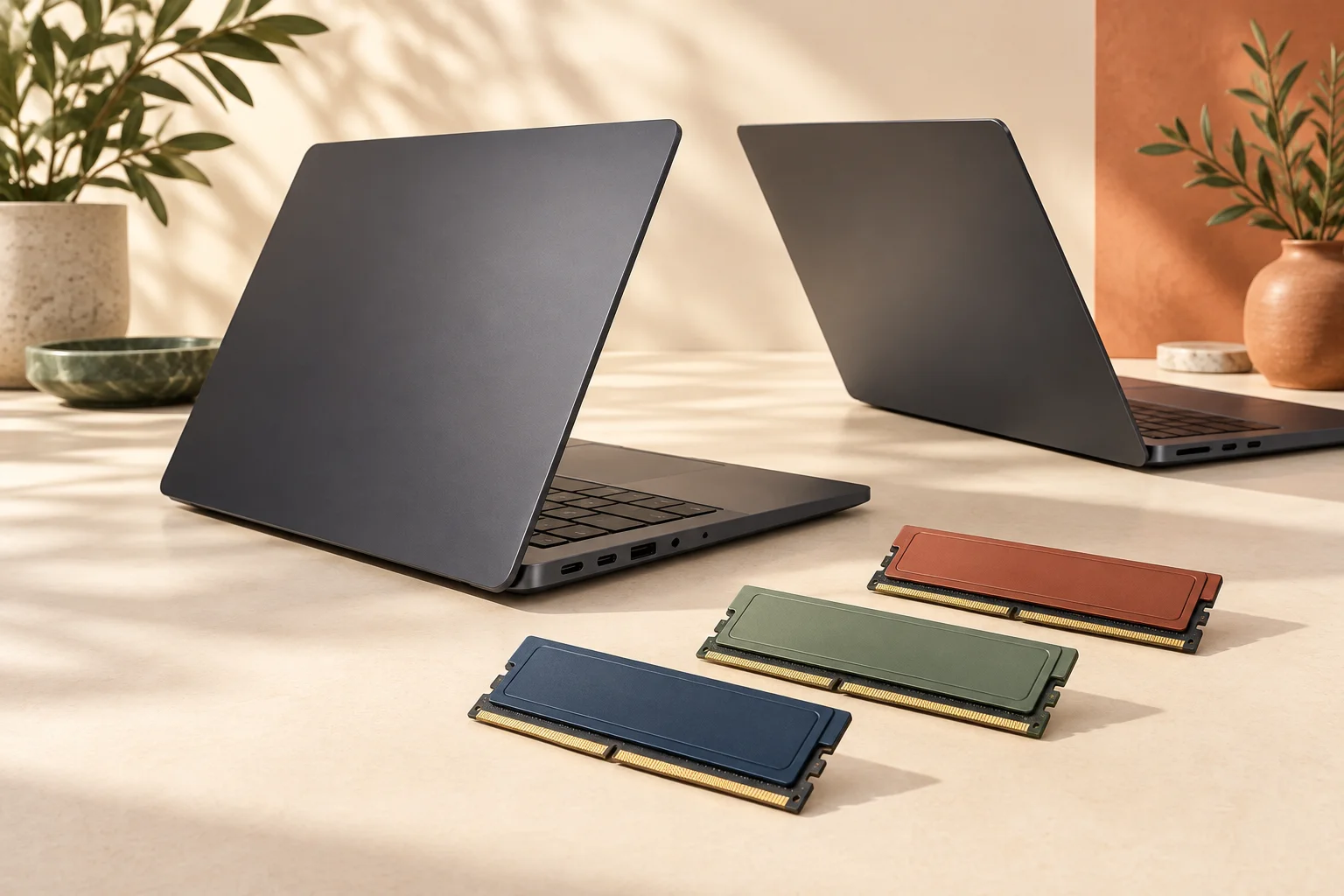
For a real buying decision, write down the application supplier’s current recommendation and the largest project you expect to open. Then select a configuration that actually offers that capacity. Do not assume an external SSD increases unified memory. Nor should an illustration of separate memory modules be read as a promise that you can install additional memory after purchase. The conceptual cover is a decision aid, not a photograph of replaceable parts inside this Mac.
Display support is a complete connection plan
Both named references have three Thunderbolt 5 ports, HDMI, an SDXC slot, MagSafe 3 and a headphone socket. Apple documents up to three external displays for M5 Pro and up to four for M5 Max, with different supported combinations of resolutions and refresh rates. If your requirement is a particular multi-monitor arrangement, match the full combination on the correct chip’s page rather than counting ports or assuming that the maximum resolution applies to every display simultaneously.
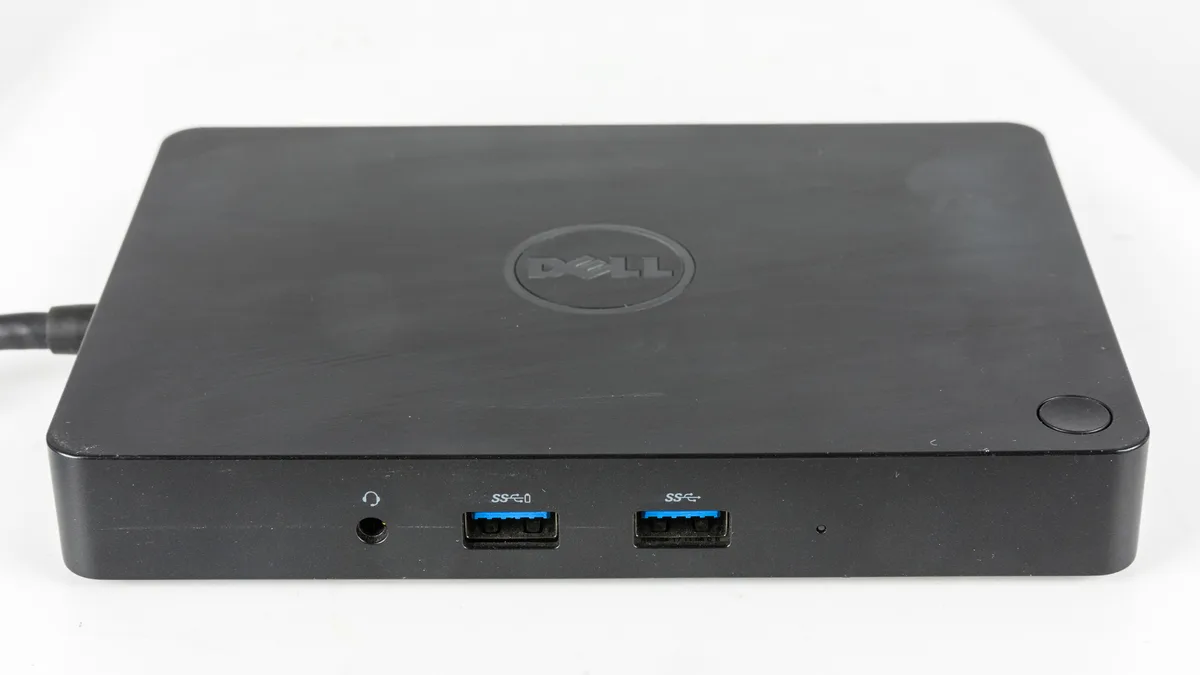
A dock and cable can still constrain the proposed arrangement. A photograph of a historical dock is not a compatibility test with these computers. Check the dock’s host requirements, independent-display support, power delivery and actual display outputs against the exact computer and screens. The documentation establishes a possible supported path; it does not measure how your application behaves across those displays.
Separate configuration evidence from an upgrade sales pitch
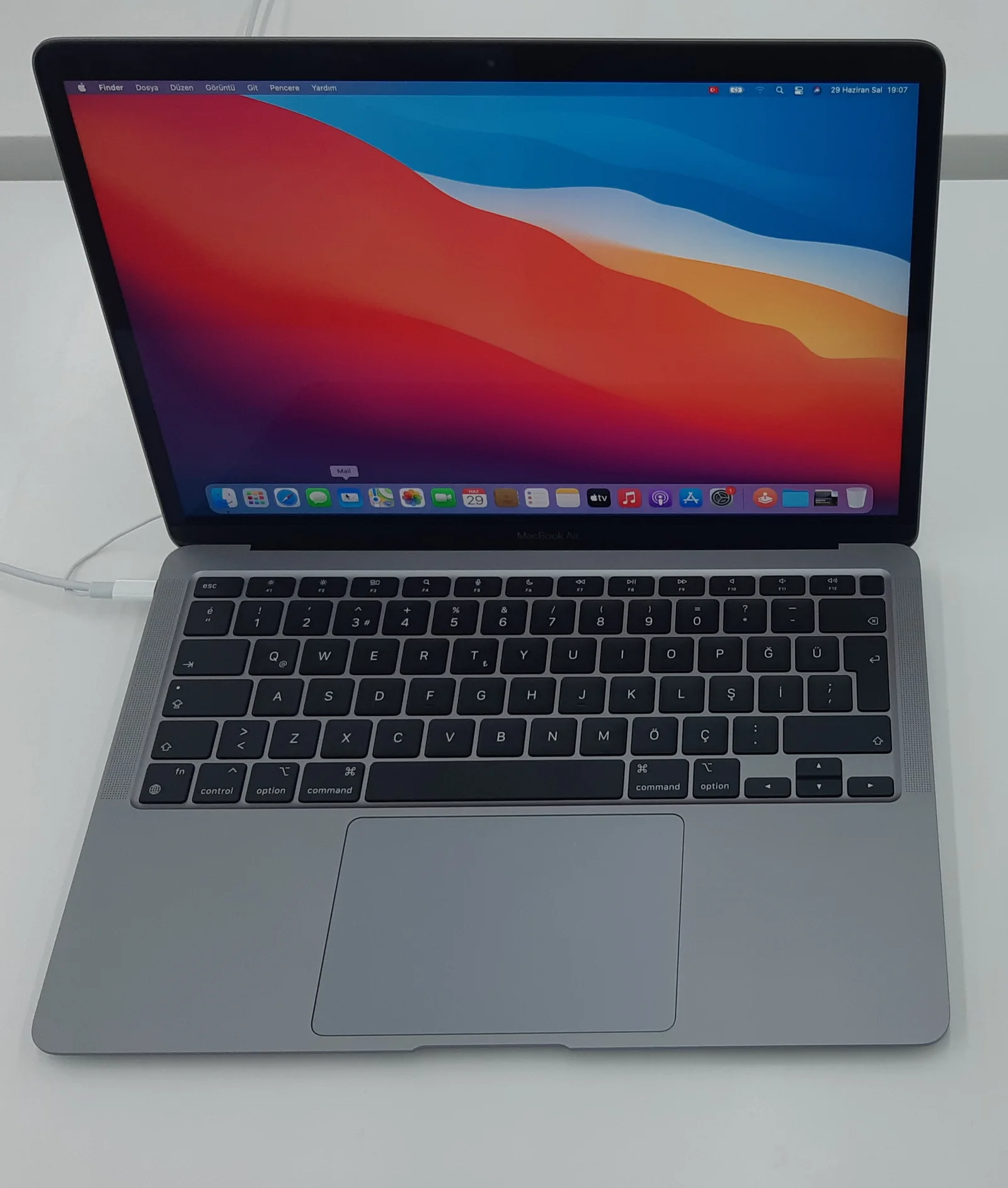
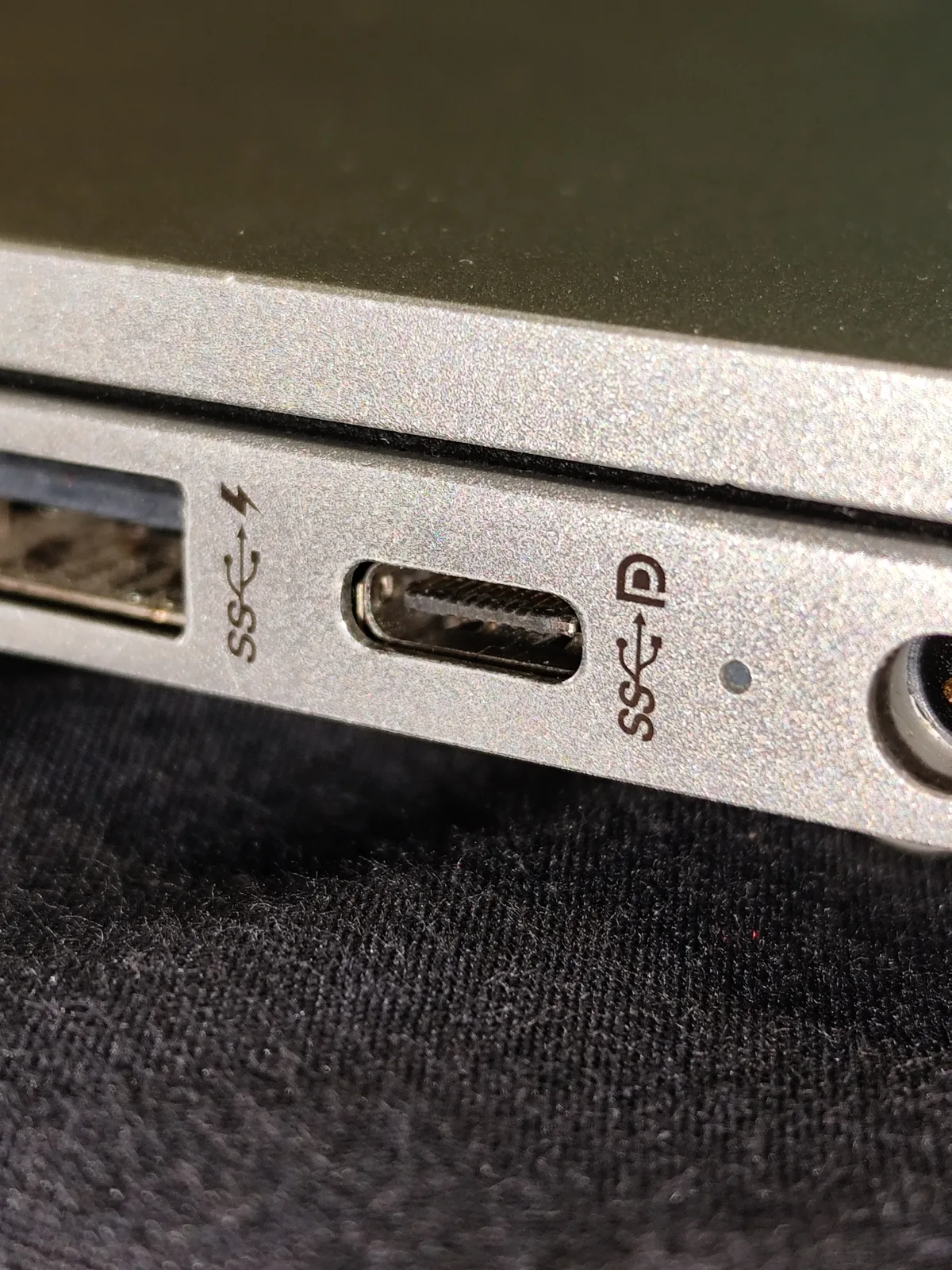
The quoted computer masses differ by 20 g, but that is not a complete carried-kit comparison. The two UK box-content lists include the computer and a two-metre USB-C to MagSafe 3 cable; the power adapter is sold separately. Determine the suitable power supply and any required adapters before comparing a final basket. Historical Air and port photographs on this page are explicitly illustrations of device identity and connectors, not photographs of these Pro units or their delivery contents.
No current selling price, delivery promise, stock availability or measured performance winner is asserted. If the present workload fits a documented M5 Pro configuration, Max’s larger option list is not itself evidence of better value. Conversely, if a required memory capacity or display arrangement is unavailable on the selected Pro chip, a cheaper listing is not an equivalent replacement. Save the exact display family, size, CPU/GPU variant, memory, storage and seller terms as one purchase record.