MacBook choices: compare the actual families before the headline chip
Choose between MacBook Neo A18 Pro and MacBook Air M5 from actual memory, display-output and connector differences; identify the Pro display family separately.
Updated:

Neo and Air serve different connection requirements
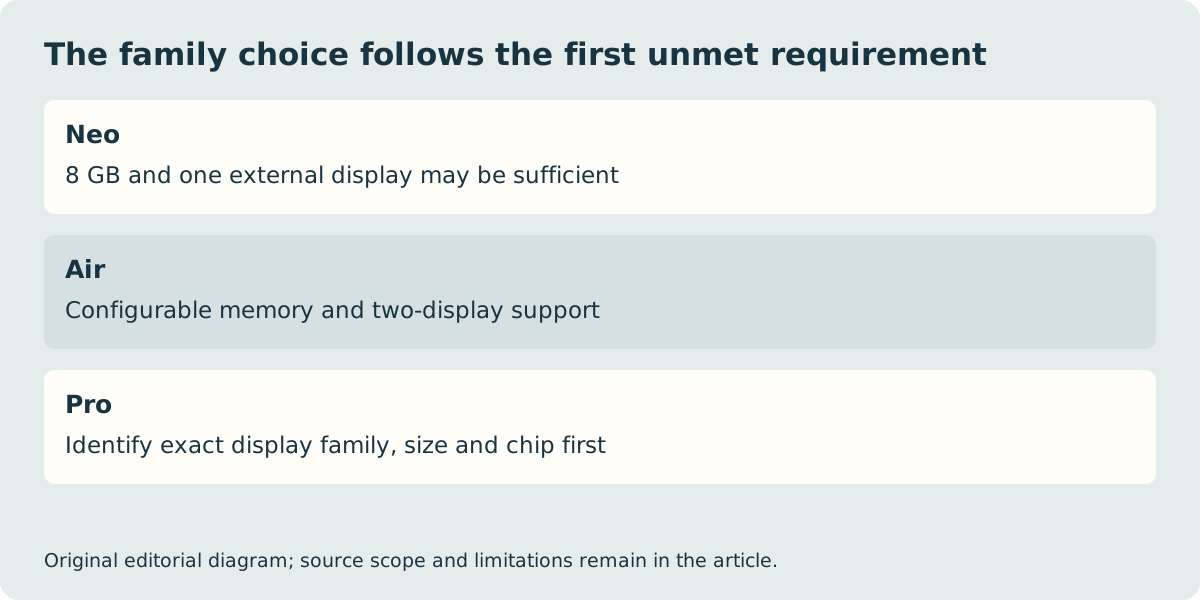
Start with the MacBook Neo A18 Pro and the 13-inch MacBook Air M5, two named Apple UK references checked on 29 October 2026. Neo is a sensible shortlist when its fixed 8 GB memory and single supported external display meet your actual applications. Air is the stronger fit when the requirement is more configurable memory, two supported external displays or Thunderbolt accessories. Those are documented capability differences, not a claim about tested responsiveness or which computer offers the lowest total price.
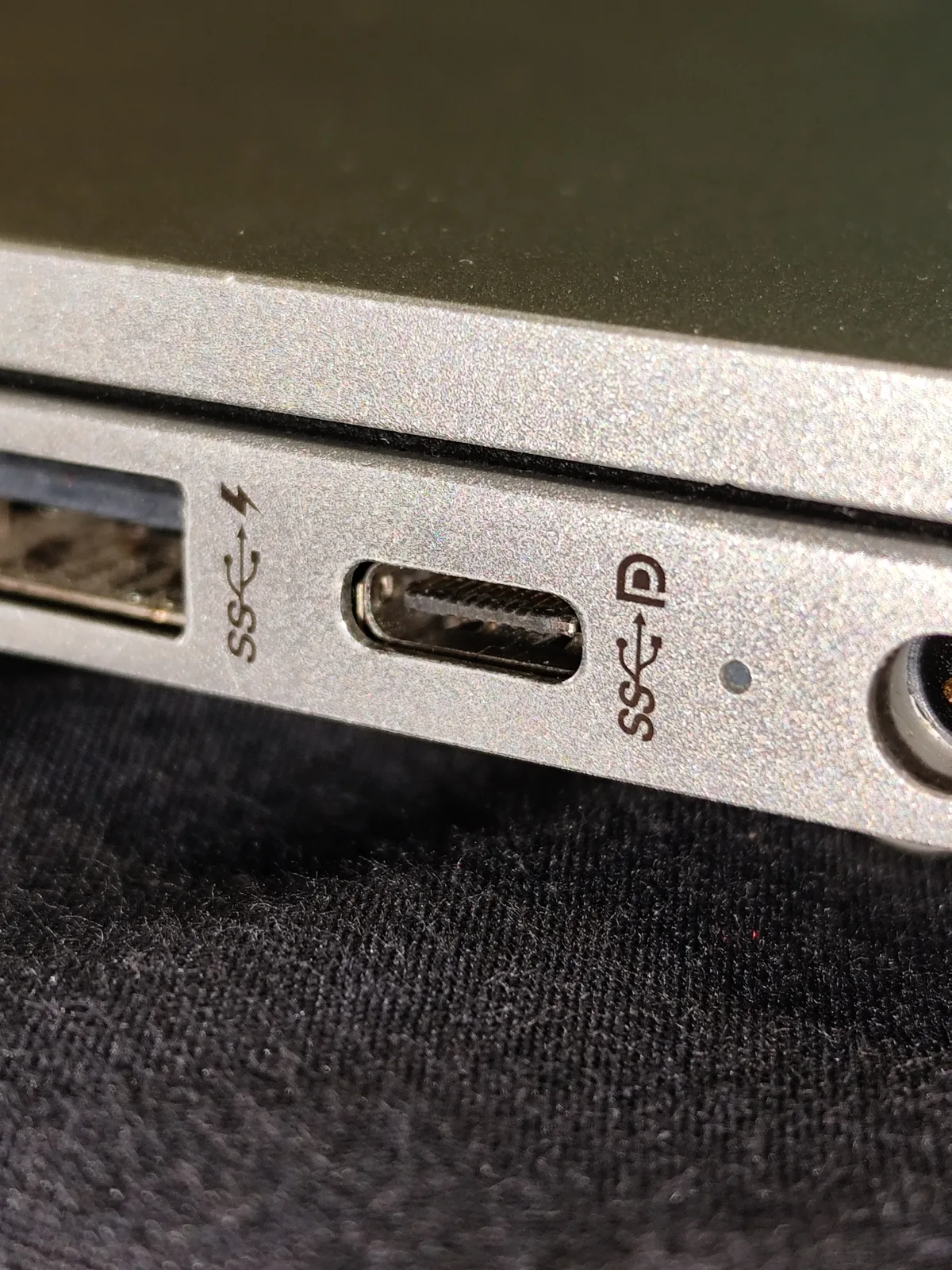
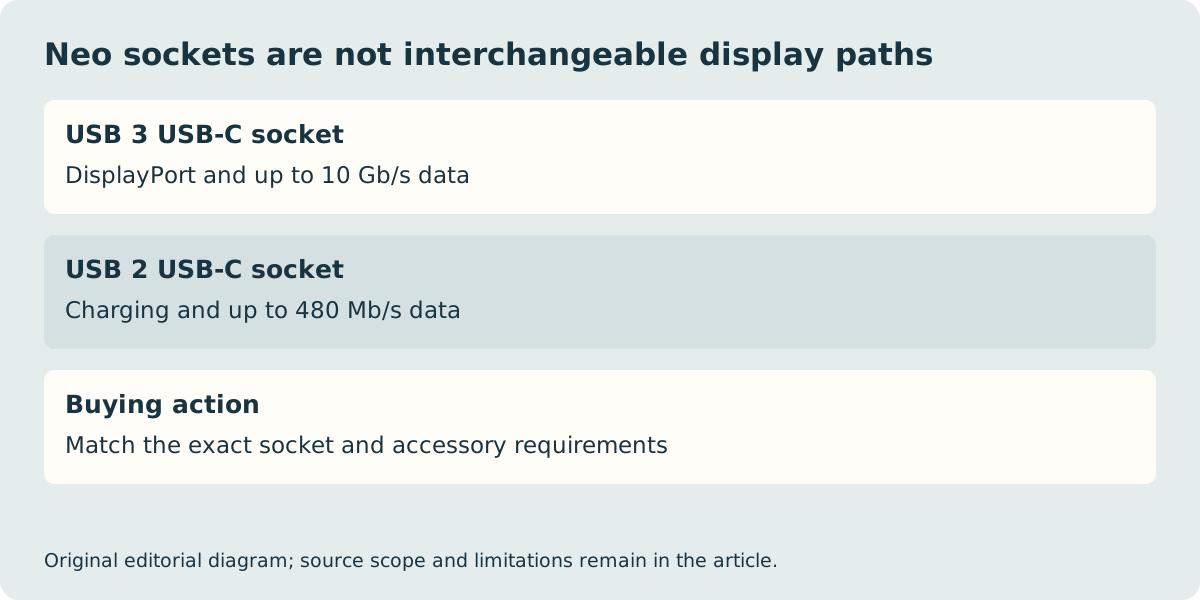
The Neo has two USB-C sockets with different capabilities. One provides USB 3 up to 10 Gb/s and DisplayPort; the other provides USB 2 up to 480 Mb/s and charging. A monitor connected to the latter is not supported merely because its plug fits. Air’s two Thunderbolt 4 sockets support charging, DisplayPort and up to 40 Gb/s Thunderbolt or USB4. MagSafe 3 gives it a separate charging connection.
| UK model reference | MacBook Neo A18 Pro | MacBook Air M5 13-inch |
|---|---|---|
| Memory choices | 8 GB | 16 GB, 24 GB or 32 GB |
| Storage choices | 256 GB or 512 GB | 512 GB through 4 TB |
| External displays | One up to 4K at 60 Hz | Up to two; stated combinations apply |
| Computer mass | 1.23 kg | 1.23 kg |
| USB-C ports | One USB 3/display; one USB 2 | Two Thunderbolt 4 |
Make the memory decision before placing the order
A fixed memory option is an exclusion when the software supplier or your actual project requires more. Do not try to convert an 8 GB Neo into an equivalent Air configuration by assuming that a cloud drive or external SSD increases working memory. Storage holds files; memory supports active work. The requirement may come from a large image project, multiple virtual machines or a particular application, and the supplier’s current recommendation matters more than an unrelated reviewer’s workload.
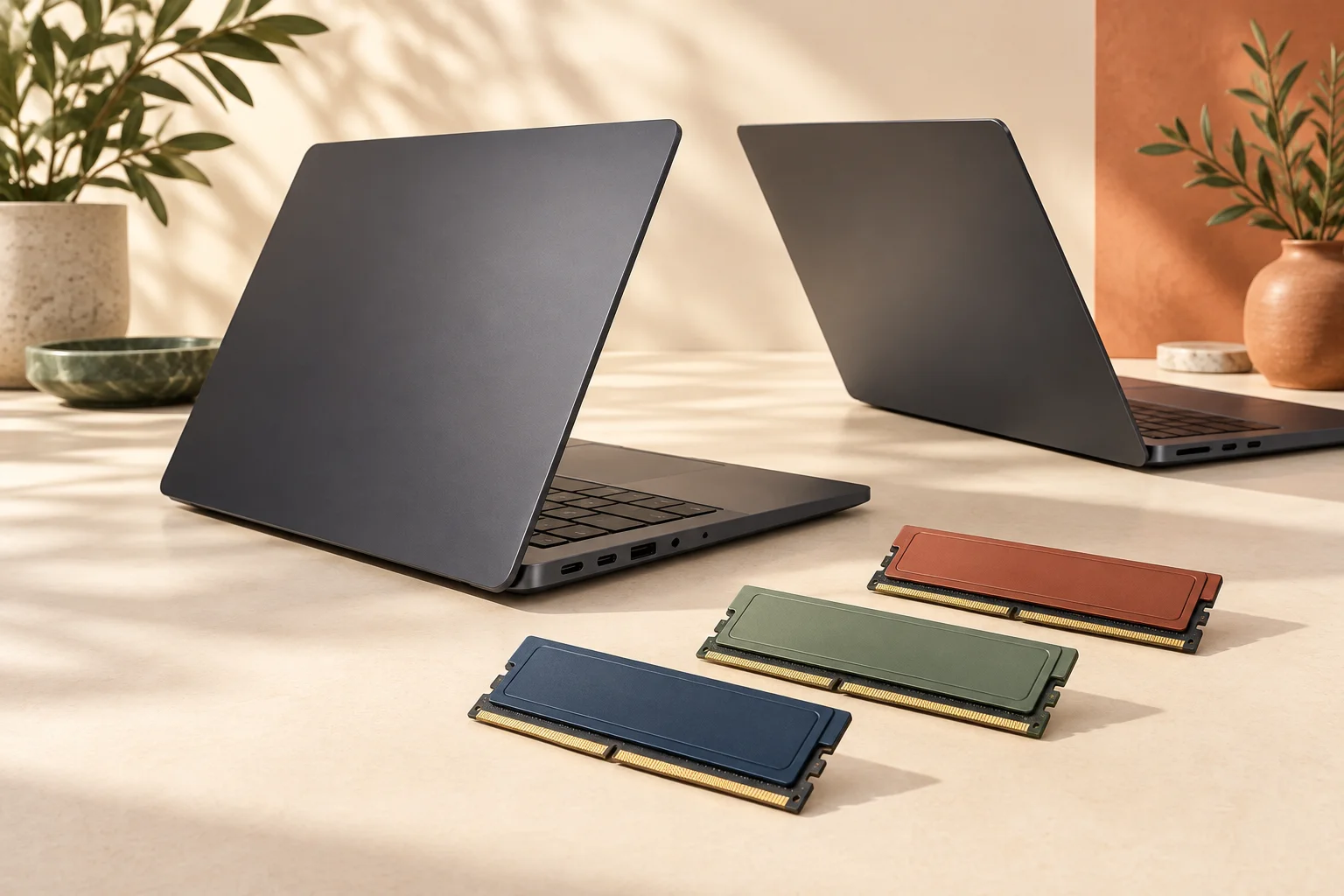
Equally, there is no automatic reason for a person who uses modest browser and document workloads to purchase the largest available memory. Compare the actual files and simultaneous applications you expect to use. We have not run either machine through your workload and cannot promise a performance threshold. The component illustrations used elsewhere on this site are not instructions to upgrade unified memory after delivery.
A Pro label still needs an exact display family and chip
Apple’s Pro lineup must be identified separately by display family, size and chip. On the checked Liquid Retina XDR specification page, the 14-inch M6 and M5 Pro configurations have different memory and port options. The M5 Pro reference has three Thunderbolt 5 ports; that feature must not be assumed for every computer called MacBook Pro. Apple has also introduced a separate PROLED XDR family, so an old cached comparison can describe a different product from the order page you are viewing.
For this family-level decision, move to a Pro shortlist only when you can name the capability the Neo and Air fail to provide, then consult the exact Pro comparison. Higher chip numbers alone do not establish a better purchase. A video workflow may be constrained by software, media format, memory or external storage rather than the single specification highlighted in a shop banner.
Compare the complete UK basket, not a familiar silhouette
Both checked Neo and Air UK specifications say the power adapter is sold separately. Neo lists a 1.5-metre USB-C cable; Air lists a two-metre USB-C to MagSafe 3 cable. Check whether an existing adapter meets the relevant model’s charging requirements before treating it as a saving. Do not buy an old damaged MagSafe adapter because a historical photograph resembles the connector you remember.
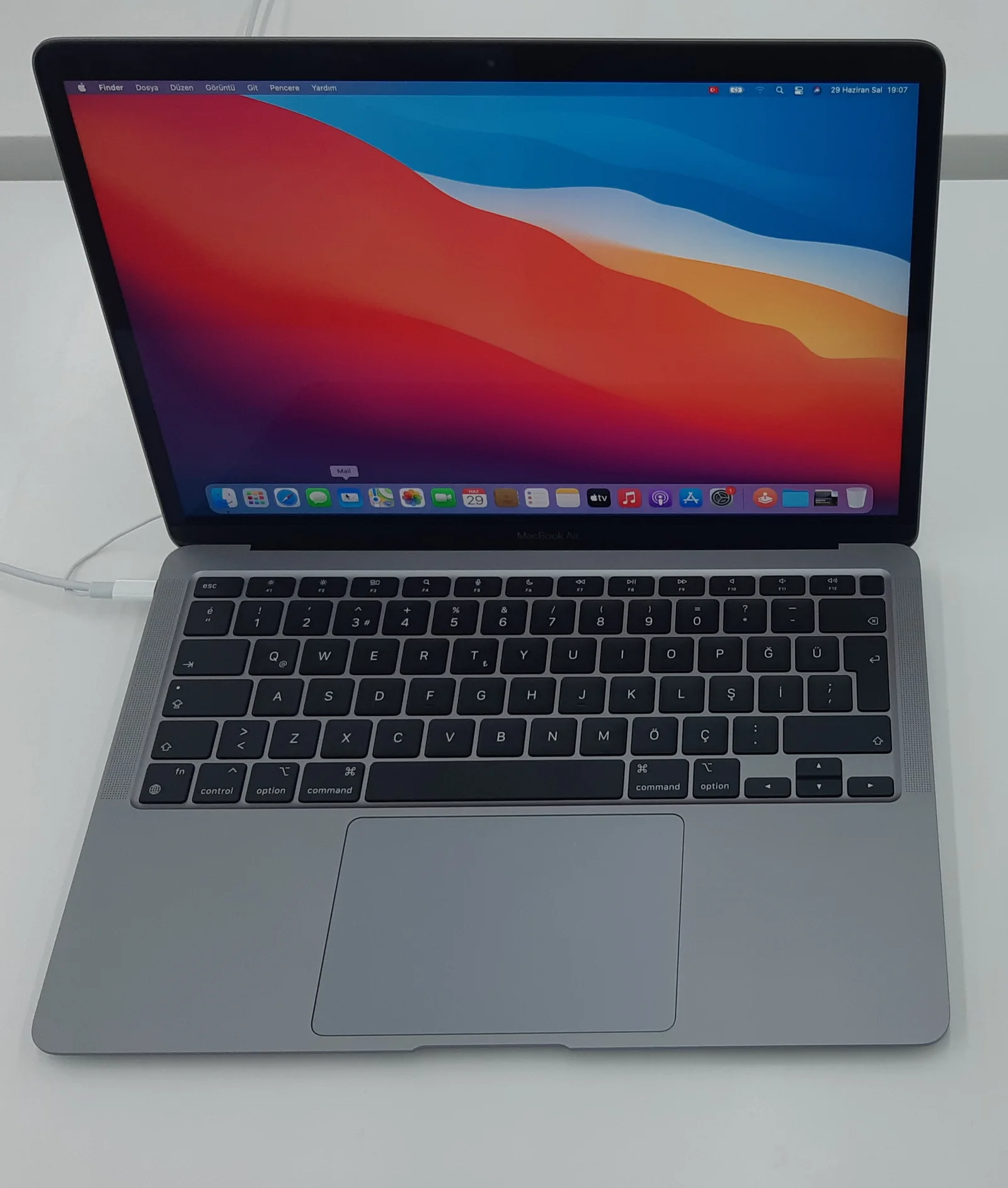
The two quoted 1.23 kg masses also show why family names are weak travel shortcuts: Neo is not automatically lighter than this Air. Check the full case dimensions, required adapter and any dock as one arrangement. Our old M1 Air photograph identifies historical hardware and a foreign keyboard layout; it is not a current UK product test. Final UK price, delivery and stock are not verified here. Select the family from the requirements above, then save the exact configuration and local seller conditions before paying.