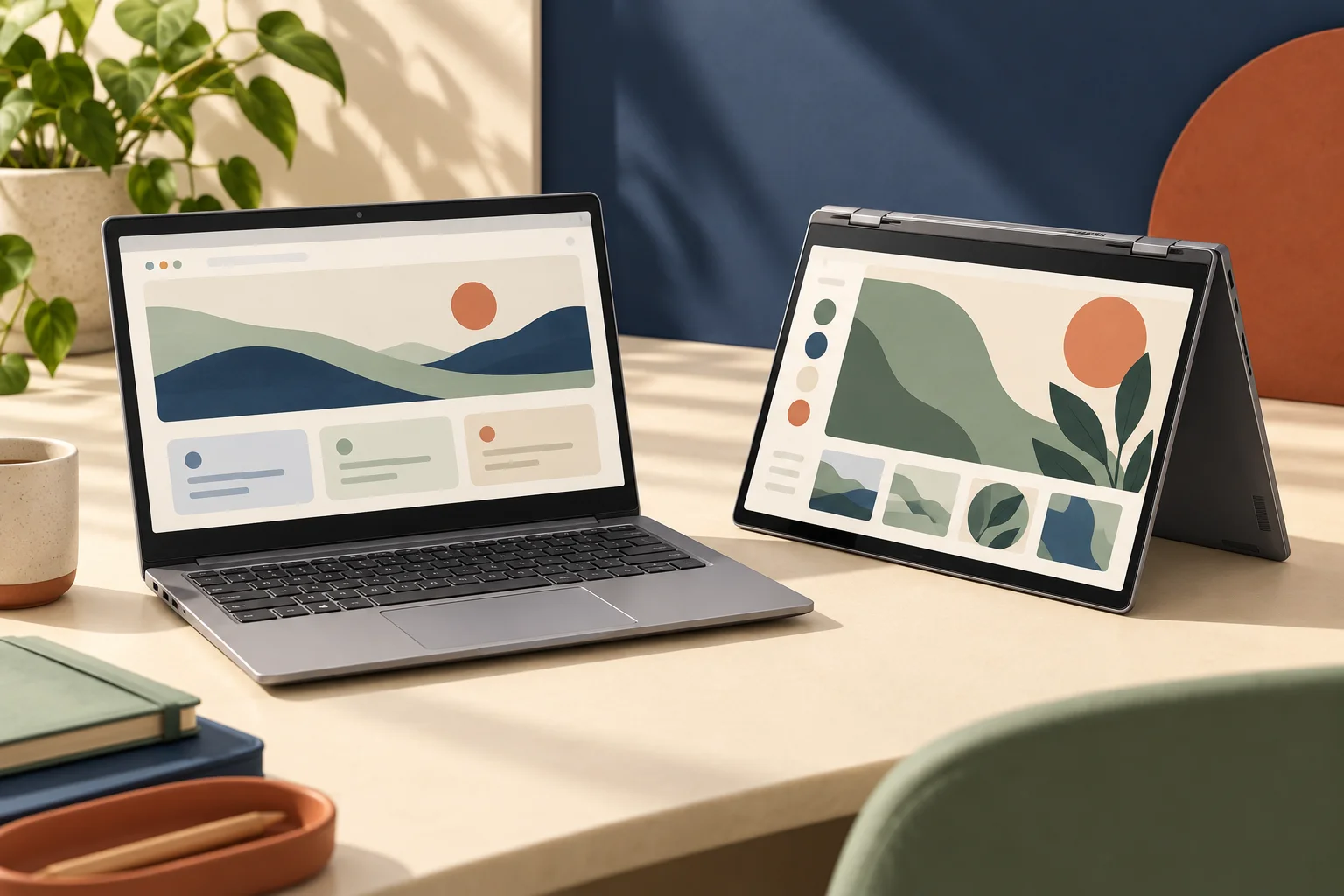
iPad or iPad Air: compare the exact UK model and input support
Compare iPad A16 and 11-inch iPad Air M4 using real display, Pencil, USB and box-content differences rather than the shared 11-inch label.
Updated:
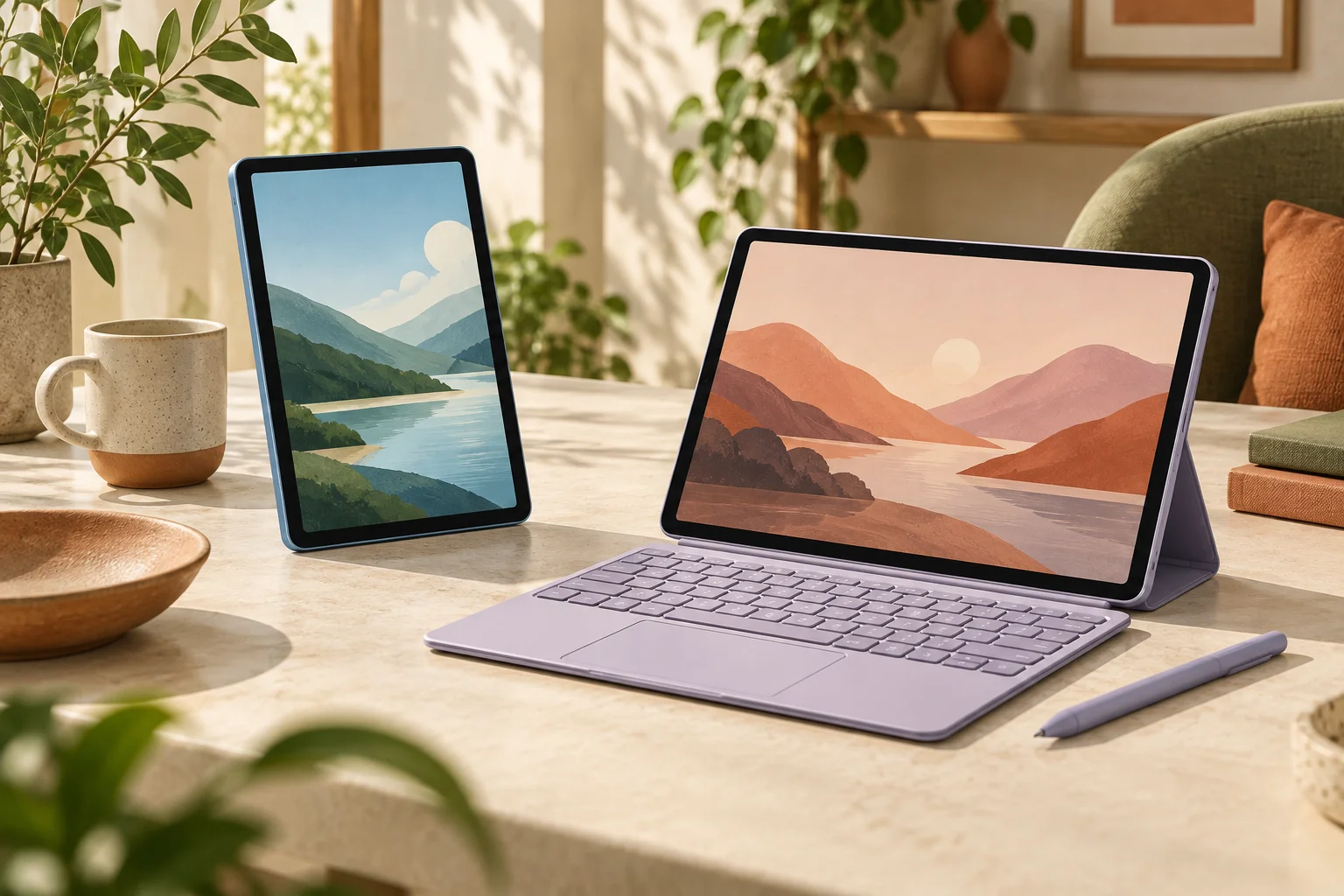
The useful difference is the work each model enables
Choose the iPad A16 for a reading, browsing and everyday-app arrangement that does not require the Air’s specific input or connection capabilities. Choose the 11-inch iPad Air M4 when your actual workflow calls for Apple Pencil Pro, its laminated display or its faster documented USB connection. This is a comparison of two named current Apple UK references, not a statement that every Air generation has the same features or that a stronger chip makes every application necessary.
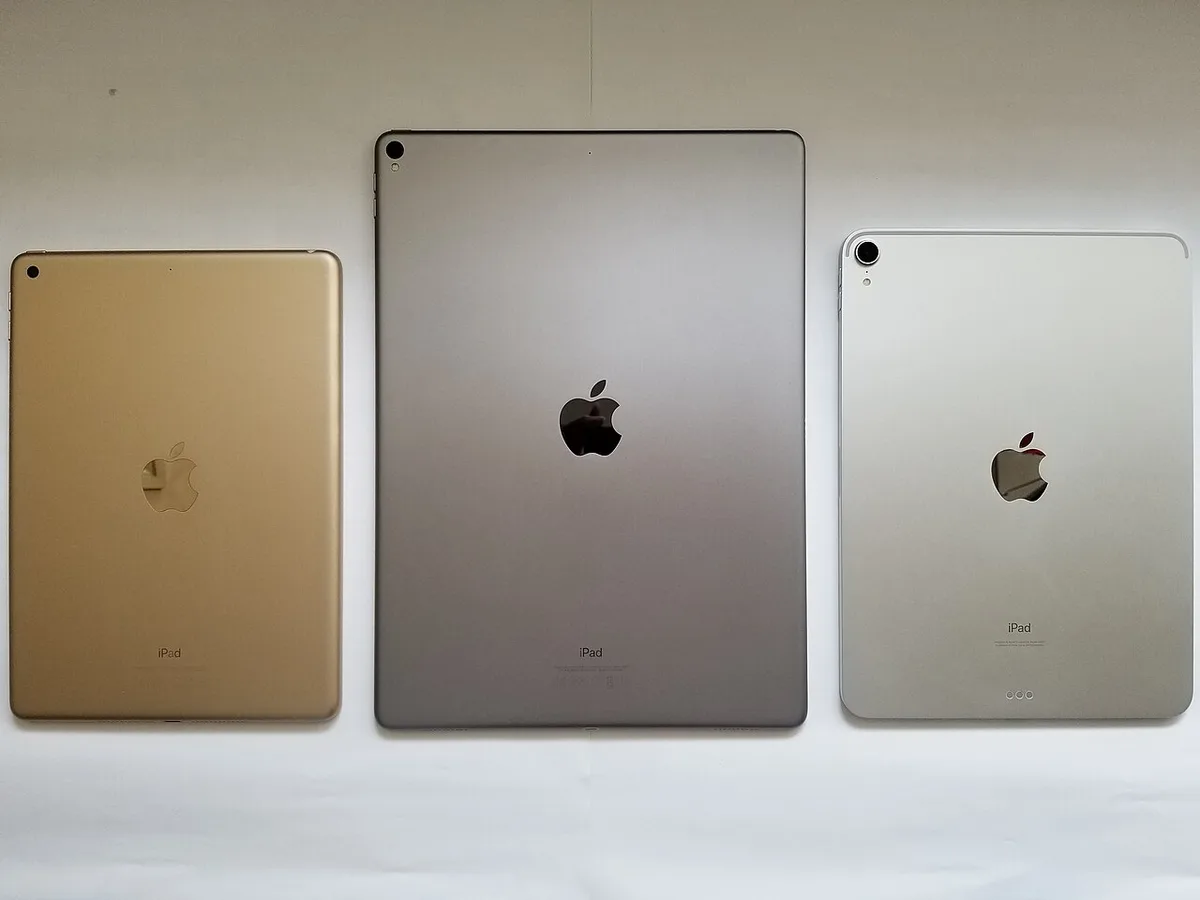
Both specification pages describe an 11-inch class Liquid Retina display with 2360 × 1640 pixels at 264 ppi. The rectangular diagonal is 10.86 inches. Consequently, buying the Air does not increase the nominal pixel count over the A16 reference. Its useful display differences include full lamination, an anti-reflective coating and P3 colour support. Decide whether those properties help the work you actually do rather than assuming that the family name means a larger desktop.
| Apple UK reference | iPad A16 | iPad Air M4, 11-inch |
|---|---|---|
| Display pixels | 2360 × 1640 | 2360 × 1640 |
| Wi-Fi device mass | 477 g | 464 g |
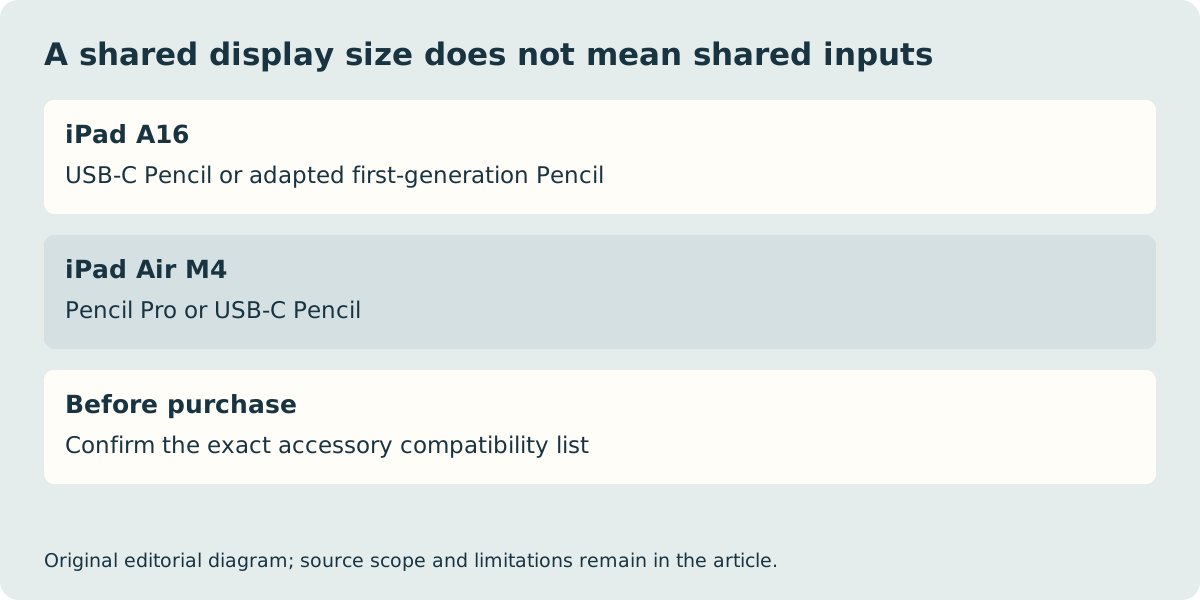
| Pencil support | USB-C; 1st generation with required adapter | Pencil Pro; USB-C |
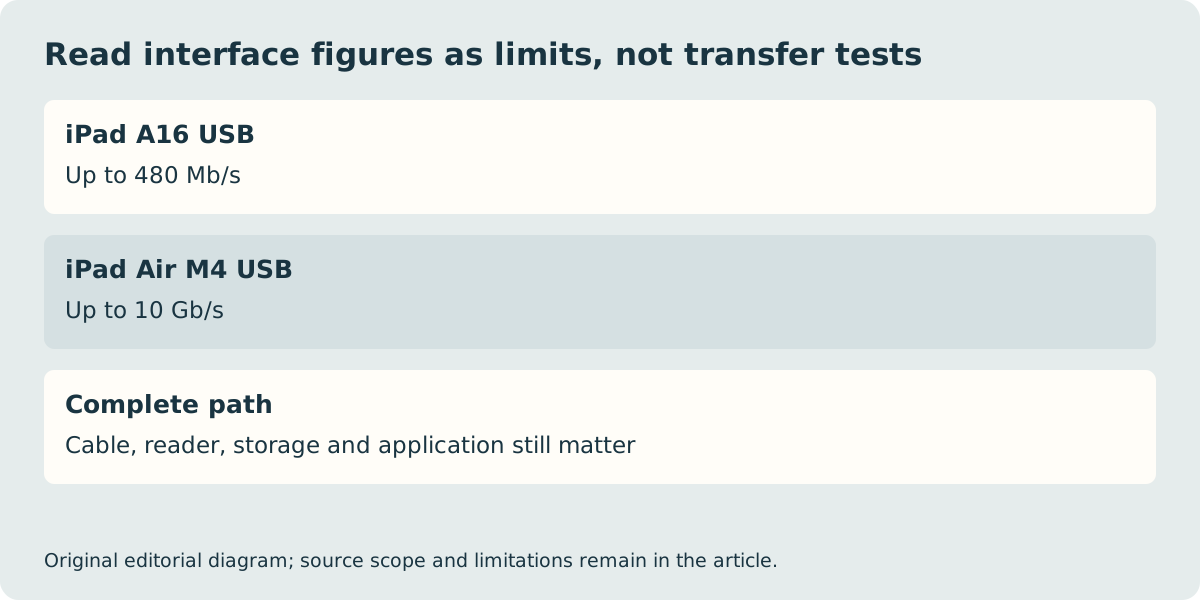
| USB data specification | USB 2.0, up to 480 Mb/s | USB 3, up to 10 Gb/s |
| Listed external display maximum | One, up to 4K at 60 Hz | One, up to 6K at 60 Hz |
An existing Pencil can change the sensible shortlist
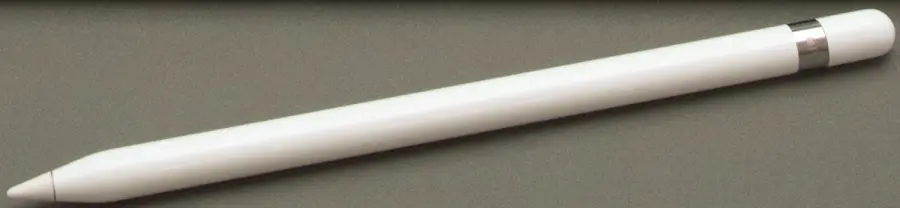
The A16 specification supports Apple Pencil USB-C and the first-generation Apple Pencil; the latter requires the USB-C to Apple Pencil Adapter. The Air M4 specification instead lists Apple Pencil Pro and Apple Pencil USB-C. An older first-generation Pencil is therefore not a reason to assume that an Air will accept it. Identify the Pencil generation before treating it as a saving in the basket.
The photograph shows a historical first-generation Pencil, not Pencil Pro. Its cap and appearance provide context for the identification problem, while the current support list supplies the compatibility answer. If pressure sensitivity or a particular drawing feature matters, check the named Pencil’s own feature documentation as well. The presence of the word Pencil in two product names does not make their capabilities interchangeable.
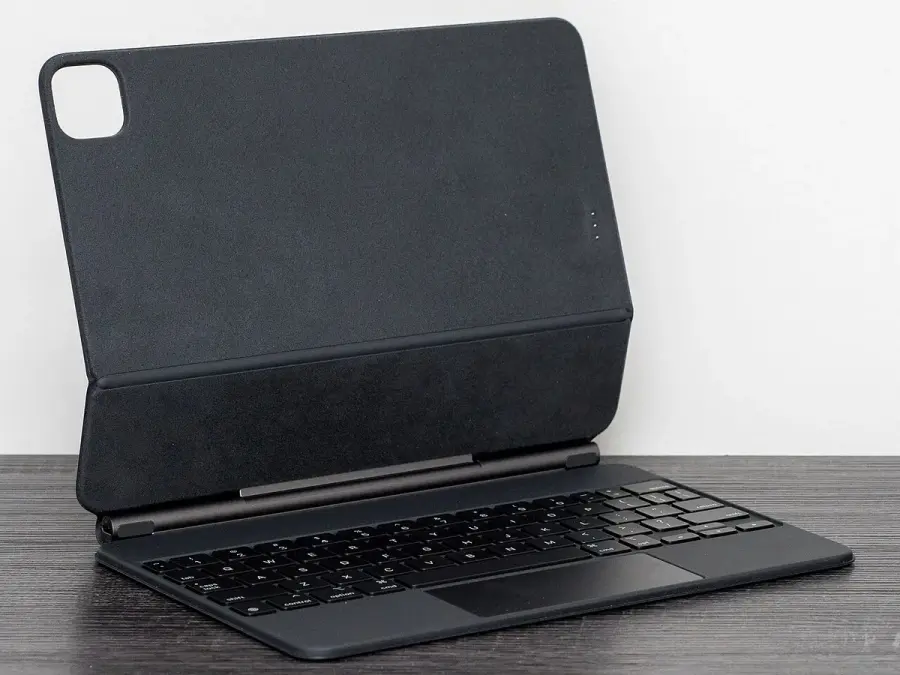
Select the keyboard by exact iPad identity
A tablet keyboard case is also a model-specific purchase. The A16 and Air have different keyboard accessory families; an older Magic Keyboard photograph is not evidence that either current device fits it. Record the iPad’s full model name, display size and generation, then read the accessory’s compatibility list. A physical case may have the wrong camera opening, connector placement or dimensions even when a seller describes it loosely as an 11-inch keyboard.
Try the proposed input arrangement on the surface where it will be used. A desk, a small lecture table and a lap impose different support requirements. Our photographs illustrate the hardware categories; they are not our own fitting tests. If the proposed keyboard cannot support the intended working position, its advertised shortcut keys do not rescue the arrangement.
USB specifications and the complete UK basket
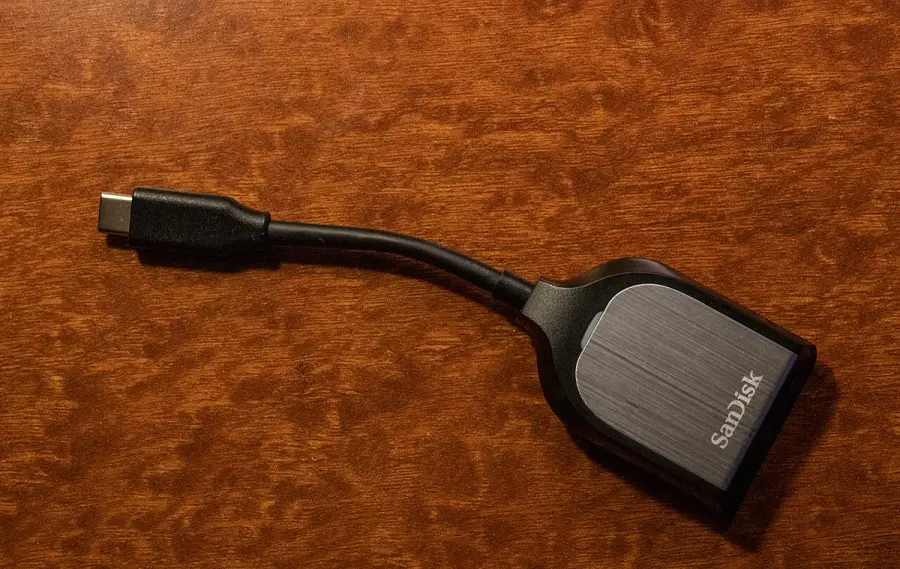
The Air’s 10 Gb/s USB figure and the A16’s 480 Mb/s figure are interface ceilings, not measured file-copy speeds. A card reader, storage device, cable, file type and application can impose lower limits. The reader photograph below makes that accessory boundary visible without claiming that this particular reader has been tested with either tablet. Similarly, the listed external-display resolutions describe supported hardware output; application behaviour and available windows require their own checks.
Apple’s UK box-content lists for these tablets contain the iPad and a one-metre USB-C charge cable. Do not assume that a power adapter, keyboard or Pencil is included. Compare complete local baskets using verified accessory prices, and check storage before ordering: a cheaper configuration that cannot hold the required offline files is not an equivalent purchase. The 13 g difference between the quoted Wi-Fi tablet masses is device-only arithmetic; keyboard and case weights can dominate it. No live price, availability or measured performance comparison is claimed here.