iPad mini or standard iPad: compare the actual size and input trade-off
Compare the new A20 Pro mini with iPad A16, keeping the October 2026 generation, display, input support and full reading or typing arrangement explicit.
Updated:
A compact reading tablet and a larger everyday surface
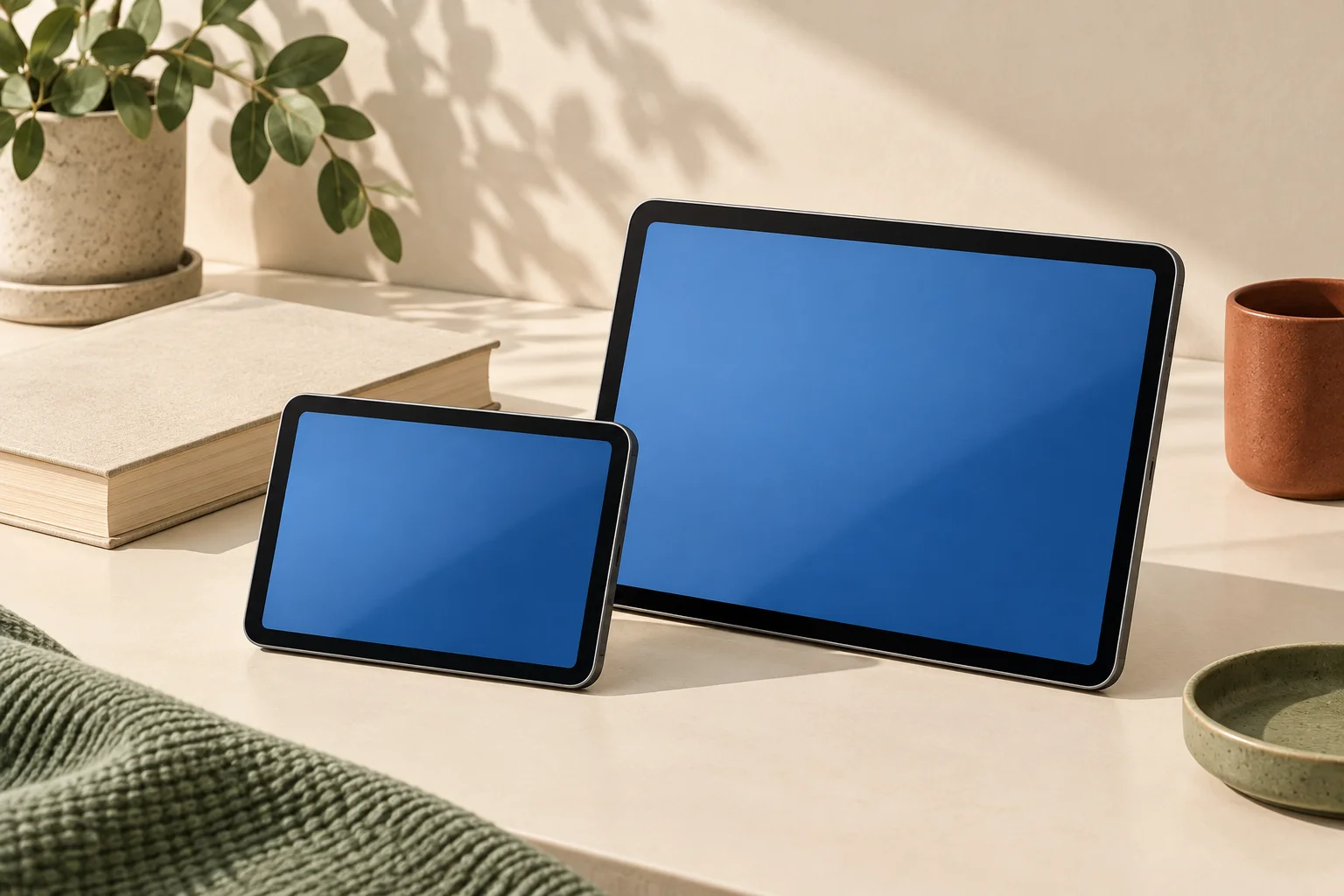
Choose the iPad mini with A20 Pro when the smaller physical device is the requirement and your applications work comfortably on its 8.5-inch display. Choose iPad A16 when the larger 11-inch class surface and its supported keyboard arrangement better suit the work. These are named Apple UK references checked on 29 October 2026. The mini changed recently: an older A17 Pro search result describes a different 8.3-inch model and must not supply the specifications for this new order.
The A20 Pro mini has an OLED Super Retina XDR display with 2316 × 1512 pixels at 326 ppi. The A16 iPad has a Liquid Retina LCD with 2360 × 1640 pixels at 264 ppi. Higher pixel density is not the same as more working area or larger text. Assess the actual reading application, page layout and text-size setting rather than treating a density number as a universal comfort score.
| Apple UK reference | iPad mini A20 Pro | iPad A16 |
|---|---|---|
| Actual rectangular diagonal | 8.5 inches | 10.86 inches |
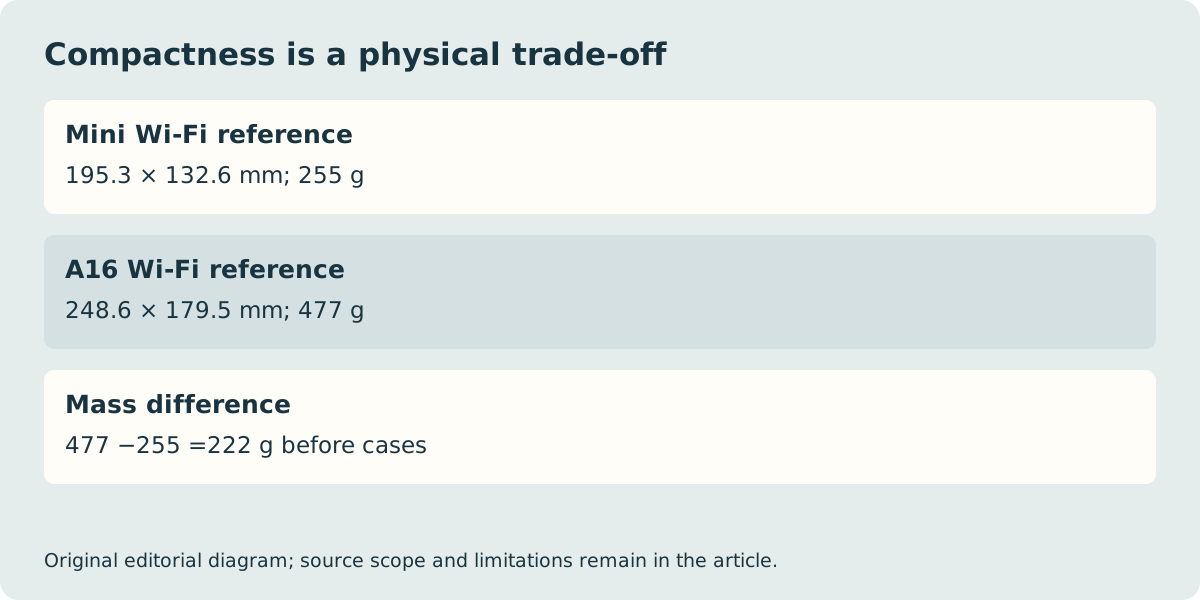
| Wi-Fi device mass | 255 g | 477 g |
| Height × width | 195.3 × 132.6 mm | 248.6 × 179.5 mm |
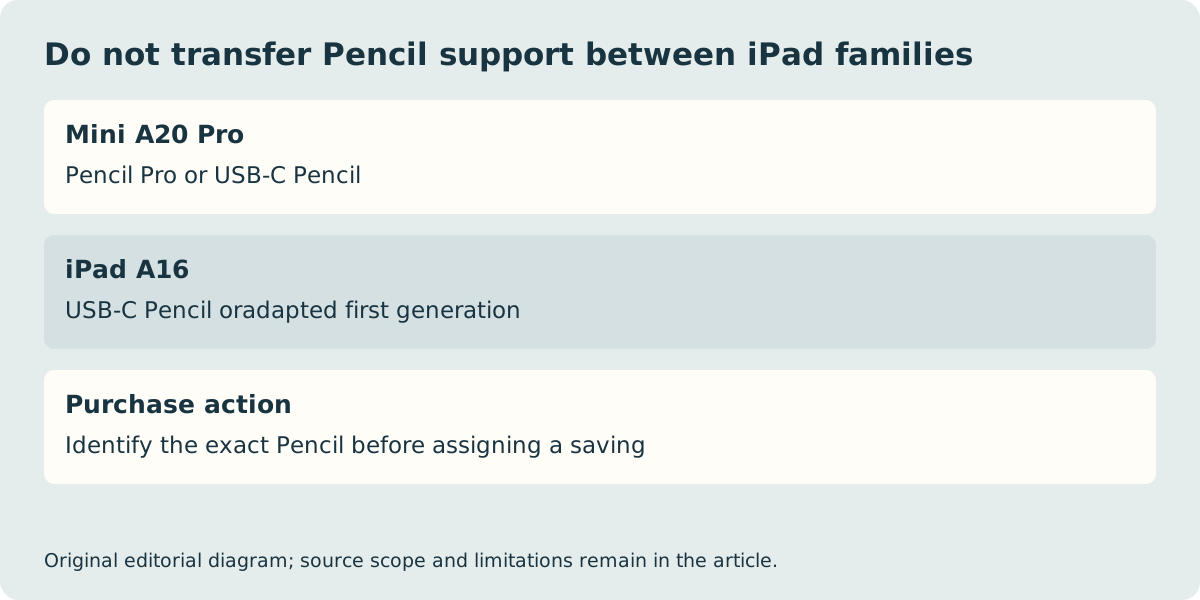
| Supported Pencil families | Pencil Pro; USB-C | USB-C; adapted first generation |
| Current generation distinction | New A20 Pro reference | A16 reference |
Try the reading task at the intended text size
A smaller device is useful only if it still presents the content you need. A reflowable novel, a fixed-layout technical PDF and a spreadsheet impose different requirements. Magnifying a fixed page may require more panning even when the panel has a high pixel density. Open a representative document in the actual application or use a suitable store demonstration before buying it for that task.
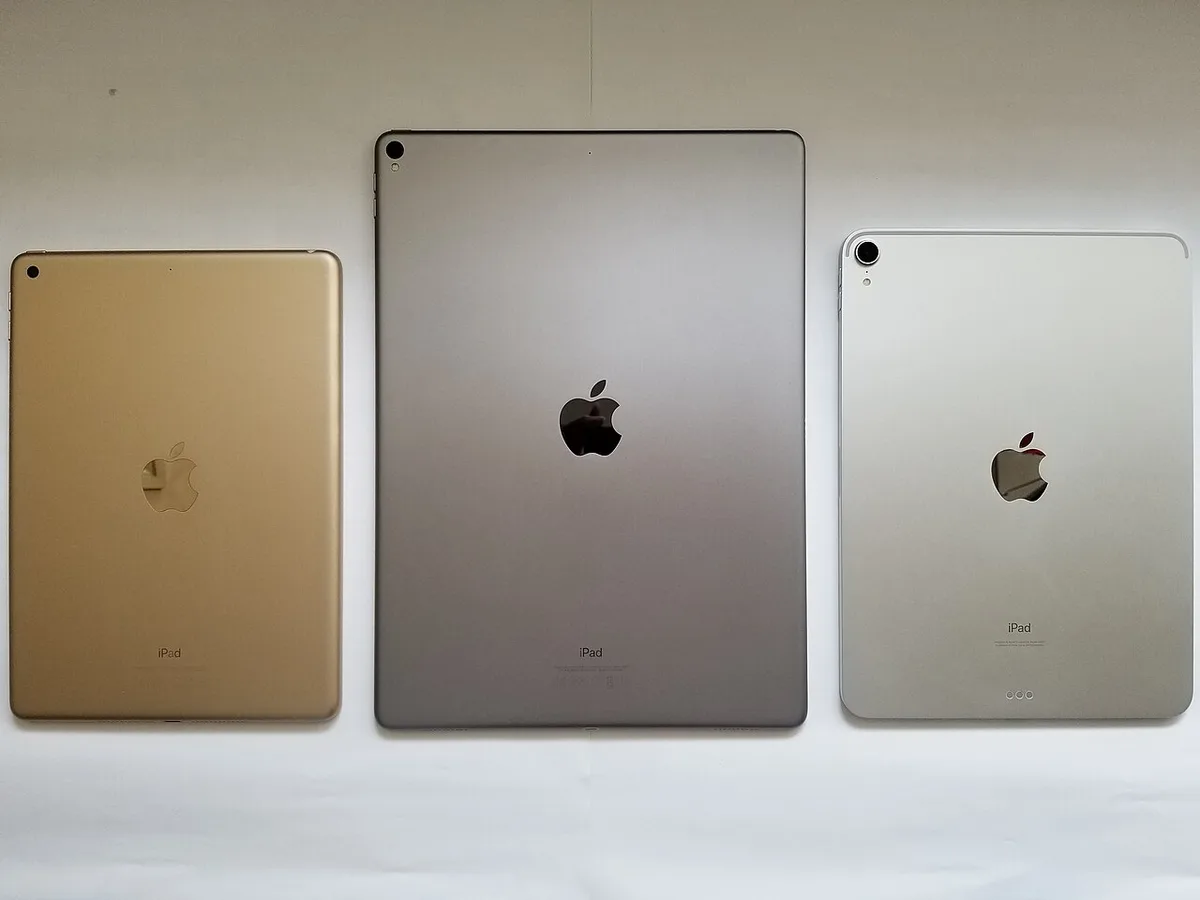
The manufacturer Wi-Fi masses differ by 222 g. The mini is also 53.3 mm shorter and 46.9 mm narrower than the A16 reference. These are direct arithmetic comparisons of published device specifications, not measurements with cases fitted. Compare the complete protective arrangement you plan to carry; do not infer that a thin case, bag compartment or grip will fit from the diagonal alone.
Keep Pencil and keyboard decisions separate
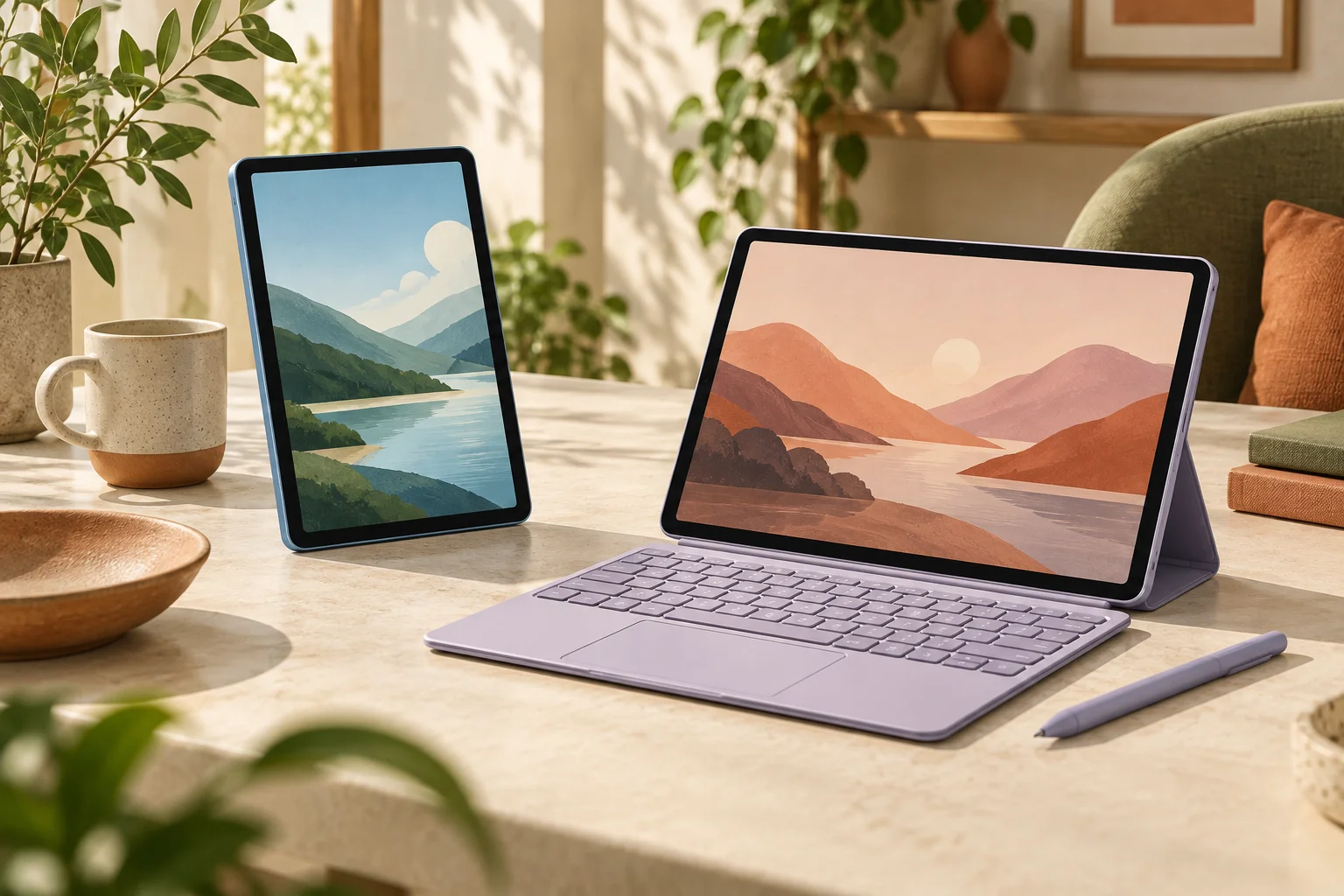
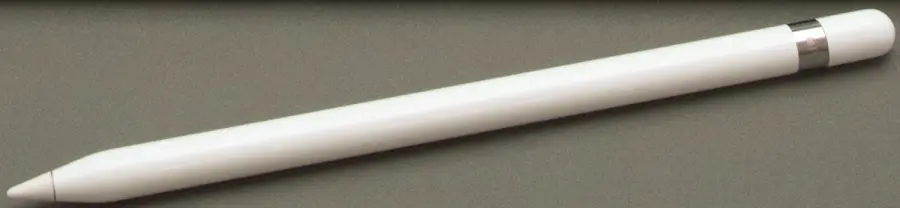
The mini supports Apple Pencil Pro and Apple Pencil USB-C. The A16 instead lists Apple Pencil USB-C and the first-generation Pencil with the required adapter. A historical first-generation Pencil in the photograph therefore does not carry forward into the new mini purchase. Identify the actual Pencil and required features before treating an existing accessory as a saving.
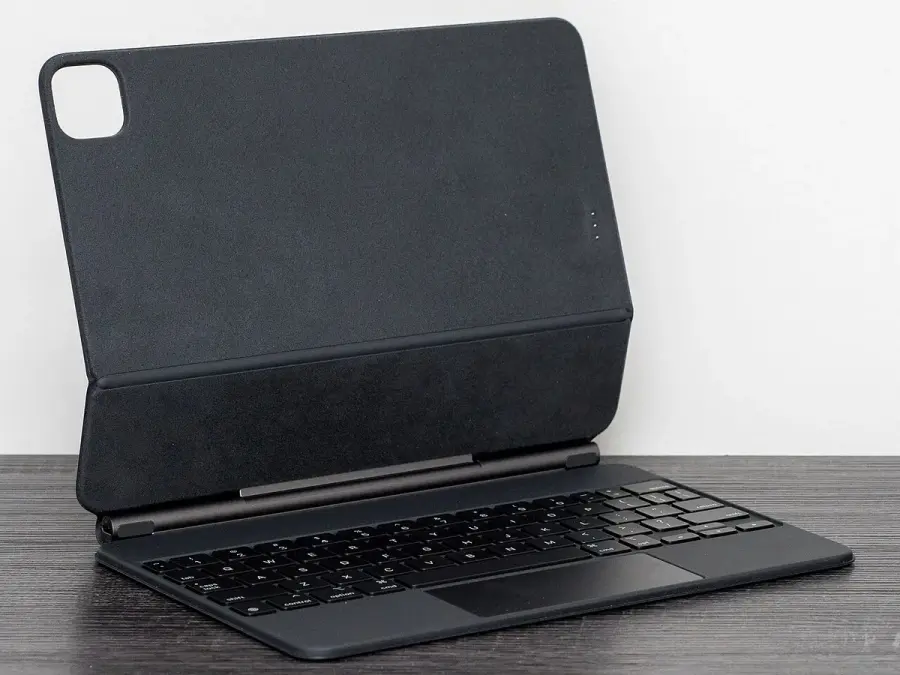
The standard iPad’s keyboard route also differs from the mini’s. A historical Magic Keyboard case does not establish a mini-compatible case. If extensive typing is the main purpose, confirm the exact case or external keyboard, the supporting surface and the way the tablet will stand. A Bluetooth keyboard may provide input without solving screen support or case fit. This is a different purchase question from selecting a compact device for one-handed reading.
Storage options and the UK order need their own checks
The current mini’s storage selection also changes its listed CPU configuration: 128 GB and 256 GB models have a 5-core CPU, while the 512 GB model has a 6-core CPU. Do not copy a performance claim from the higher-storage configuration to every mini. We have not measured application performance or established that a particular reader needs that higher configuration. Choose the capacity from your actual offline files and application requirements first.
The checked UK box-content lists include the tablet and a one-metre USB-C charge cable, with a polishing cloth for the mini’s nano-texture option. A Pencil, keyboard and suitable power adapter are separate basket checks. No live price, stock or delivery winner is claimed. The historical rear-view iPads and input accessories are deliberately identified as context, not photographs of these current units or our own tests. Save the generation, storage, connectivity and supported input equipment as one final UK purchase record.