Dell14 Plus or 2-in-1: compare the exact model and display option
Compare DB14250 and DB04250 manufacturer documentation, separating touch support, hinge format, actual display options and complete docking requirements.
Updated:
The model number separates the two formats
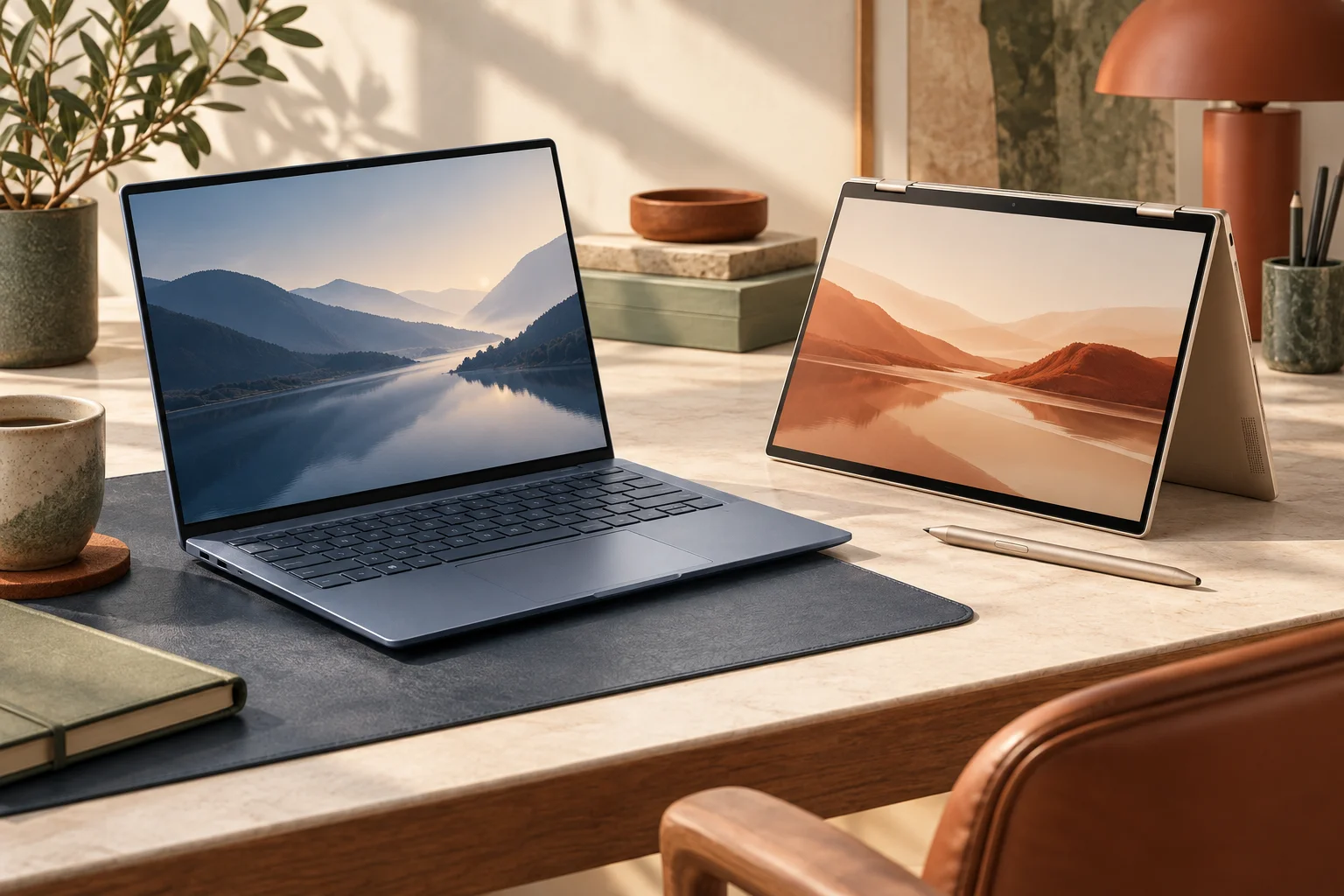
Compare Dell 14 Plus DB14250 with Dell 14 Plus 2-in-1 DB04250 when choosing a conventional laptop or a hinged convertible. The similar names do not make their displays and physical arrangements identical. Choose the clamshell when conventional keyboard work and its selected display option cover the requirement. Choose the 2-in-1 only when its supported folded or touch arrangement is genuinely useful to the work you do, rather than assuming the format itself makes it faster.
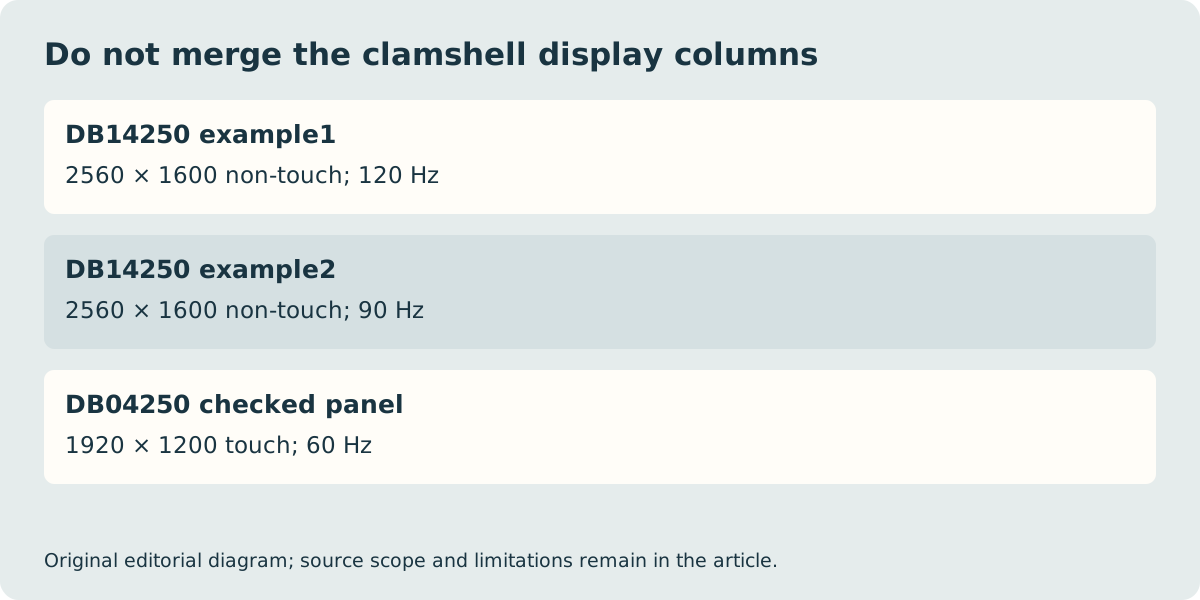
The manufacturer manuals describe multiple display options for DB14250, including non-touch 2560 × 1600 panels and a touch 1920 × 1200 option. DB04250’s checked manual describes a touch 1920 × 1200 panel. Consequently, touch alone does not prove that a computer is the convertible, and a high-resolution clamshell review does not describe every DB14250 configuration.
| Manufacturer model | DB14250 clamshell | DB04250 2-in-1 |
|---|---|---|
| Format distinction | Conventional laptop | Hinged convertible |
| Documented display examples | 2560 × 1600 non-touch; 1920 × 1200 touch | 1920 × 1200 touch |
| USB-C protocols | One Thunderbolt 4; one USB 10 Gb/s | One Thunderbolt 4; one USB 10 Gb/s |
| Other shared connections | USB-A, HDMI 2.1, headset | USB-A, HDMI 2.1, headset |
| Media-card reader | Not supported | Not supported |
Choose the display option rather than borrowing its best feature
Dell’s DB14250 display table includes different refresh-rate options: the two 2560 × 1600 references are listed at 120 Hz and 90 Hz, while the FHD+ touch reference has its own specification. Do not combine the resolution of one column, the touch capability of another and the refresh rate of a third into an imaginary ideal configuration. Save the exact panel option against the seller’s full product description.
The DB04250 manufacturer manual lists 60 Hz for the checked FHD+ touch panel. That is a documented specification, not our measured response-time or image-quality test. If colour-critical work matters, establish the actual panel’s stated gamut and the workflow requirements separately. A generic OLED or high-refresh review from another Dell family cannot settle this purchase.
A convertible needs the right input and support arrangement
A hinge that changes position can make touch work convenient, but it does not establish that every active pen is supported or included. Confirm the exact pen compatibility and package contents with the manufacturer and seller before assigning a pen a value in the budget. Try the intended desk position if prolonged drawing or handwriting is the main purpose. We have not tested handwriting quality, hinge stability or lap comfort.
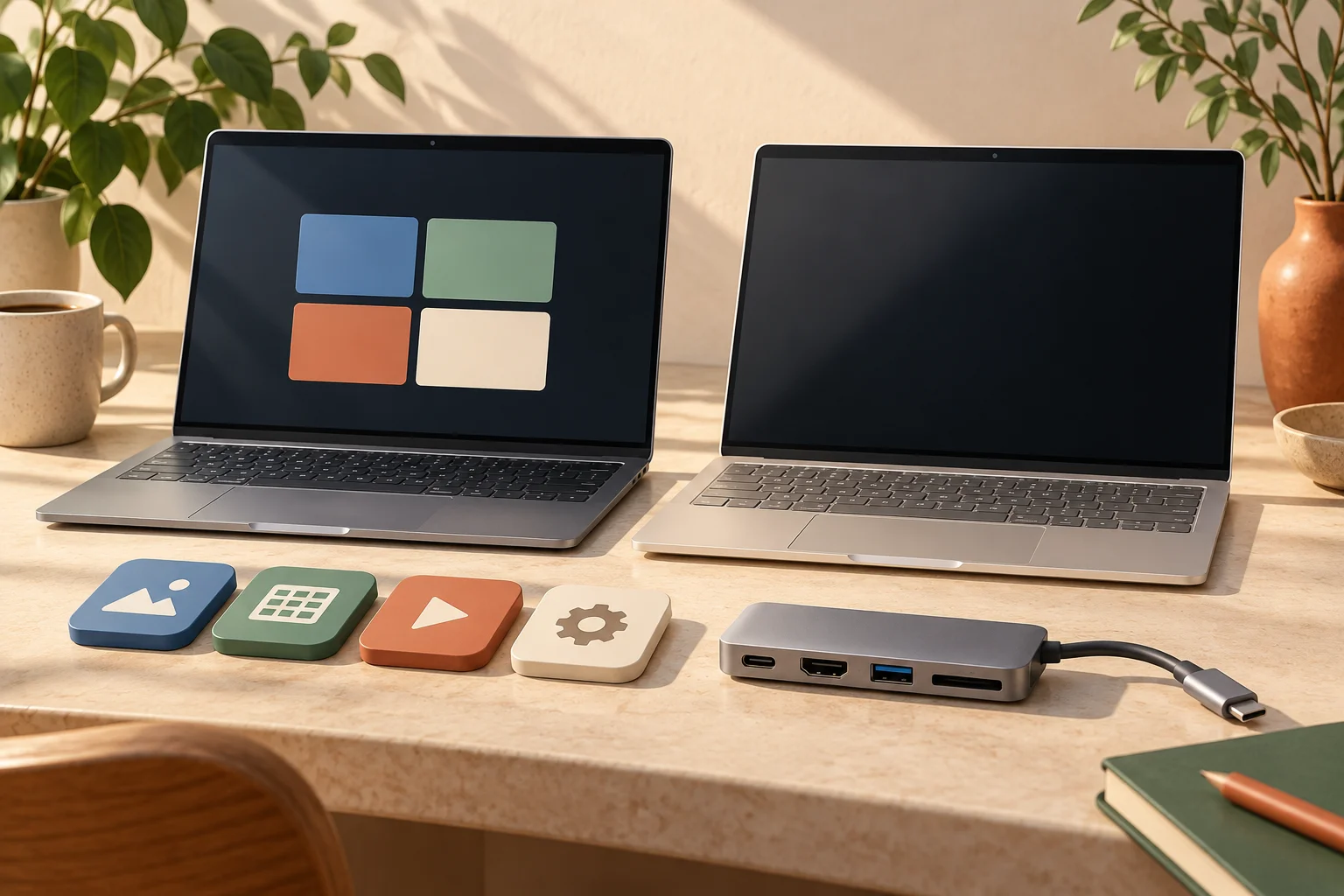
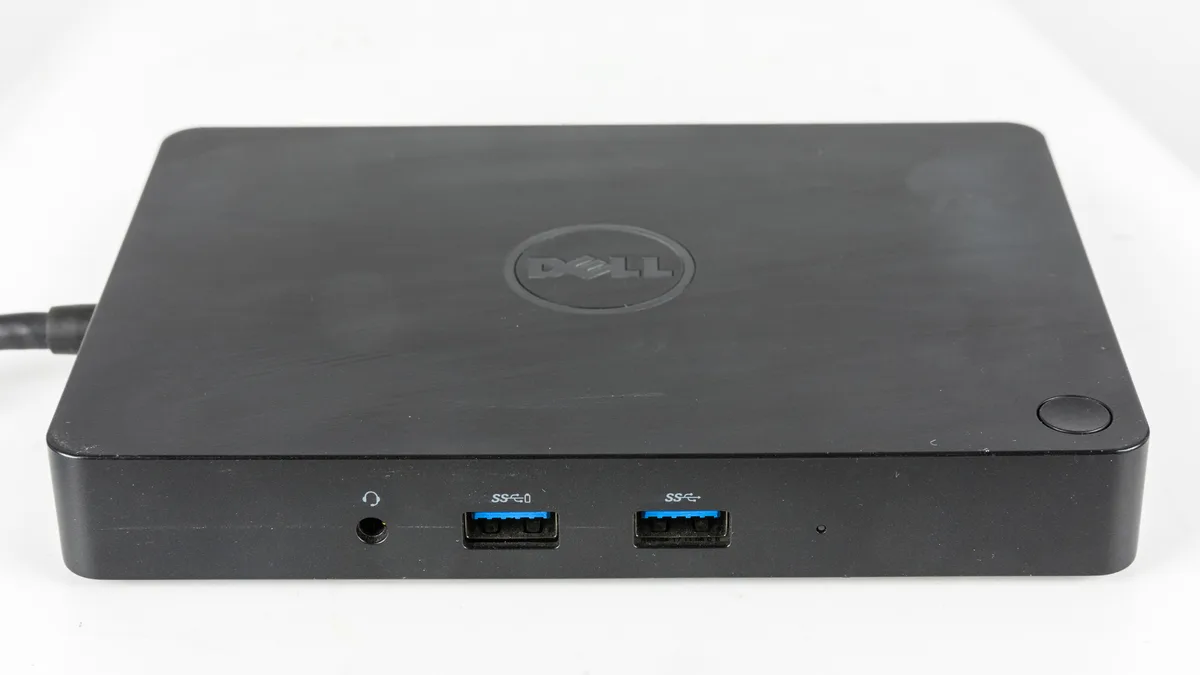
The selected format also changes what remains attached when the screen is folded. Plan any required external storage, charging and display cables around the intended work position. The historical Dell dock below illustrates an additional desk accessory, not a current compatibility approval. Its presence in a photograph does not prove that it supports these computers or your desired monitor arrangement.
Finish with a documented UK configuration and complete path
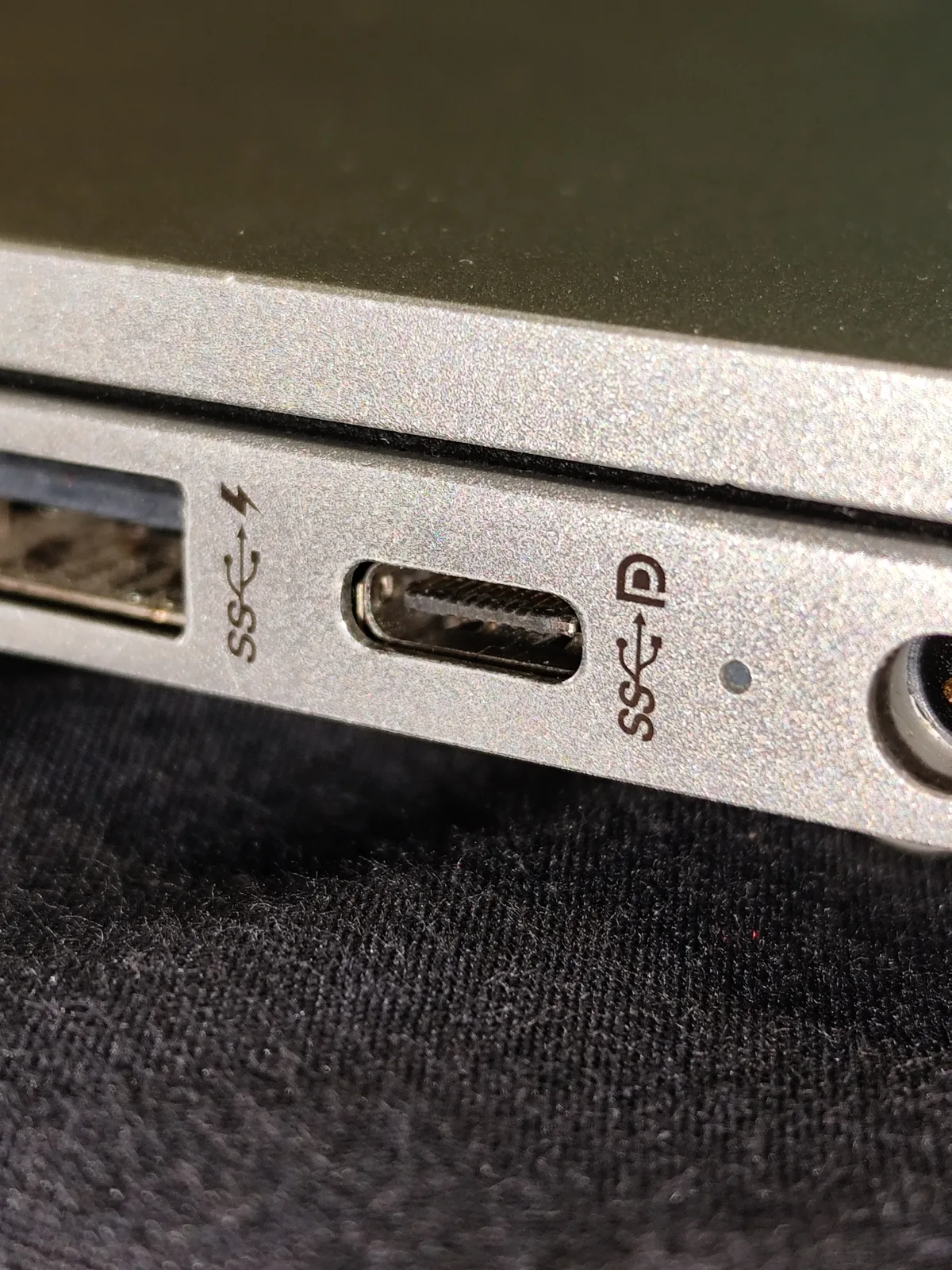
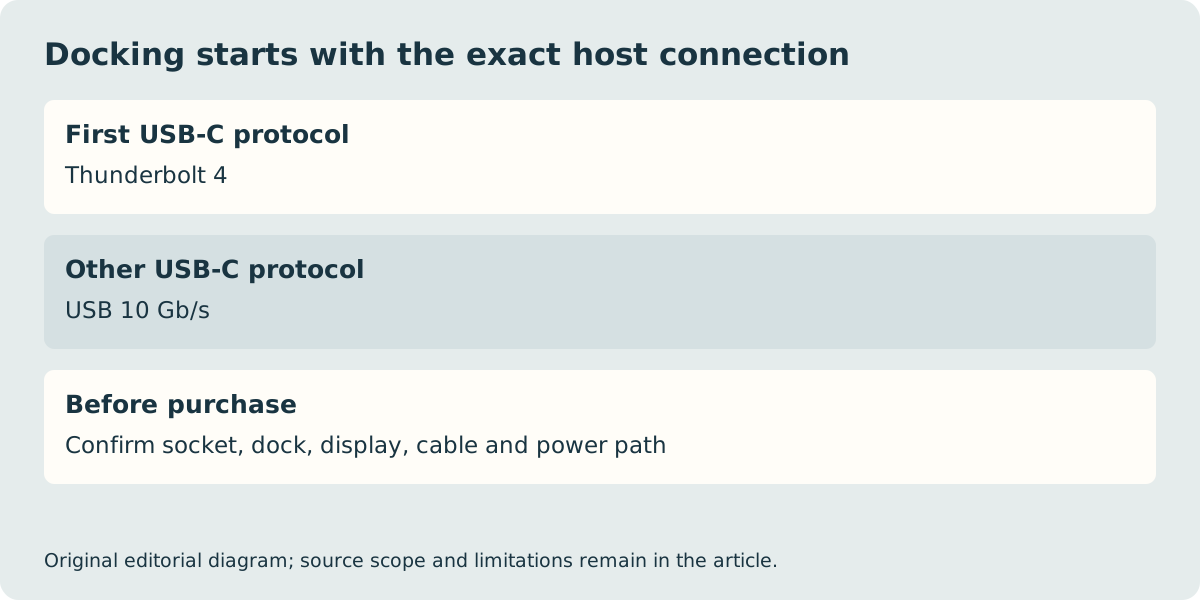
Both manuals list a Thunderbolt 4 connection and another USB-C connection with a lower 10 Gb/s data ceiling. Identify the exact socket required by a dock rather than treating them as interchangeable. The physical port photograph is from another laptop; it illustrates connector identification without claiming the pictured computer is either Dell reference. Confirm power delivery and all connected displays as an end-to-end arrangement.
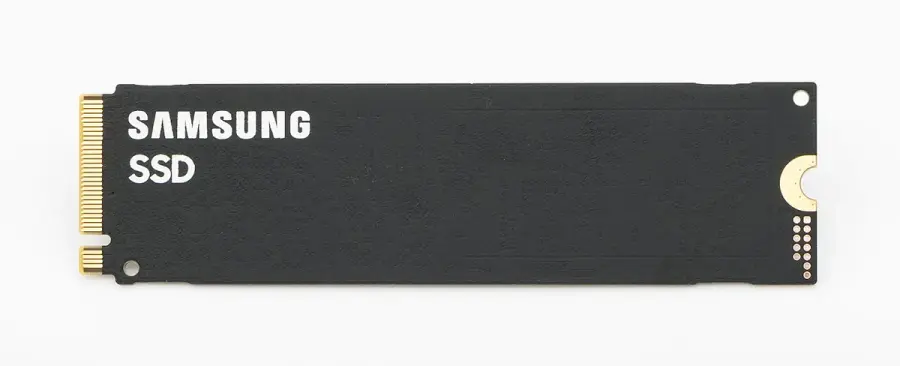
The DB04250 manual also identifies memory on package, with 16 GB and 32 GB configurations. Do not read a separate component photograph as an invitation to install ordinary laptop memory. Likewise, an M.2 label alone does not establish a compatible storage size or service route. These manufacturer documents define platform capabilities, not a verified in-stock UK offer. The 2-in-1 manual was read as Dell’s original publication preserved by a distributor mirror, with its provenance labelled in the source list. Confirm UK keyboard layout, exact configuration, included power equipment and local seller conditions before ordering; no live price, delivery or performance winner is asserted.